EN-51
Step Procedure
Figure
3
4
5
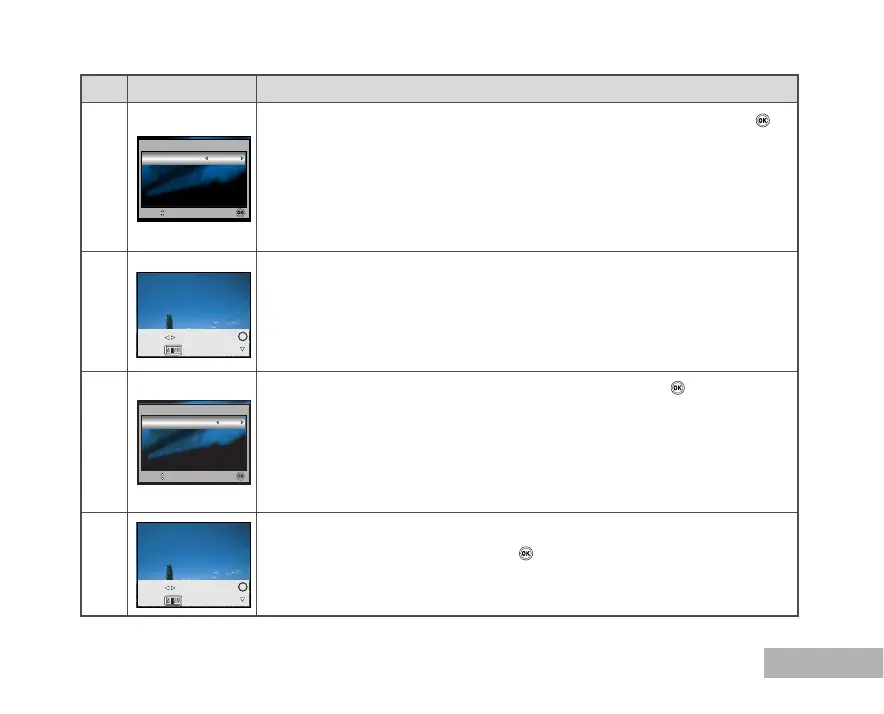
Use or to select the image you want to print, then press to set more
detailed settings.
Use or to select by your preference, then press the
button.
[Copies] : Specifies the number of prints. You can select the number
up to 10.
[Date]: If you select [With], images are printed with the date.
[File Name]: If you select [With], images are printed with the file name.
[Cancel]: To cancel the print settings, use or to select [Cancel].
After the step 4 is finished, you can still use or to change the image
by your preference, then press the
button to print.
Use or to access the paper selection setting, then press the
button to confirm.
[Paper Size]: You may select the desired item depending on the type of
printer being used.
[Borderless]: You may select the desired item depending on the type
of printer being used.
[Cancel]: To cancel the setting, use or to select [Cancel].
2
Standard
Select : OK :
Paper Size
Standard
Cancel
Date
Print Setting
8
Select : OK :
Copies
Select :
Cancel :
Print :
Info. :
Select :
Cancel :
Print :
Info. :



 To Next Page