EN-43
Magnifying Images
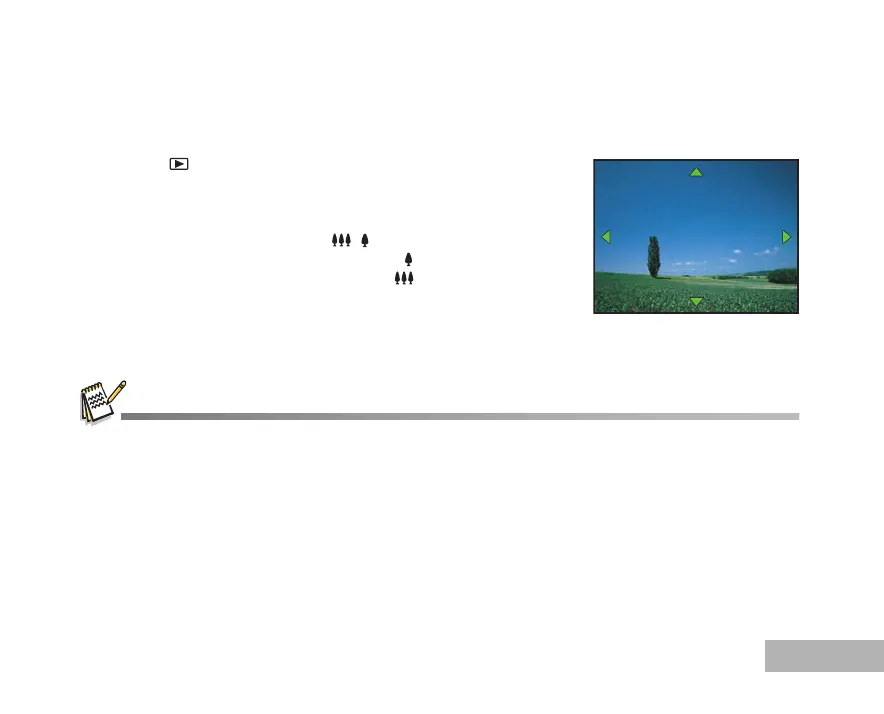
While reviewing your images, you may enlarge a selected portion of an image. This magnification allows you
to view fine details. The zoom factor displayed on the screen shows the current magnification ratio.
1. Press the button.
The last recorded image appears on the LCD monitor.
To view the previous image, press the four-way controller (W).
To view the next image, press the four-way controller (X).
2. Adjust the zoom ratio by using the / button.
To enlarge the selected image, press the button.
To return to the normal image, press the button.
The magnification factor is displayed on the LCD monitor.
3. To view different portions of the images, press the four-way
controller (STWX) to adjust the display area.
The magnification factors range from 1.5X to 4X (within 6 stages: 1.5X, 2.0X, 2.5X, 3.0X, 3.5X and 4.0X).
Movies cannot be magnified during playback.
1.5X
1.5X



 To Next Page