10
Camera Features
The Optio E60 features a variety of shooting modes to suit different
situations. Here we briefly describe how to make the most of the key
features of your camera. Together with the explanations of camera
operations, it will enable you to enjoy your camera to the full.
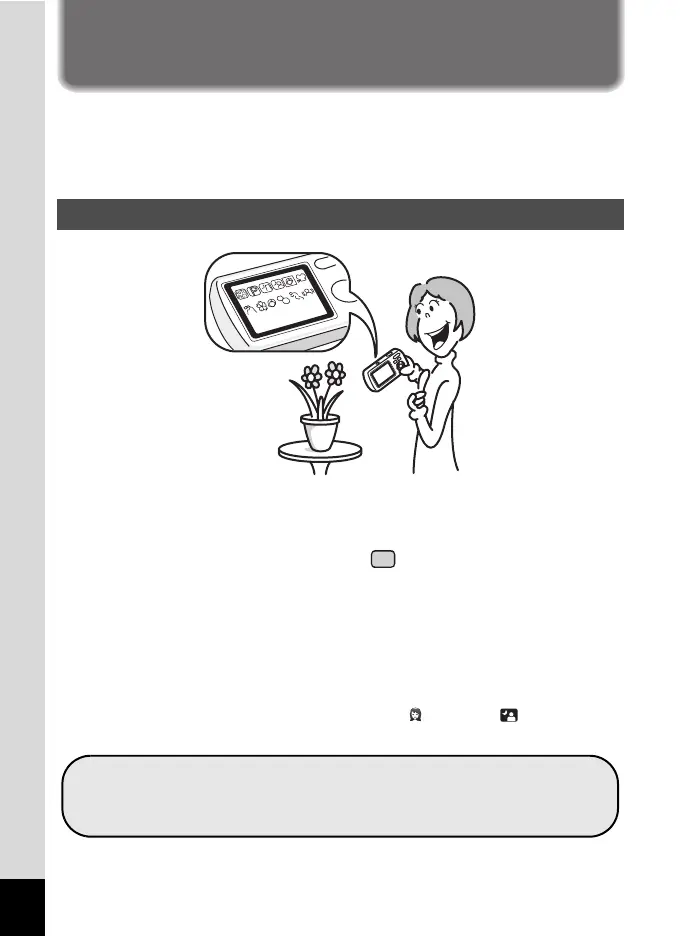
The Optio E60 features an easy-to-see 2.4-inch display. In addition,
settings for capture, playback and editing functions are easy to navigate.
Simply select icons that appear on the display.
Picture taking has never been simpler in (Green) mode. With just one
press of a button, you can capture every smile, every moment, and every
memory. (p.54)
If you are unsure of which shooting mode to use, select b (Auto
Picture). The camera selects the appropriate shooting mode depending
on the scene. *(p.56)
* When you select b (Auto Picture), a shooting mode is selected from -
(Standard), A (Night Scene), q (Landscape), (Portrait), (Night Scene
Portrait), \ (Sport) and < (Flower).
Easy-to-Navigate Capture and Playback Functions!
Let the camera choose the optimal settings.
Use the Green Mode to take pictures easily using
standard settings.



 To Next Page