62
4
Taking Pictures
Available in 4
4 (Digital SR) allows you to set the sensitivity higher than other
shooting modes to reduce camera shake and blurring. Use this mode
under the shooting conditions that camera shake or blurring tends to
occur.
1 Press the four-way controller (3) in the capture mode.
The Capture Mode Palette appears.
2 Use the four-way controller (2345) to select 4.
3 Press the 4 button.
The shooting mode is selected and the camera returns to capture status.
4 Press the shutter release button
halfway.
The focus frame on the display turns green
if the subject is in focus.
5 Press the shutter release button
fully.
The picture is taken.
Reducing Camera Shake and Blurring When
Taking Pictures (Digital SR Mode)
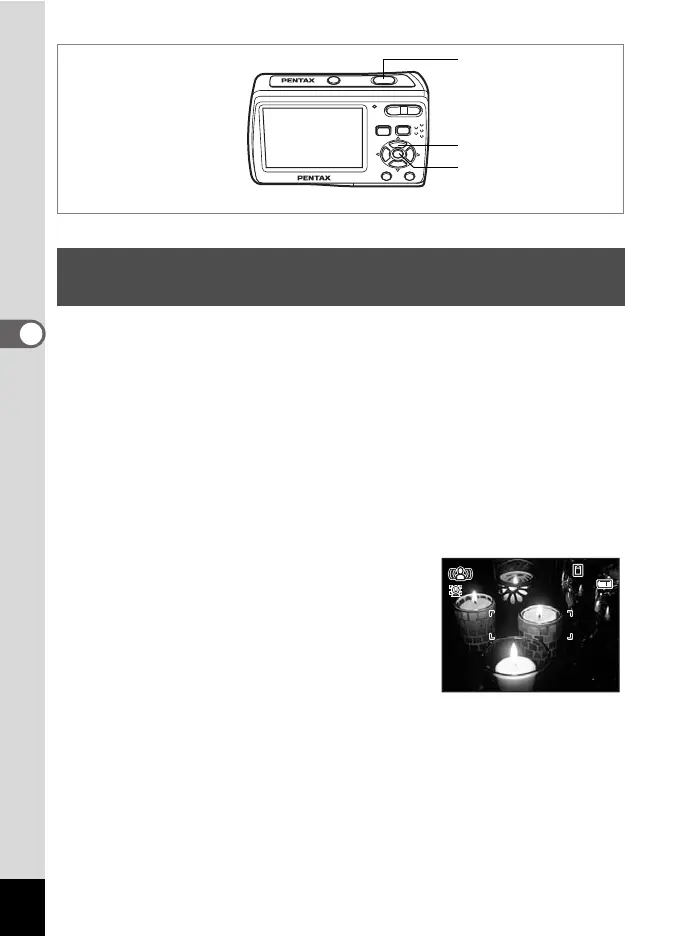
Four-way controller
4 button
Shutter release button
05/05/2008
38
38
19:25
19:25



 To Next Page