54
4
Taking Pictures
Taking Pictures
Taking Pictures in a Selected Mode
Available in
You can enter (Green) just by pressing the Green button and enjoy easy
picture taking.
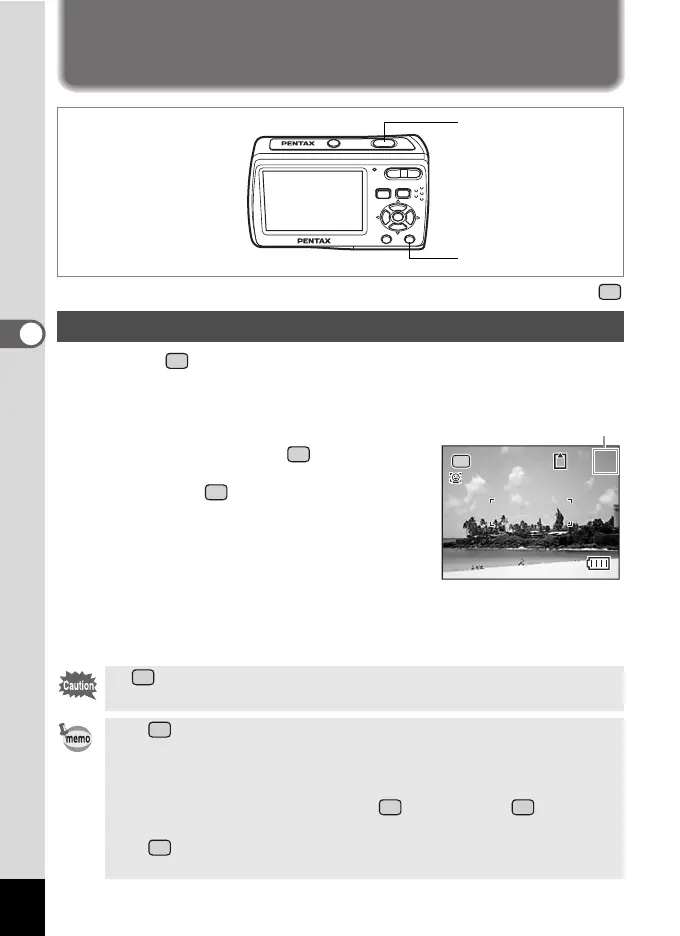
1 Press the Green button in the
capture mode.
The camera switches to .
Press the Green button again to return to the
status before was selected.
2 Press the shutter release button
halfway.
The focus frame on the display turns green
if the subject is in focus.
3 Press the shutter release button
fully.
The picture is taken.
Taking Pictures in the Basic Mode (Green Mode)
In , you cannot change the information on the display by pressing
the 4/W button.
• In , the Continuous Shooting and 16-frame shooting are not
available.
• When the remaining image storage capacity falls below 10, the
number on the display turns red.
• When the camera is turned off in , it turns on in next time
the power switch is pressed.
• In , you can make settings with the [W Setting] menu but
cannot with the [A Rec. Mode] menu.
Shutter release button
Green button
38
38
Remaining image
storage capacity



 To Next Page