79
4
Taking Pictures
Available in b R A q < \ 4 D A Y
Flash Modes
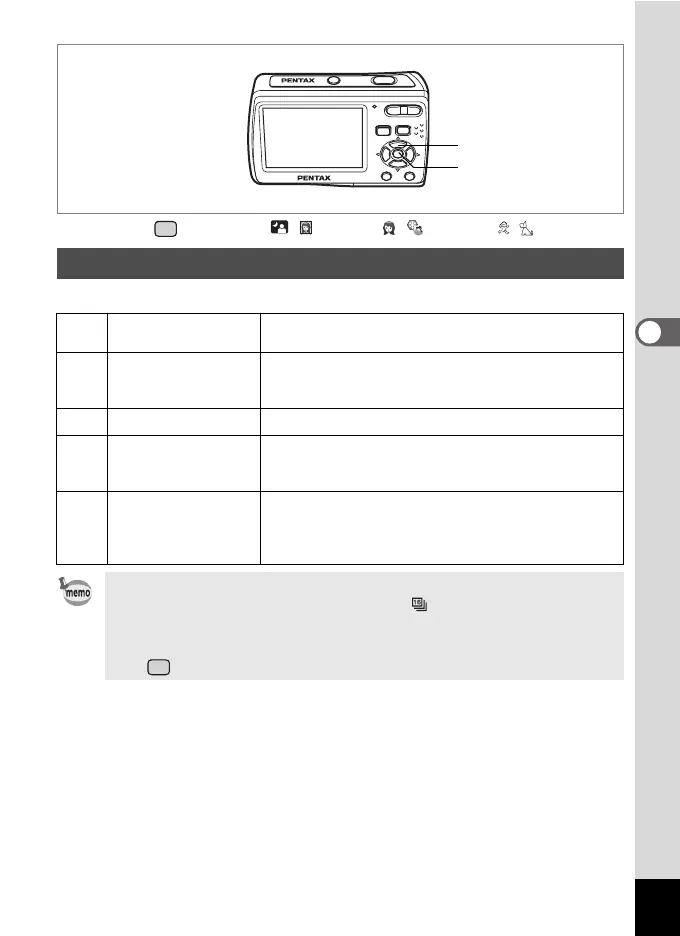
Selecting the Flash Mode
,
Auto
The flash discharges automatically depending on the
light conditions.
a
Flash Off
The flash does not discharge, regardless of the
brightness. Use this mode to take pictures where flash
photography is prohibited.
b
Flash On The flash discharges regardless of the brightness.
c
Auto + Red-eye
This mode reduces the phenomenon of red eyes
caused by the light from the flash being reflected in the
subject’s eyes. The flash discharges automatically.
d
Flash On + Red-eye
This mode reduces the phenomenon of red eyes
caused by the light from the flash being reflected in the
subject’s eyes. The flash discharges regardless of the
light conditions.
• The flash mode is fixed at a in d (Movie), when the drive mode
is set to 1 (Continuous Shooting) or (16-frame shooting), or
when the focus mode is set to s (Infinity).
• A pre-flash discharges when c or d is displayed.
• In (Green), you can only select , or a.
Four-way controller
4 button



 To Next Page