80
4
Taking Pictures
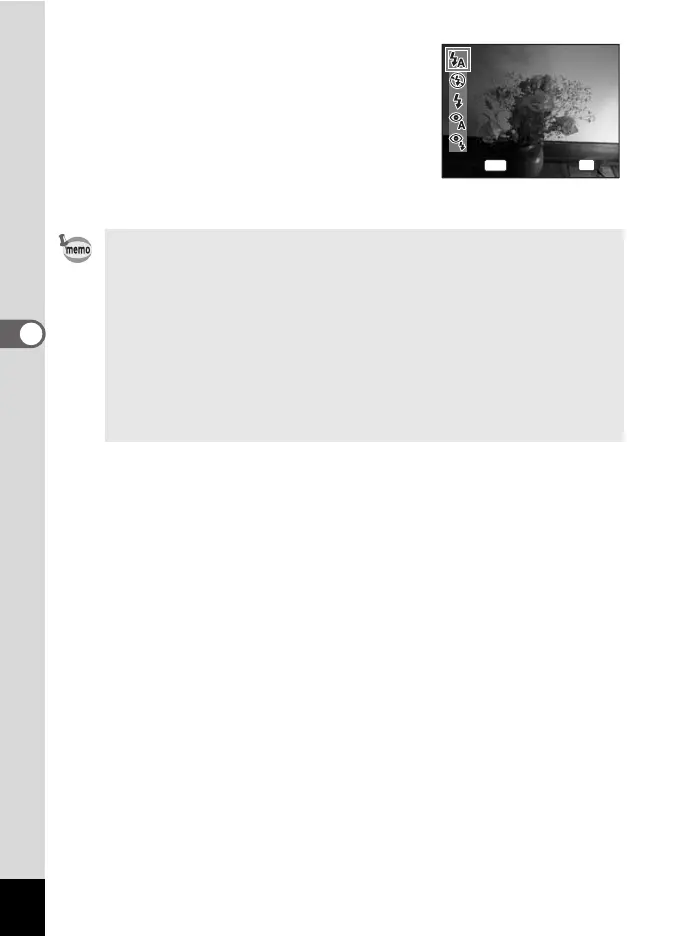
1 Press the four-way controller (4)
in the capture mode.
The flash mode changes each time the
button is pressed. You can also change the
setting using the four-way controller (23).
2 Press the 4 button.
The camera returns to capture status with
the selected flash mode.
Preventing the “red-eye”
The “red-eye” in flash pictures occurs when the flashlight is reflected
in the subject's eyes. To prevent the phenomenon, try the
followings.
- Illuminate the subject.
- Shoot at closer distance in wide angle.
- Set the flash mode to c (Auto + Red-eye) or d (Flash On + Red-
eye).
You can also compensate the red-eye pictures using the Z (Red-
eye Compensation) function of the camera. (p.128)
Auto
Auto
Flash Mode
Flash Mode
OK
OK
OK
MENU
Cancel



 To Next Page