138
7
Recording and Playing Back Sound
4
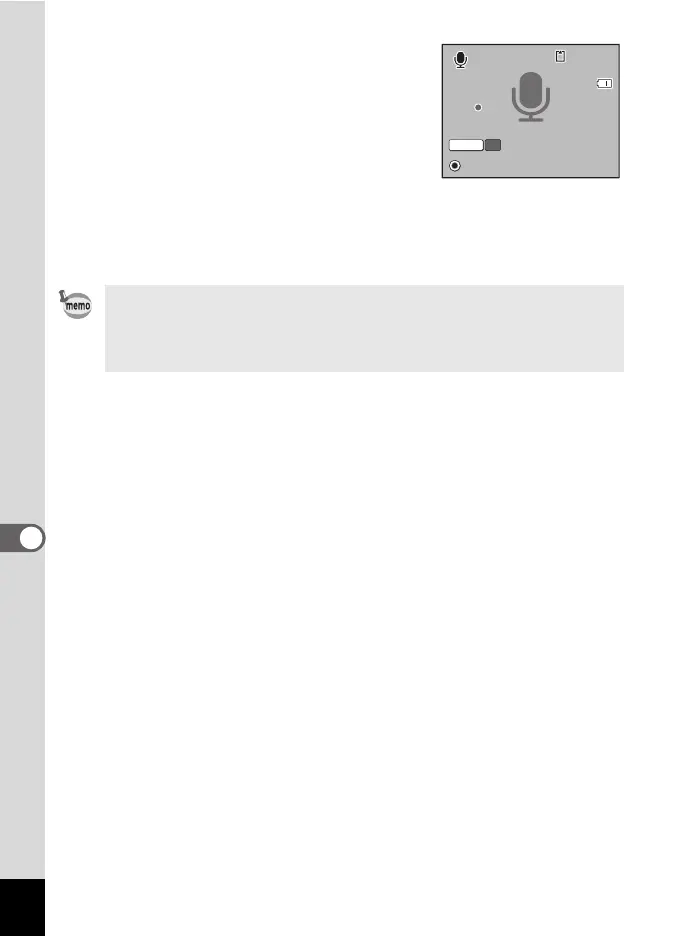
Press the shutter release button fully.
Recording starts. The power lamp blinks
during recording.
You can record sound continuously until the
built-in memory or SD Memory Card
reaches full, or for max. 24 hours.
When the Green button is pressed during
recording, an index can be added to the
current sound file.
5 Press the shutter release button fully.
Recording stops.
• If you press and hold down the shutter release button for more
than one second in Step 4, recording continues until you take your
finger off the button.
• Sound is saved in WAVE monaural files.
00: 01:22
0 0 : 01 :2 2
0 1 : 3 0 : 22
01:30 :22
00: 01:22
Stop
Index
SHUTTER
REC
1 4
:25
0 5/0 5/2008
1 4:25



 To Next Page