Getting Started 16
Taking Photos
English
3. After taking a photo, the Self-timer automatically switches off. If you want to use these functions for
the next photo, press the Right/Self-timer /Burst mode navigation button again to
activate the function.
Using the AEB (Auto Exposure Bracketing) Function
When using the AEB (Auto Exposure Bracketing) function, the camera automatically takes
3 consecutive photos with different exposures by pressing the Shutter button once. For example, when
the current EV compensation value is +0.3 EV and the AEB bracket interval value is set to ±0.3, the
camera takes shots of the same scene with 3 varying levels of exposure: 0 EV, +0.3 EV and +0.7 EV.
This function is only available in Auto and P-Mode modes. To set the AEB mode:
1. Press the MENU button to display menu options.
2. Press the Up/Down navigation buttons to select AEB setting and press OK to enter.
3. Press the Up/Down navigation button to select OFF (default) or set
the bracket interval value ranging from ±0.3 to ±2.0 EV in 0.3 or
0.4 EV increments.
Note:
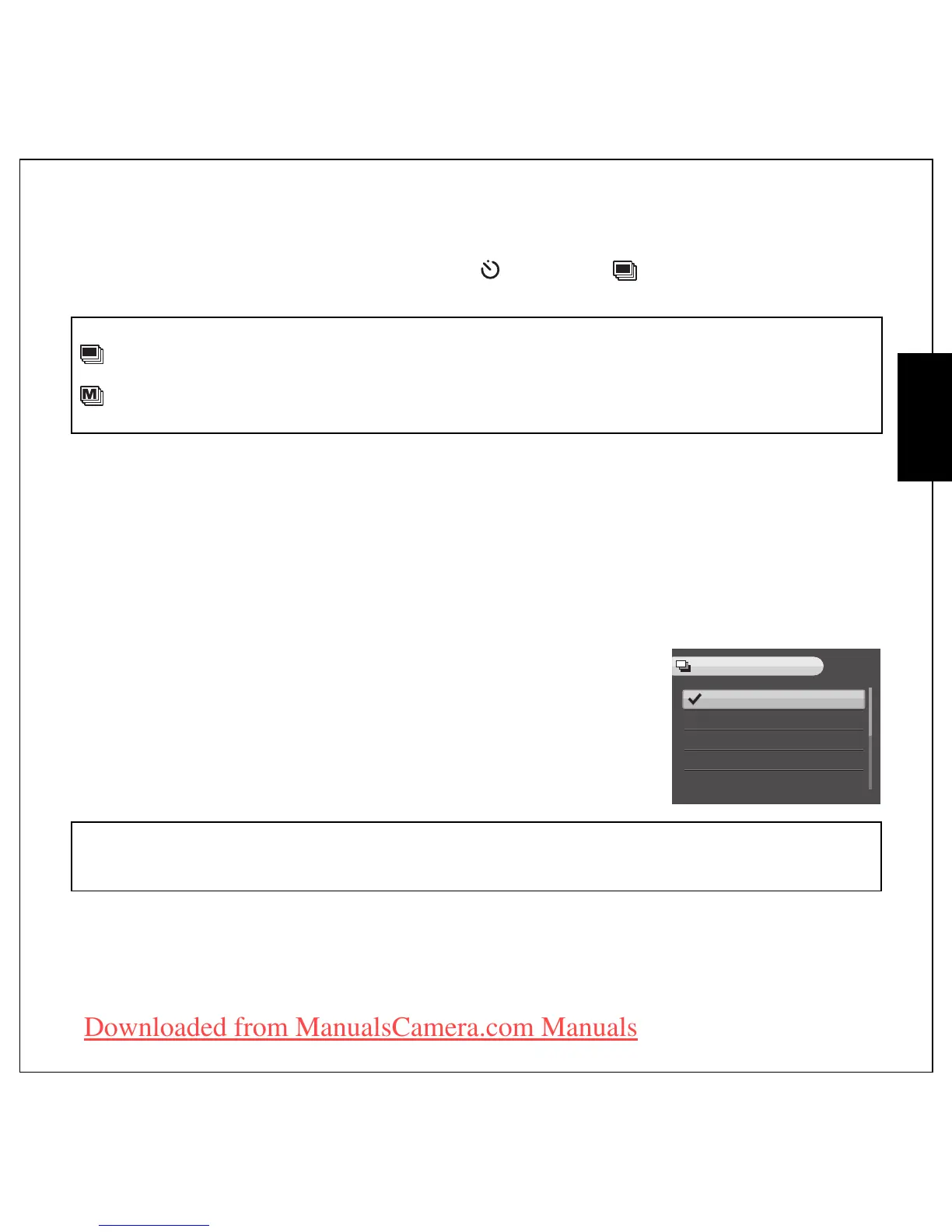
: Burst Mode
Take photos until shutter button is released or memory full.
: Multi-Burst Mode
16 photos continuously by pressing the shutter button once.
Note:
1. When taking AEB shots, hold the camera steadily. For the best result, use the tripod.
2. Flash, Burst, and M-Burst modes are not allowed when the AEB function is enabled.
OFF
±0.3EV
±0.7EV
±1.0EV
±1.3EV
AEB
Downloaded from ManualsCamera.com Manuals











 To Next Page