Photo, Video & Audio Playback 34
Using the Playback Menu
English
DPOF
DPOF (Digital Print Order Format) allows you to specify the number of copies of a certain image that
you want to print at a later date.
Use this function to tag pictures stored in your memory card with print information. You can tag all
pictures to be printed or just the current picture. You can also select how many copies to print.
To set DP OF:
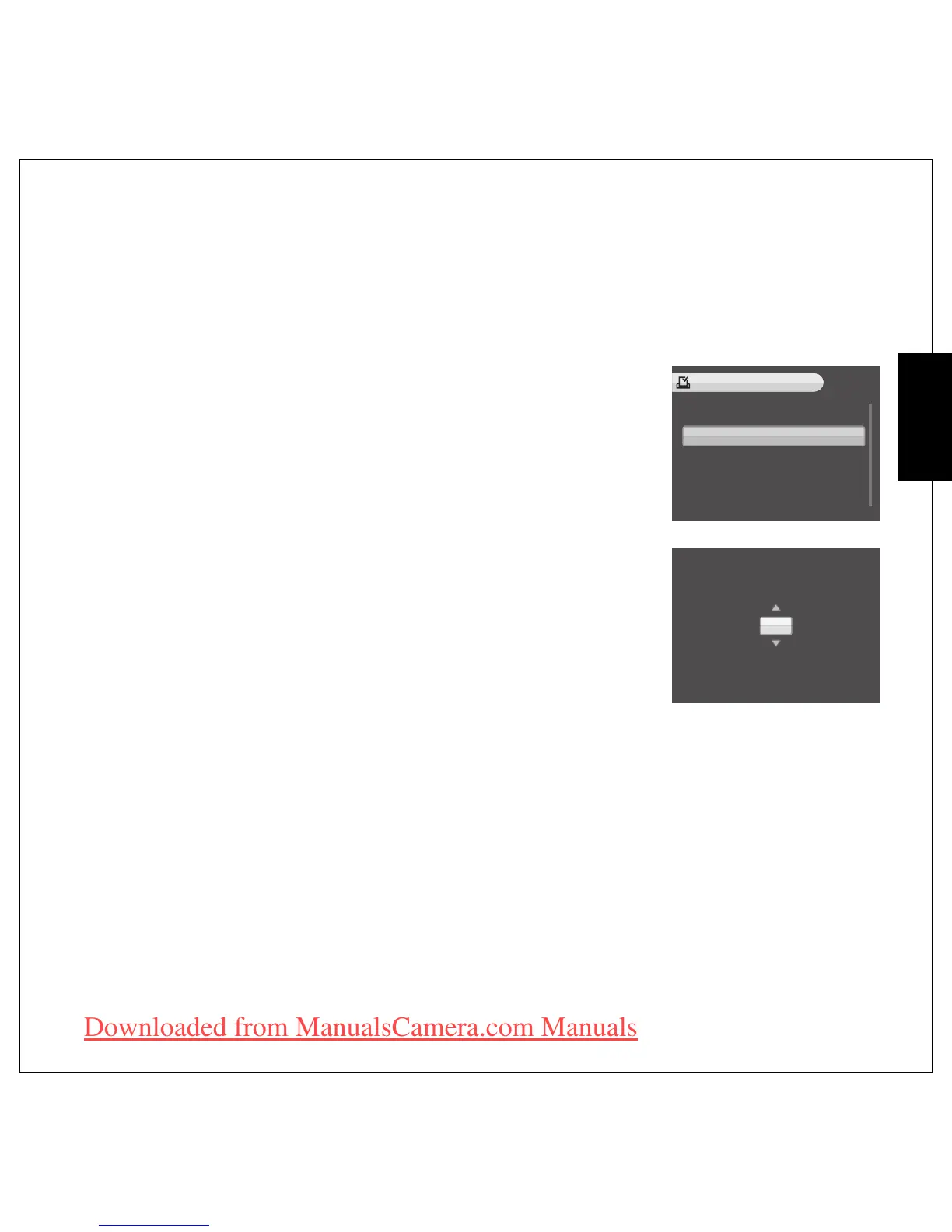
1. Press the MENU button to select DPOF from the menu in the
playback mode.
2. Press the Up/Down navigation buttons and the OK button to select
from the available options:
• THIS IMAGE: Select to print the current image.
• ALL IMAGES: Select to print all images.
• EXIT: Select to exit to the main menu.
3. Use the Up/Down navigation buttons to set the number of copies
you wish to print.
THIS IMAGE
ALL IMAGES
EXIT
DPOF
>
3
Number of copies











 To Next Page