Capture Settings 24
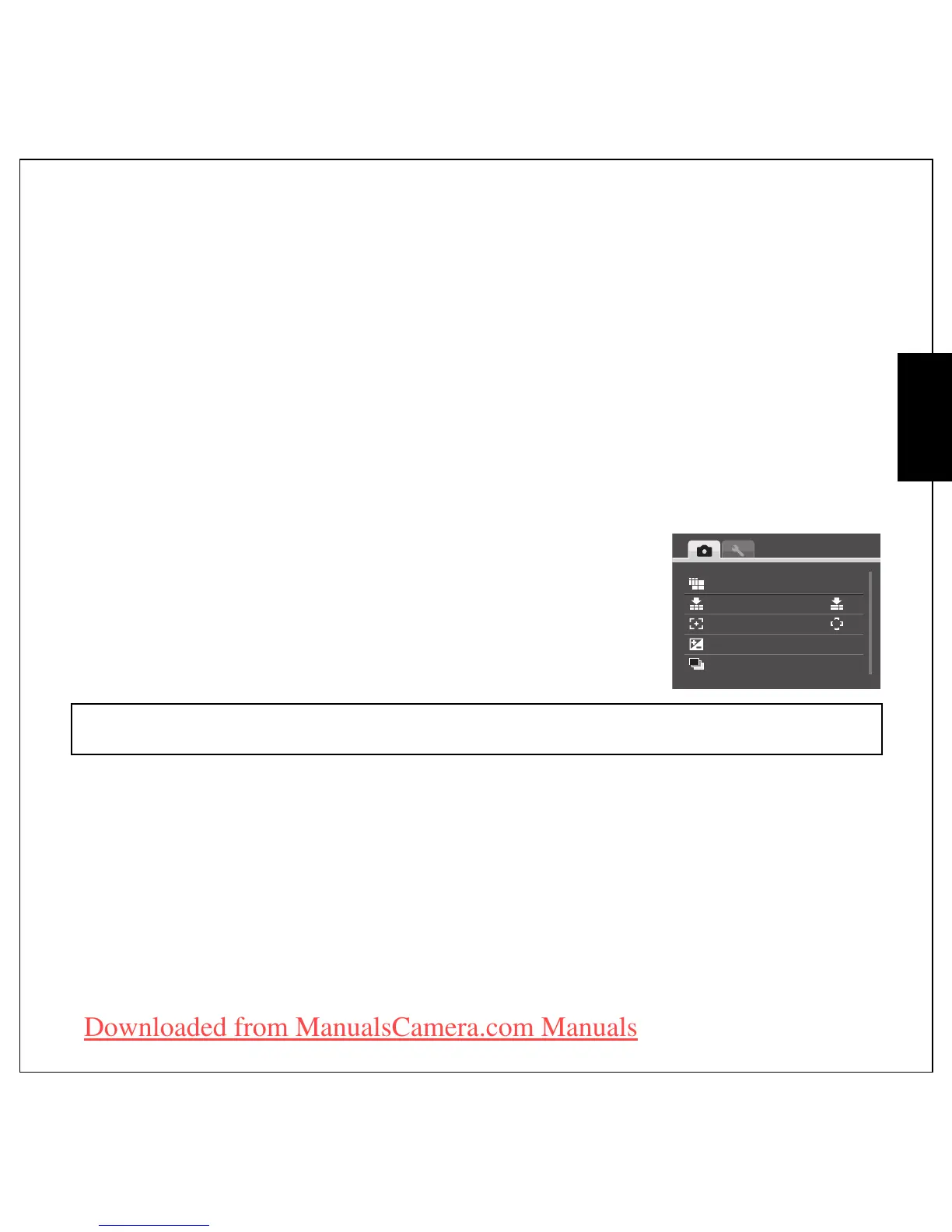
The Capture Menu
English
Capture Settings
This section describes the various settings you can modify to get better results when taking photos and
video clips.
The Capture Menu
To access the Capture menu:
1. Press the SCENE button. Use the 4-way navigation buttons to select the capture mode you need.
2. Press the MENU button to display menu options and use the Up/Down navigation button to select
the function you need and press OK to enter.
3. Press the Up/Down navigation buttons to highlight an option and press the OK button to confirm.
Refer to the following sections for more detailed information about each
setting.
Note:
The displayed options in this section may vary according to the mode selected.
IMAGE RESOLUTION
IMAGE QUALITY
FOCUS ZONE
EV COMPENSATION
AEB
12M
+0.3EV
±0.3EV
Downloaded from ManualsCamera.com Manuals











 To Next Page