25 Capture Settings
The Capture Menu
English
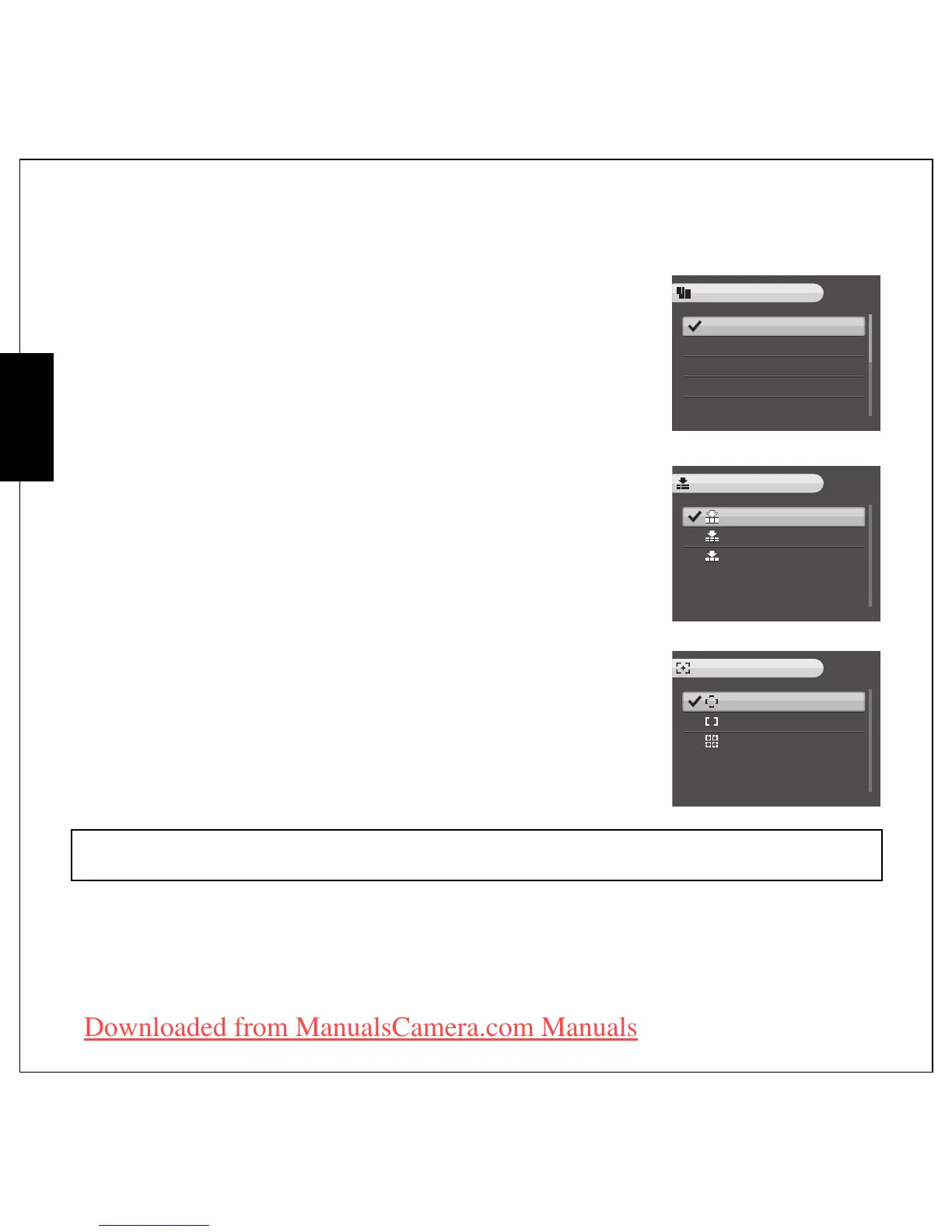
Image Resolution
The Image Resolution setting refers to the size of the image in pixels.
Eight settings for image resolution are available:
Image Quality
The Image Quality setting refers to the compression ratio of the JPG.
The higher image quality, more memory space is required.
Three settings for image quality are available:
•BEST (default)
•BETTER
• GOOD
Focus Zone
The Focus Zone setting allows you to select the number of zones the
camera will focus on when taking a photo. Three settings for focus zone
are available:
•MULTI-ZONE (default)
•CENTER
• SELECTED AREA: Sets the focusing area to one of points in the
AF area.
• 12M (4000X3000) (default)
• 10.7M 3:2 (4000X2664)
• 9M 16:9 (4000X2248)
• 8M (3264X2448)
• 5M (2576X1932)
• 3M (2048X1536)
• 2M (1600X1200)
•VGA (640X480)
Note:
In Auto Mode, there is no “Selected Area” item.
12M
10.7M 3:2
9M 16:9
8M
5M
IMAGE RESOLUTION
BEST
BETTER
GOOD
IMAGE QUALITY
MULTI-ZONE
CENTER
SELECTED AREA
FOCUS ZONE
Downloaded from ManualsCamera.com Manuals











 To Next Page