Capture Settings 26
The Capture Menu
English
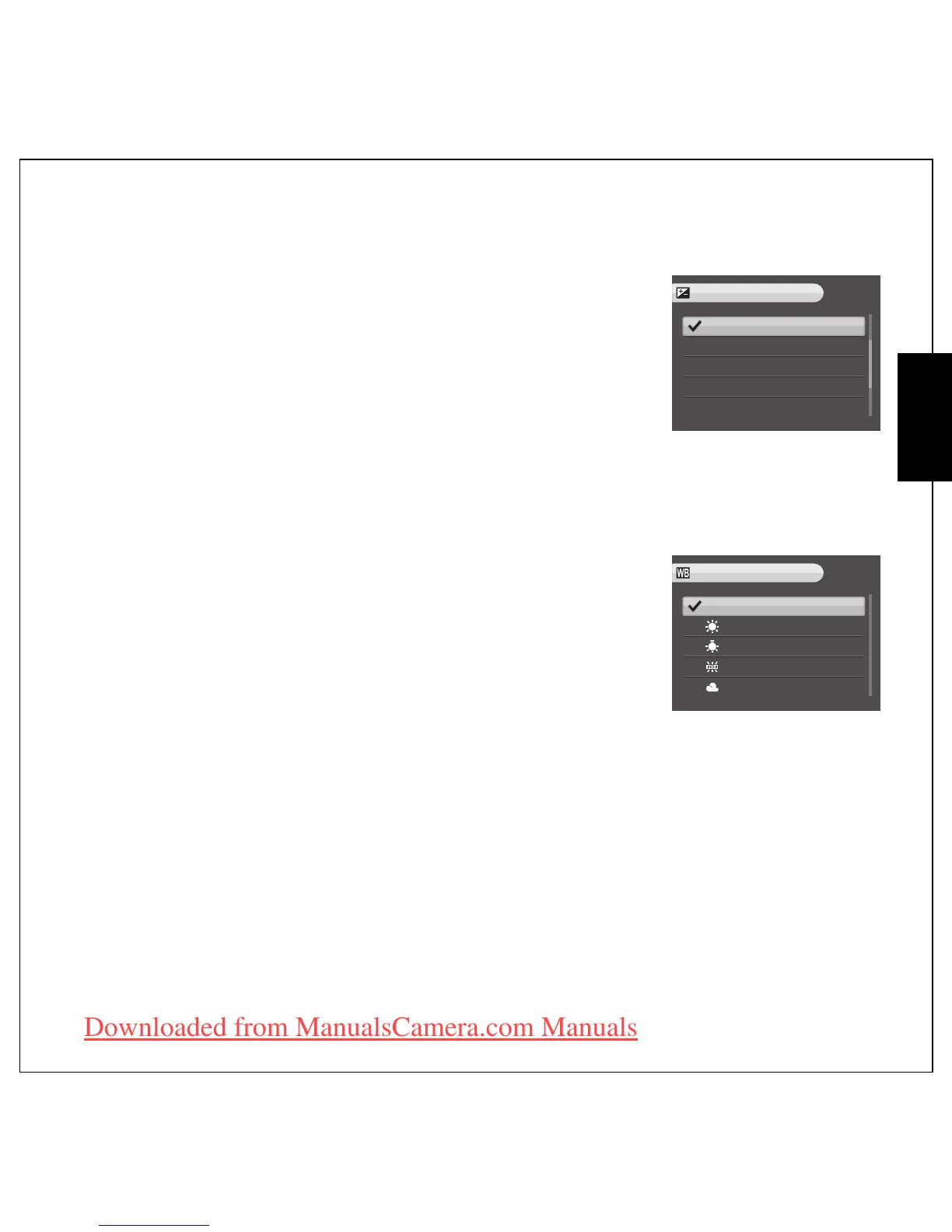
EV Compensation
The EV Compensation menu allows you to adjust the exposure or
amount of light that enters the lens while capturing photos or videos.
Use this feature to take pictures that are intentionally overexposed or
underexposed.
To brighten, select a positive (+) value. To darken, select a negaitive (-)
value. This setting can be modified from -2.0 EV to +2.0 EV in a 0.3 or
0.4 EV increment/decrement.
AEB
See
“Using the AEB (Auto Exposure Bracketing) Function” on page 16
for more detailed information.
White Balance
The White Balance setting allows you to adjust the camera setting
according to the ambient white light when shooting. White balance
represents the color temperature of the light. If the light has a yellowish
or reddish tinge, it is said to be warm; if it has a bluish tinge, it is said to
be cool. You can select the setting and preview it on screen before
confirming your choice. Five white balance settings are available:
•AUTO (default)
• SUNNY
•TUNGSTEN
•FLUORESCENT
•CLOUDY
0.0EV
-0.3EV
-0.7EV
-1.0EV
-1.3EV
EV COMPENSATION
AUTO
WHITE BALANCE
SUNNY
TUNGSTEN
FLUORESCENT
CLOUDY
Downloaded from ManualsCamera.com Manuals











 To Next Page