39 Photo, Video & Audio Playback
Using the Playback Menu
English
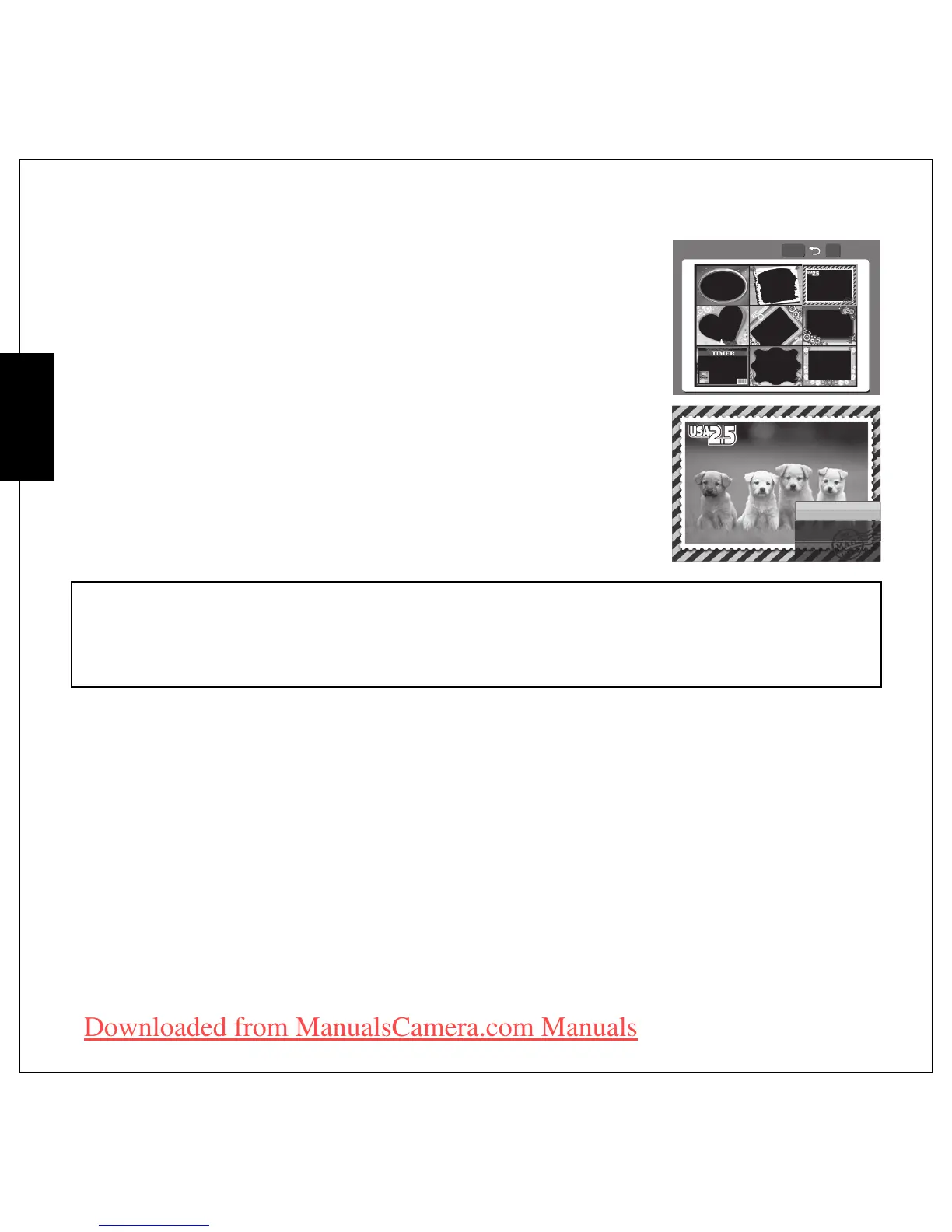
3. Press the MENU button again to select Frame Composite from the
menu and then press OK to enter.
4. Use the 4-way navigation (Left/Right/Up/Down) button to select
the frame type you like and press the OK button.
5. Press OK button to save the picture as NEW FILE or OVERWRITE
the original one, or EXIT to main menu.
Note:
1. The function is unavailable when the storage space is not enough.
2. All images' size will be changed to 3M after applying the Frame Composite function; even you take
the pictures' size higher than 3M.
3. The function does not support cropped or rotated images.
Enter











 To Next Page