207
8
Connecting to a Computer
4
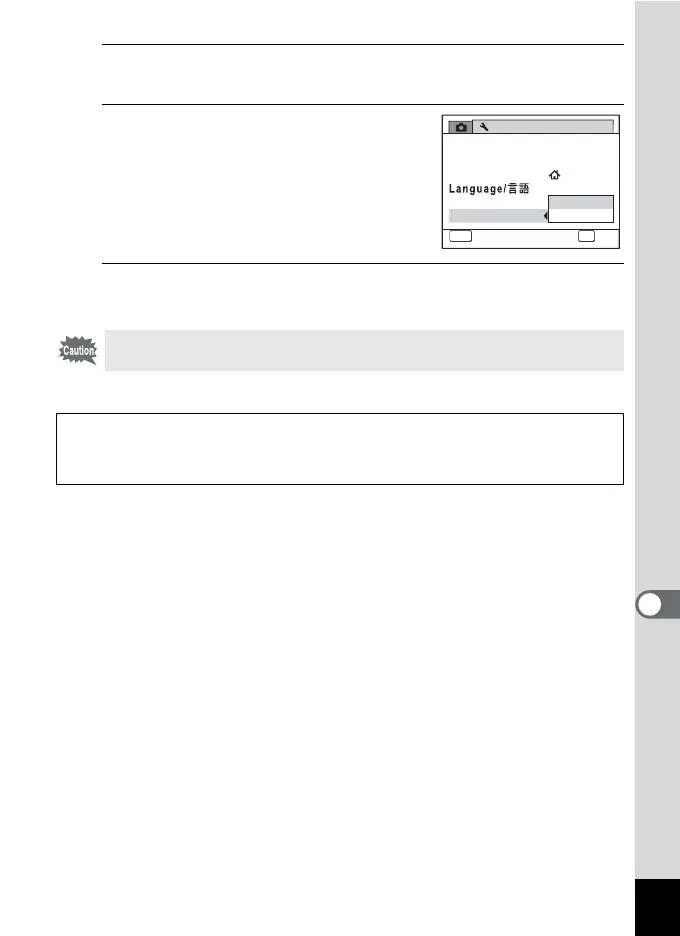
Press the four-way controller (5).
A pull-down menu appears.
5
Use the four-way controller (23)
to select [PC].
6
Press the 4 button.
The setting is saved.
Do not connect the camera to your computer while [PictBridge] is
selected for the USB Connection mode.
Go to the following pages depending on your computer.
Connecting to a Windows PC (p.208)
Connecting to a Macintosh (p.216)
Setting
1/3
MENU
Cancel
OK
OK
PC
PictBridge
Sound
Date Adjust
World Time
Folder Name
USB Connection
02/02/2009
English



 To Next Page