74
3
Taking Pictures
3
Press the 4 button.
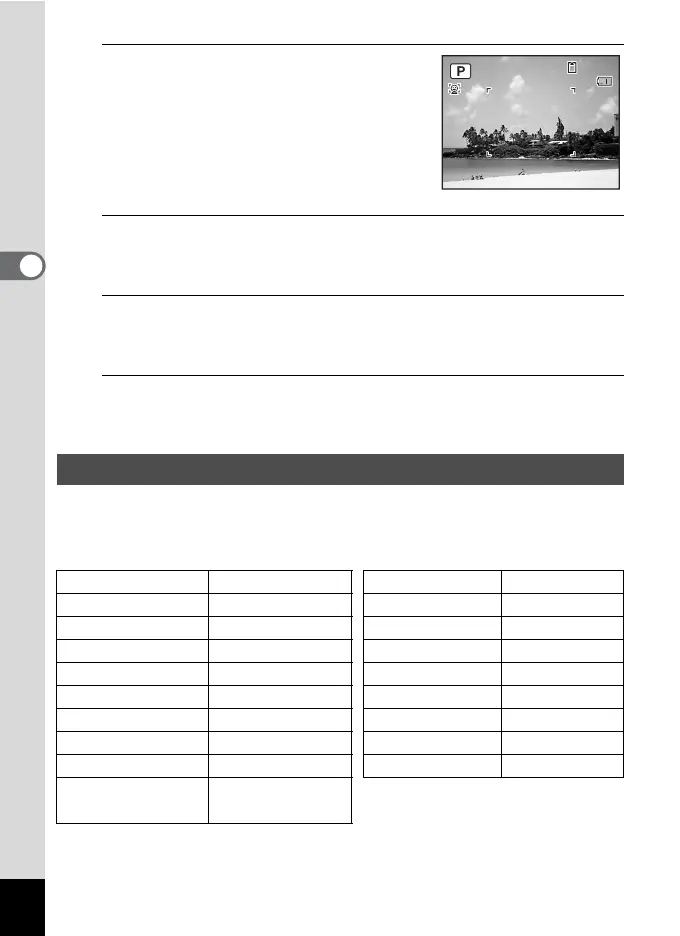
The R (Program) mode is selected and the
camera returns to capture status.
When the camera recognizes a person’s
face, the Face Recognition function is
activated and the face recognition frame
appears (p.70).
4
Set the functions you want to change.
Refer to “Setting the Shooting Functions” (p.99 - p.118) for details on
how to set the functions.
5
Press the shutter release button halfway.
The focus frame on the display turns green when the camera focuses
on the subject at the correct distance.
6
Press the shutter release button fully.
The picture is taken.
In the 9 (Green) mode, you can enjoy easy picture-taking using
standard settings, regardless of the settings in the [A Rec. Mode] menu.
9 mode settings are as shown below.
Taking Pictures in the Basic Mode (Green Mode)
Flash Mode , (Auto) Sensitivity Auto
Drive Mode 9 (Standard) EV Compensation ±0.0
Focus Mode = (Standard) Blink Detection O (On)
Face Recognition On Digital Zoom O (On)
Information Display Normal Instant Review 1 sec.
Pixel Track SR Auto Sharpness G (Normal)
Recorded Pixels
E (4000×3000)
Saturation G (Normal)
White Balance F (Auto) Contrast G (Normal)
Focusing Area J (Multiple) Date Imprint Off
AE Metering
L (Multi-segment
metering)
38
38
02/02/2009
02/02/2009
14:25
14:25



 To Next Page