46
1
Getting Started
8
Use the four-way controller (23)
to change the month.
Change the day and year in the same manner.
Next, change the time.
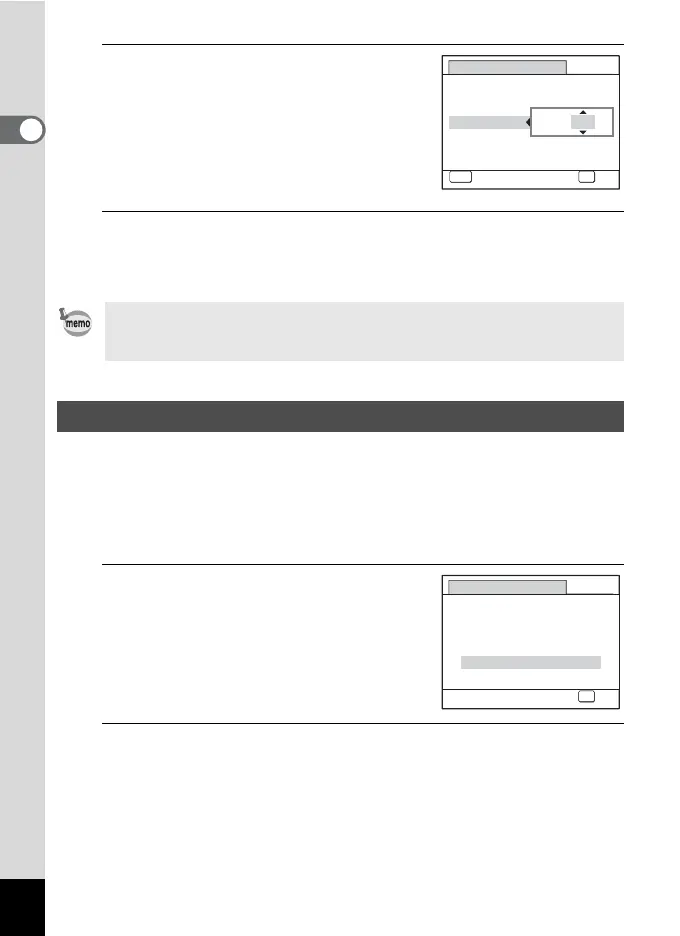
If you selected [12h] in Step 4, the setting
switches between am and pm
corresponding to the time.
9
Press the 4 button.
This confirms the date and time. Next, specify the Vertical Snap
setting.
The “Vertical Snap” function enables you to take pictures with the
camera held vertically, as if it was a cellphone. To use this function, first
set “Vertical Snap” setting here.
See “Simple Cellphone-style Picture Taking (Vertical Snap)” (p.78) for
details.
1
Use the four-way controller (23)
to select [On] or [Cancel].
On Enables Vertical Snap shooting.
Cancel Disables Vertical Snap
shooting.
2
Press the 4 button.
This confirms the Vertical Snap setting and completes Initial Setting.
The camera returns to capture status.
If you press the 4 button in Step 9, the camera clock is reset to 00
seconds. To set the exact time, press the 4 button when the time
signal (on the TV, radio, etc.) reaches 00 seconds.
Vertical Snap Setting
Date Adjust
MENU
Cancel
Date Style
mm
dd
yy
Date
Time
00:00
OK
OK
/
/
24h
01/01/2009
Vertical Snap
Snaps vertical shots like a
cellphone, using OK button
On
Cancel
OK
OK



 To Next Page