HART Multiplexer System KFD*-HM*-16
Configuration
2018-04
47
6.7.3 Parameterizing Communication
Displaying Communication Parameters
1. Use the mouse to double-click the multiplexer master KFD2-HMM-16 in
the project window.
2. In the editing window, open the Configuration > Communication menu.
The Communication window is displayed.
3. Click Apply to confirm your selection.
4. Select Revert to reset your selection.
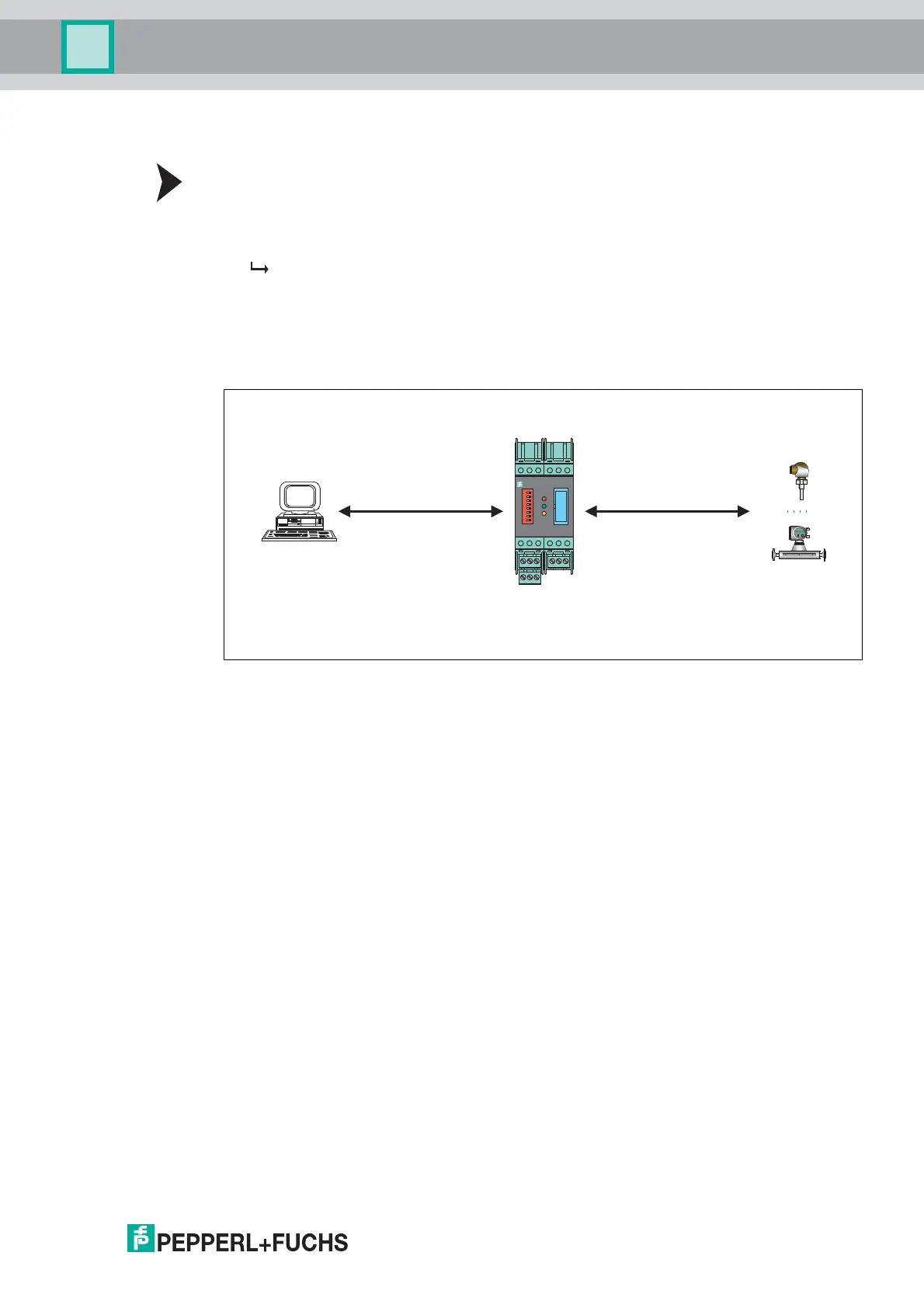
The communication parameters between the host, HART multiplexer system, and field device
are displayed and set in the Communication menu:
Figure 6.8
Communication with the Multiplexer Master
In this case, the communication between the host and the HART multiplexer system
(HART communication 1) is described.
The Communication to host HART master (as field device) section displays the following
information about the device:
• Address: The RS-485 address of the multiplexer master is displayed here.
• Unique identifier: The unique, non-variable long address of the multiplexer master.
• HART revision: HART revision under which the multiplexer master is operated.
• Minimum number of preambles: Minimum number of preambles.
1
2
3
4
5
6
7
8
19
1713 1816
20
14
21
15
KFD0-HMM-16
Field devices
Host
Computer-based
maintenance station
or process control system
Data request Cyclic data request
HART multiplexer system
Cache data
(Command caching)
HART communication 1 HART communication 2



 To Next Page