2018-04
44
HART Multiplexer System KFD*-HM*-16
Configuration
6.7 Displaying Device Information and Setting Parameters
6.7.1 Loading Device Data
Loading Data and Establishing a Connection
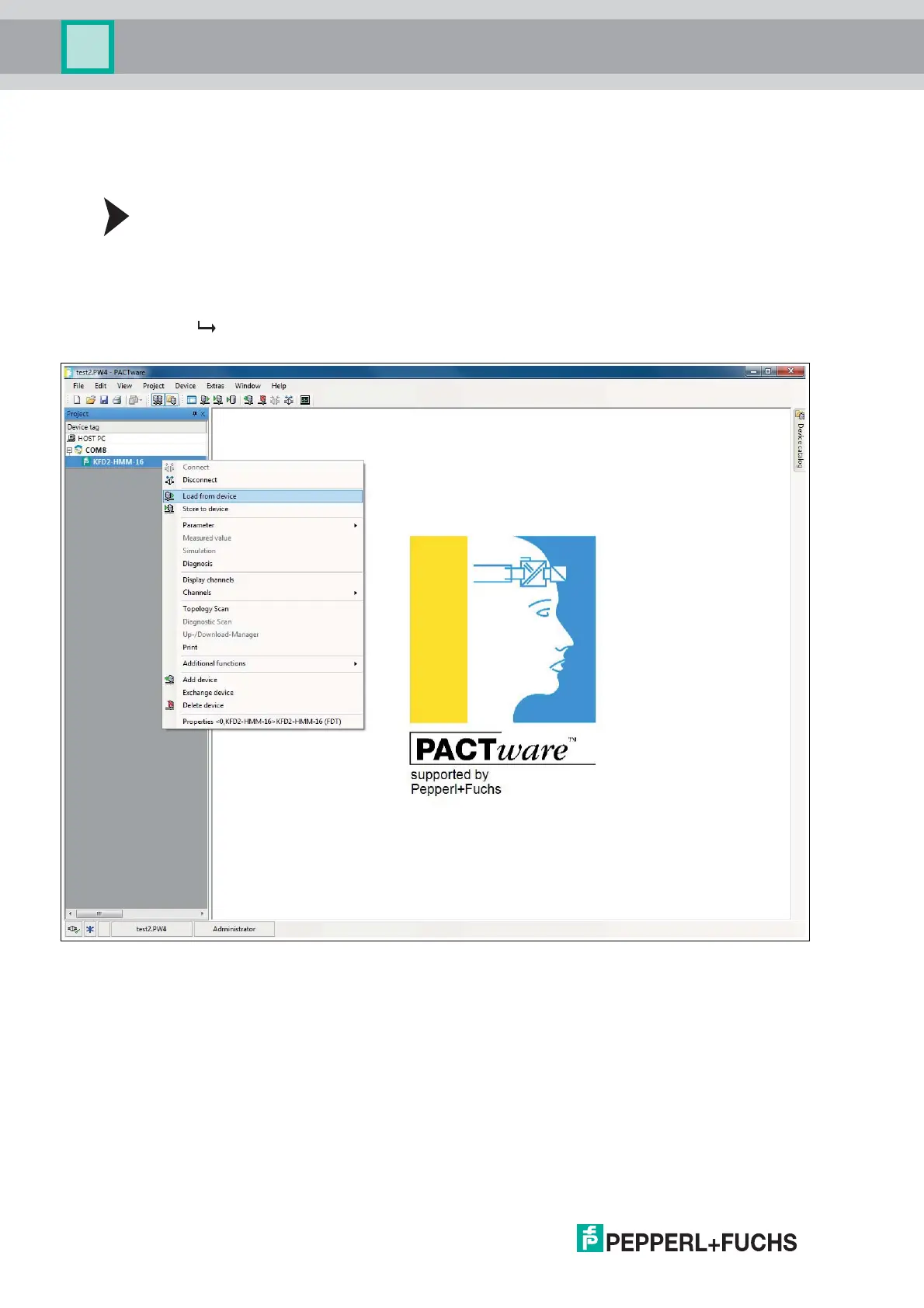
1. In the project window, right-click to select multiplexer master KFD2-HMM-16.
2. Select Load from device in the context menu.
3. If no connection has been established previously, a window opens and you are asked
whether you want to establish the connection to the device. Select Yes .
The connection to the multiplexer master is established and the device data
can be read.
Figure 6.6 Load data from device



 To Next Page