2018-04
42
HART Multiplexer System KFD*-HM*-16
Configuration
6.6 Inserting the Multiplexer Devices
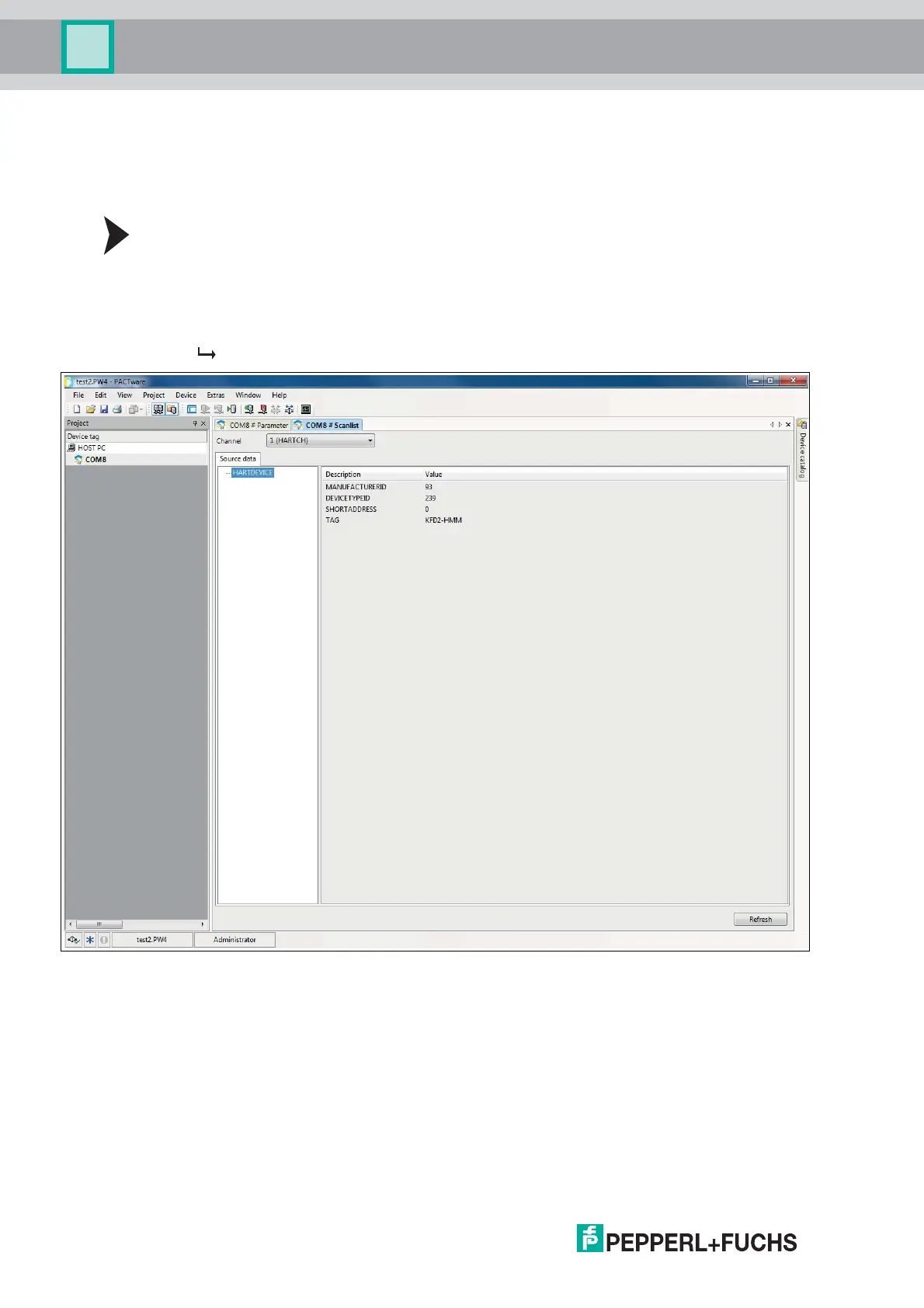
The connected multiplexer devices can be scanned in the communication DTM
via the Additional functions > Scanlist function.
Updating the Scan List
1. In the project window, right-click to select the HART communication DTM (e. g. COM8).
2. In the context menu select Additional functions.
3. Select Scanlist.
4. Start the scan by clicking Update.
The scan list is updated and displayed.
Figure 6.5 HART communication window, scan list



 To Next Page