HART Multiplexer System KFD*-HM*-16
Configuration
2018-04
61
6.9 Adding DTMs Manually
For known field devices, you can also add the device-specific DTMs in the project tree
manually. Proceed as follows:
Adding a Device-Specific DTM Manually via Device Catalog
Use drag-and-drop to move the device-specific DTM from the device catalog to the DTM
of the multiplexer slave that the device is to be assigned to.
The device-specific DTM is then added to the project.
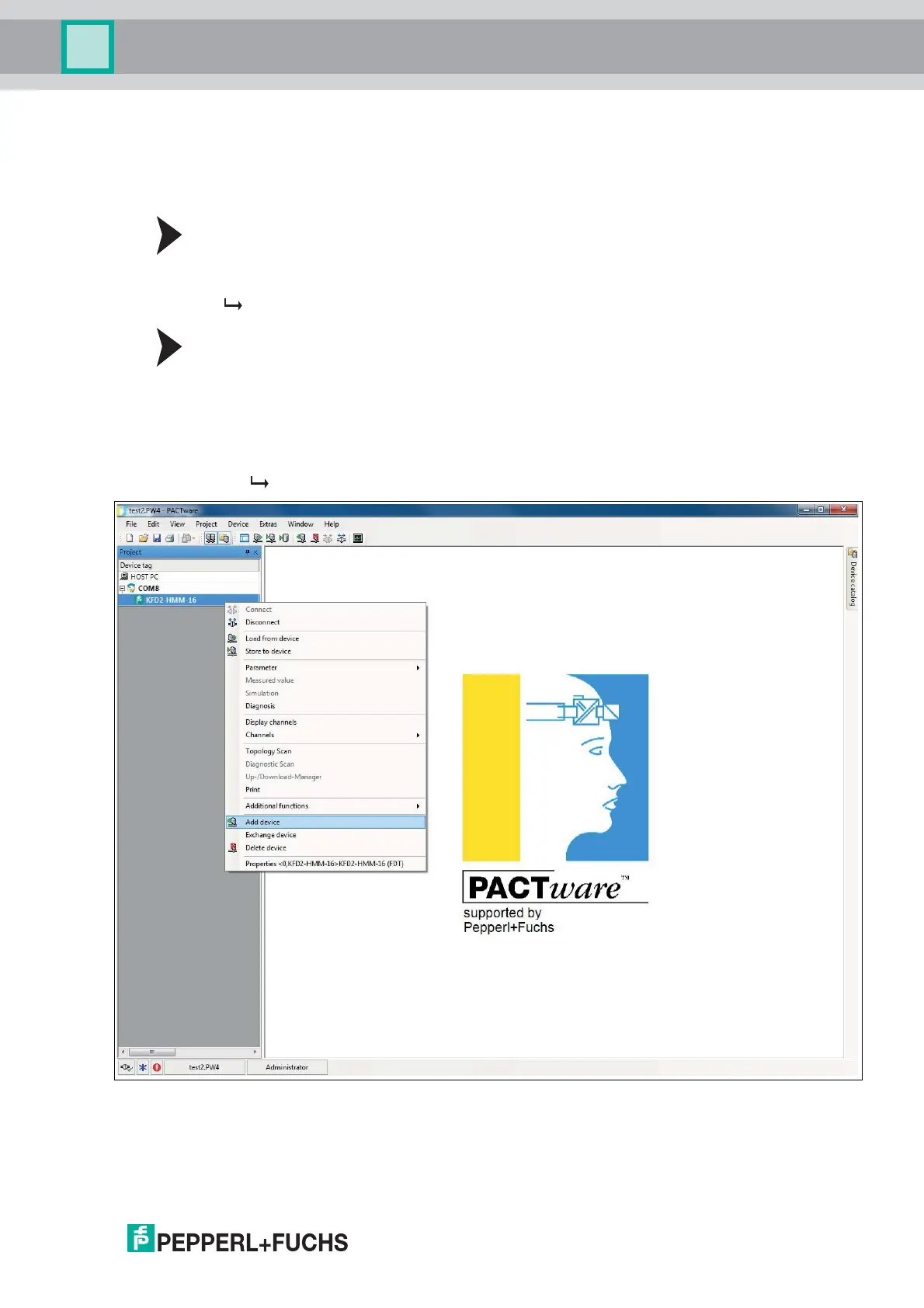
Adding a Device-Specific DTM Manually via Context Menu
1. In the project window, right-click to select the DTM of the multiplexer slave that the device
should be assigned to.
2. In the context menu, select Add device.
3. Select the device-specific DTM from the list and confirm with OK.
4. Select the signal loop that the device is to be connected to and confirm with OK.
The device-specific DTM is then added to the project.
Figure 6.20 Manual insertion of a DTM



 To Next Page