HART Multiplexer System KFD*-HM*-16
Configuration
2018-04
51
6.7.5 Active Multiplexer Devices
Selecting Active Multiplexer Devices
1. Use the mouse to double-click the multiplexer master KFD2-HMM-16 in
the project window.
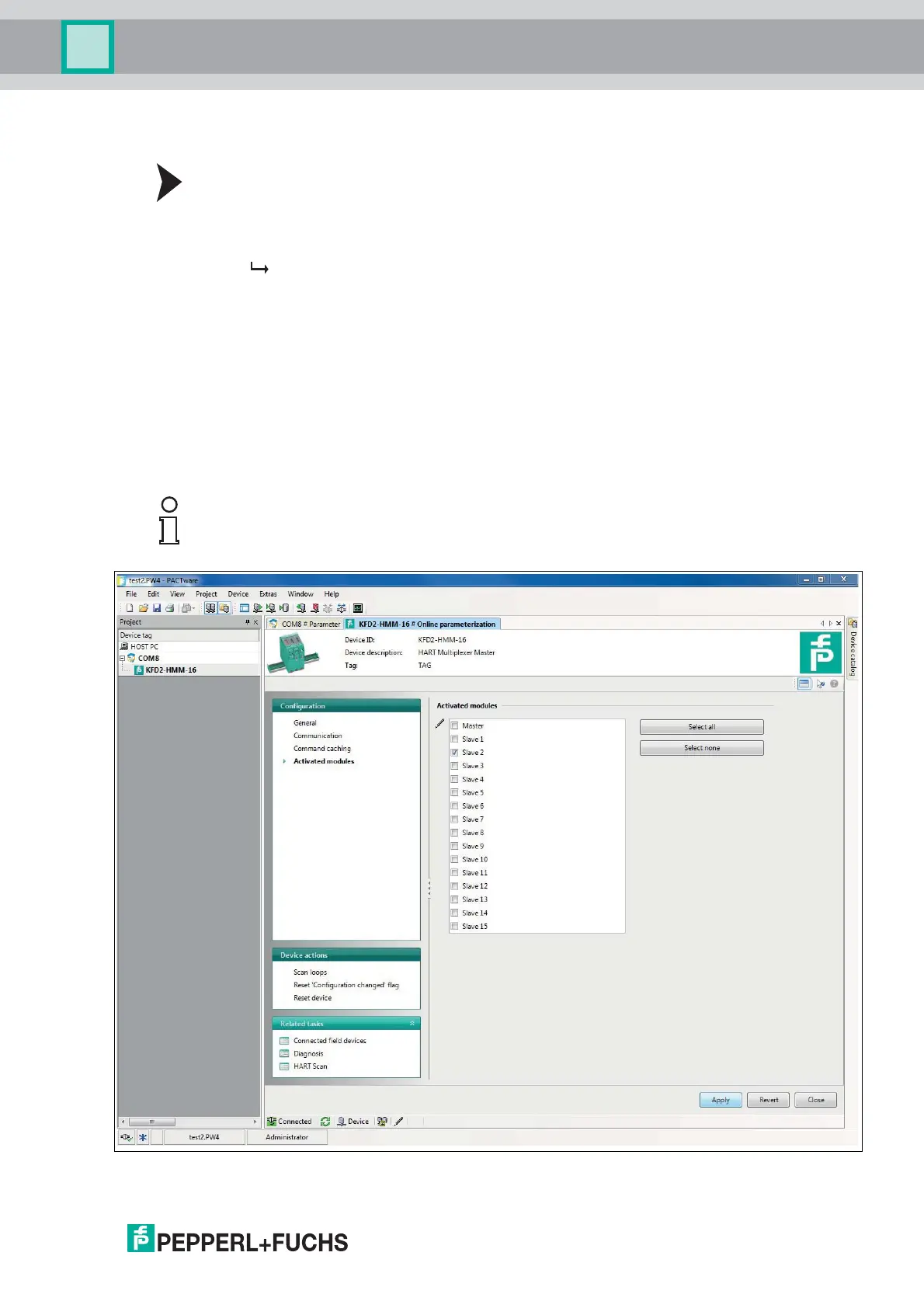
2. In the editing window, open the Configuration > Activated modules menu.
The Activated modules window is displayed.
3. Click Apply to confirm your selection.
4. Select Revert to reset your selection.
In the Activated modules window, select the active multiplexer slaves for each
multiplexer master. By default, only the master is activated. Select the connected
multiplexer slaves depending on the expansion level.
• Click Select all to select all multiplexer devices.
• Click Select none to select no multiplexer devices.
• With a single click, you can place or remove individual checkmarks in the list.
The checkmarks specify the active multiplexer devices.
Figure 6.11 Activated modules window
Note!
Connected field devices are only accessible to the multiplexer master if their assigned
multiplexer slave is marked as active in this list.



 To Next Page