HART Multiplexer System KFD*-HM*-16
Configuration
2018-04
57
6.8.3 Results of the HART Scan
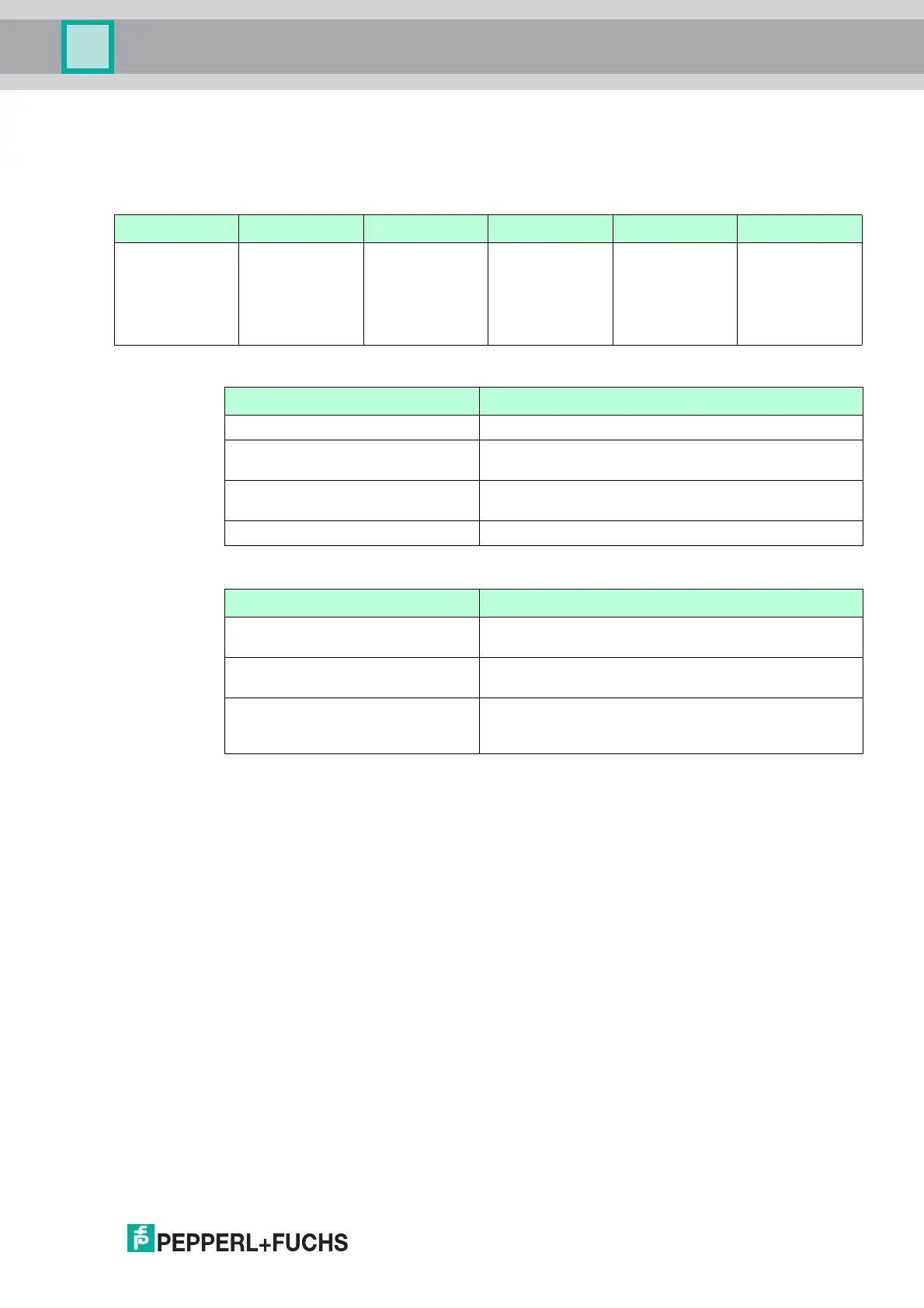
As the result of the HART scan, a table is output containing the following information about the
field devices found:
Loop Device data Match result Assigned DTM DTM action Apply
Slave and loop
address of the
field device
Name and data
of the
field device
Specifies
whether the
HART scan
wizard has
found a suitable
DTM
Suggested DTM Specifies what
the HART scan
wizard will do
with the
selected DTM
Select this
check box to
apply the
changes for this
field device
Table 6.1 Results table for the HART scan
Match result Explanation
Single green checkmark The assigned DTM matches the device exactly.
Two green checkmarks There are several DTMs, that match the
field device data.
Individual gray checkmark The Generic HART DTM has been assigned to the
device as no device-specific DTM has been found.
Yellow warning triangle The assigned DTM does not match the device.
Table 6.2 Explanation of the match result
DTM action Explanation
Yellow star No DTM has been assigned to the field device yet.
A new DTM will be created in the project tree.
Pen The DTM previously assigned to the device will be
replaced by the new DTM selected.
Red cross The field device for this DTM that exists in the project
is missing. The DTM will be removed from the
project tree.
Table 6.3 Explanation of the DTM action



 To Next Page