HART Multiplexer System KFD*-HM*-16
Configuration
2018-04
59
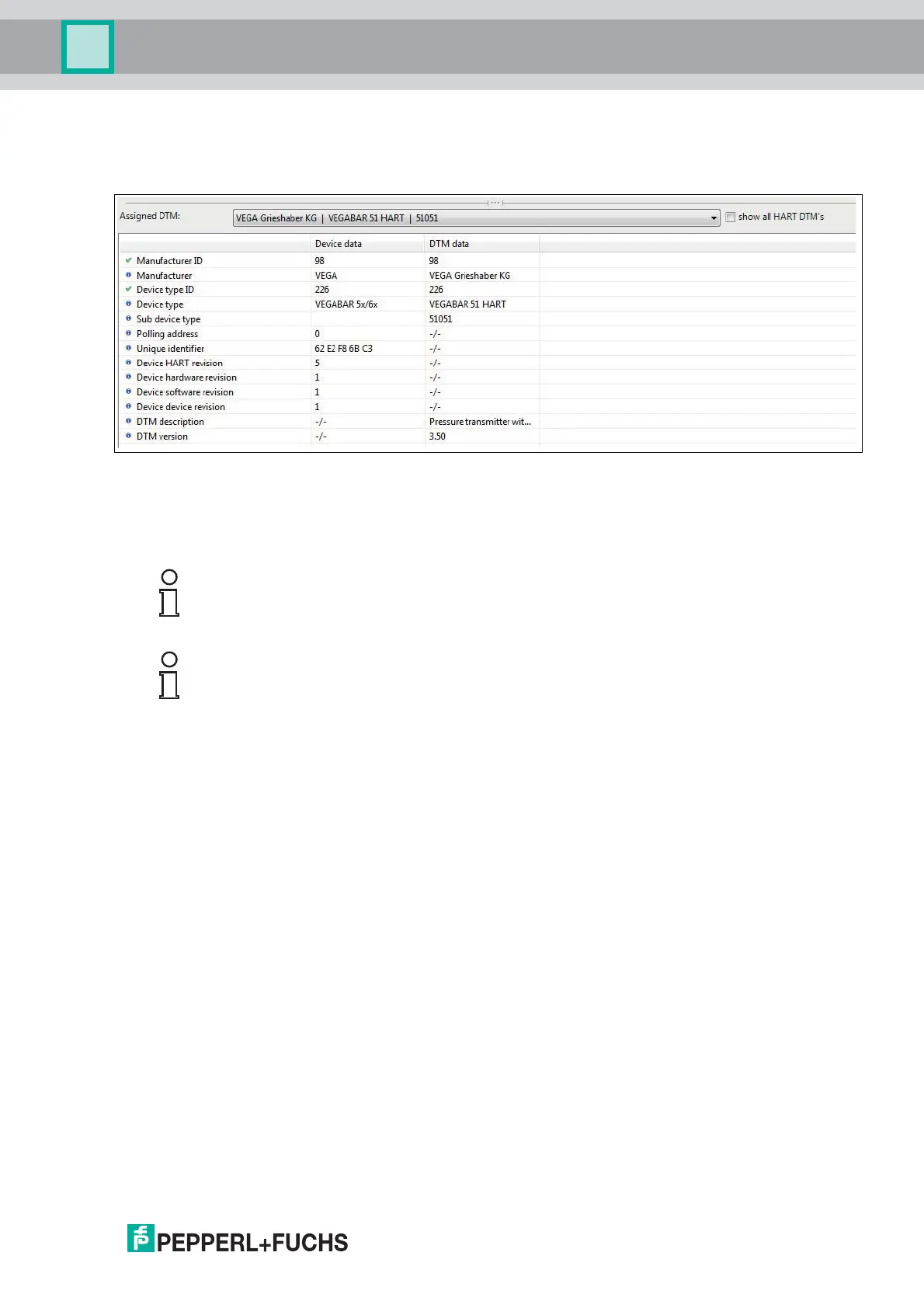
In the table below, the data read out from the field device and the data contained in
the selected DTM is compared. This allows a comparison between the field device data
and the DTM:
Figure 6.18
Confirm your selection by clicking Next to complete the HART scan. The HART topology
determined in the HART scan can then be added to the device tree in the project window.
You will be prompted to save the project to store the modified HART topology.
Note!
Some manufacturers have different DTMs for the same device family. In this case, you have
to select the correct DTM from the dropdown list.
Note!
Some DTMS do not make this information available, meaning that automatic assignment
is not possible.



 To Next Page