9
GET STARTED
PREPARATIONS
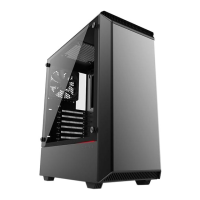
The P600S case is designed to support installation in a standing position.
Don’t turn on the power to your system until installation is complete.
Discharge your body’s static electric charge by touching a grounded surface
before performing any hardware procedure.
Make sure to consult the manuals of your hardware before installation.
If you do not feel comfortable with performing the installation
procedure, consult a qualified computer technician.
REMOVING TOP PANEL
4x
REMOVING FRONT PANEL
LOOSEN:
2.
1.
2
3
1










 To Next Page
