4.0 On-screen Features
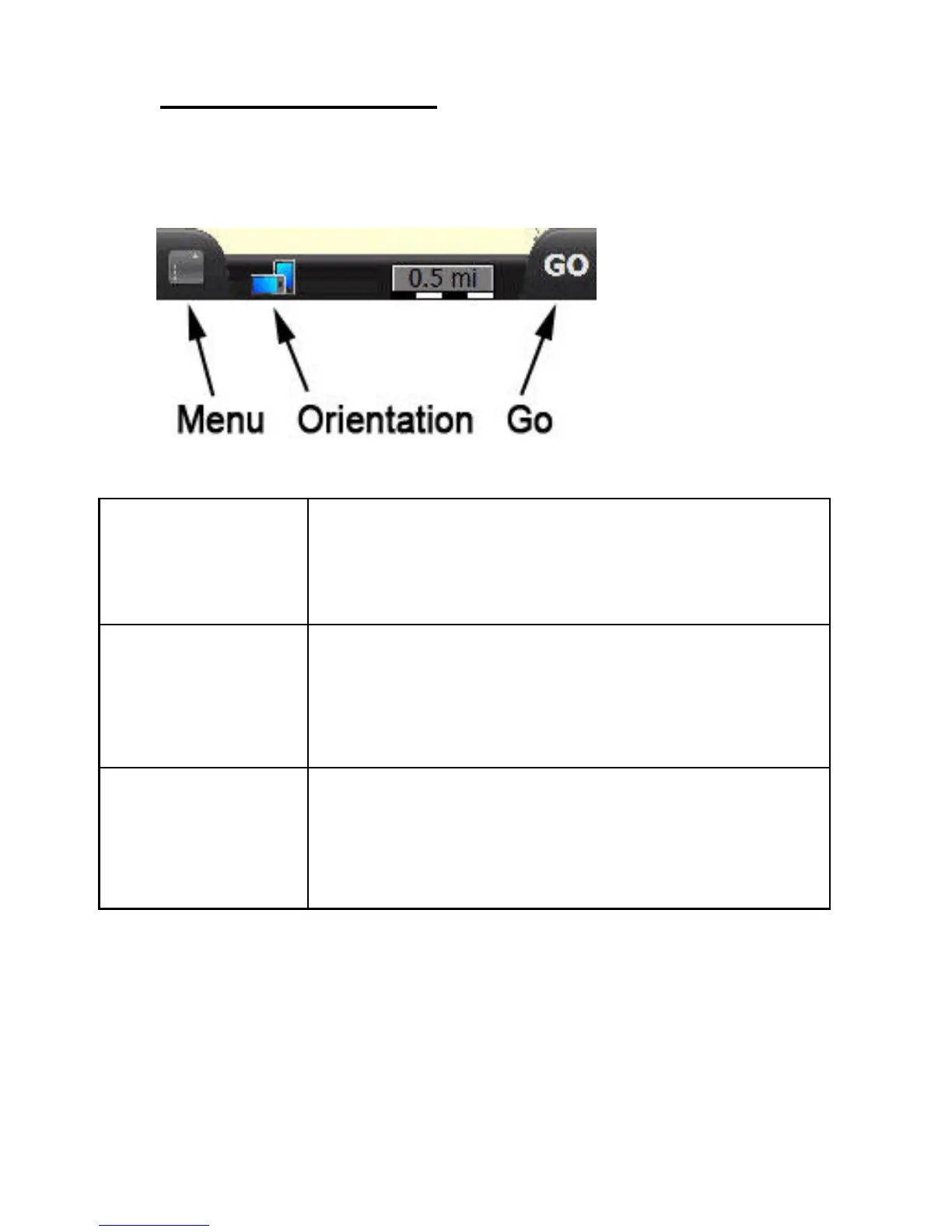
4.1 Map Screen Buttons
Menu
Displays buttons that enable you to set
various options, view GPS info, and use the
SmartNav online services.
Orientation
Switches between portrait and landscape
views
Go
Displays on-screen Buttons that allow you to
search for an address or other point of interest.



 To Next Page