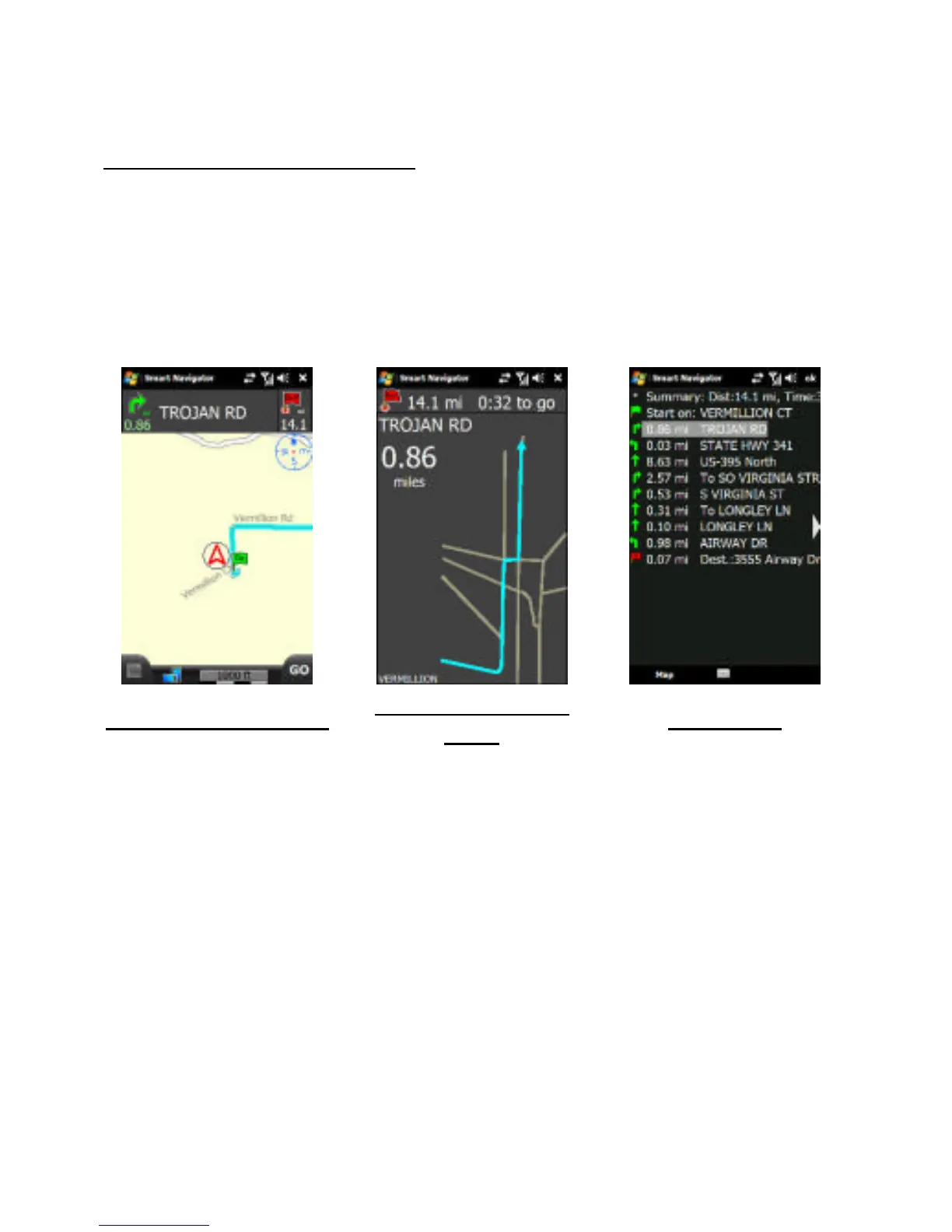
Tapping the direction arrow or the text directions will cycle through
the three (3) navigation screens that can be used while driving.
Tapping the direction arrow cycles between Standard Map View
and Simplified Arrow View, while tapping the road name will display
the Text View. Tap Map at the lower left to return to Standard Map
View.



 To Next Page