• Approximate:
o Latitude
o Longitude
o Altitude (based on HAE – Height Above
Ellipsoid)
o Global Time
o Speed
o Line-of-Site Distance to Destination from current
location
5.4 User Interface Options
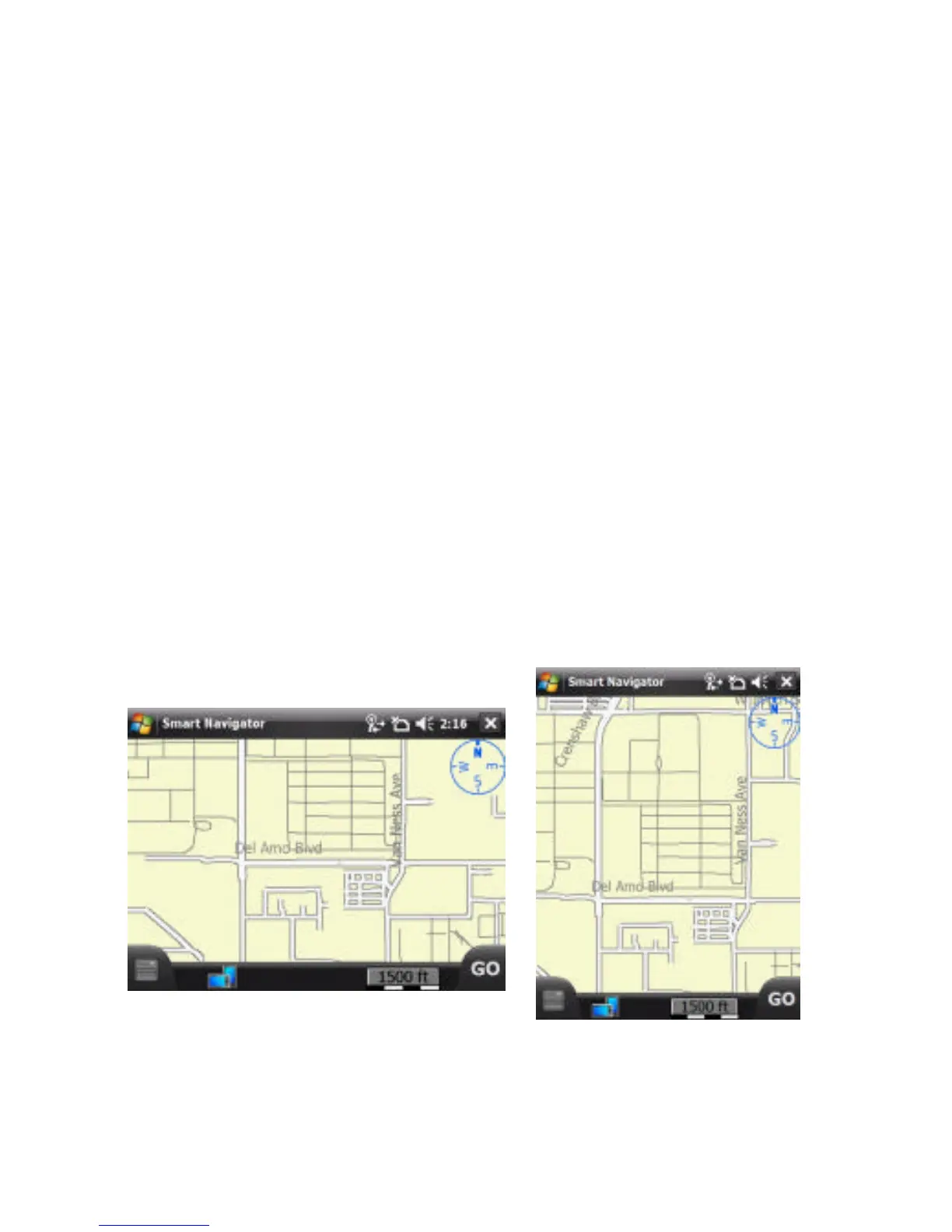
Mobile 2003 Second Edition, Version 4.21 or later, you have
the option to view the screen in Landscape mode or Portrait
mode, as seen below: To change the view of your device, follow
these instructions: Tap on the Orientation button.
Landscape
Portrait



 To Next Page