5.6 Zooming (In/Out) Capabilities
Note: Applies only if using Windows Mobile-based devices. Also,
zooming is limited while the display is in 3D view.
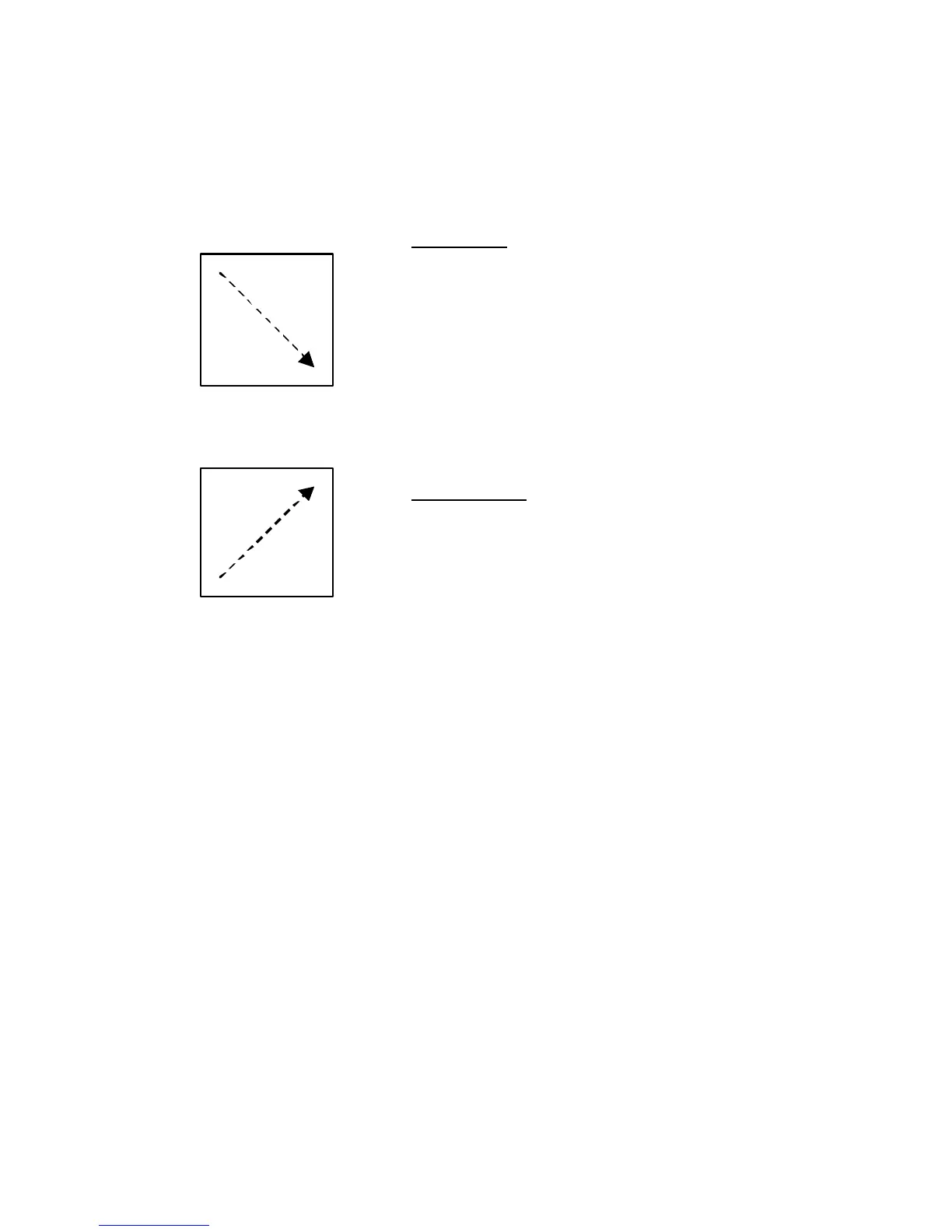
Drag the stylus or your finger on the
screen in a motion from the upper
left corner towards the bottom right
corner (creating a box on the
screen). The software will attempt
to do a best-fit zoom to the area
within the box.
Zoom Out
Zooming out is the opposite
direction, bottom left corner to the
upper right corner.



 To Next Page