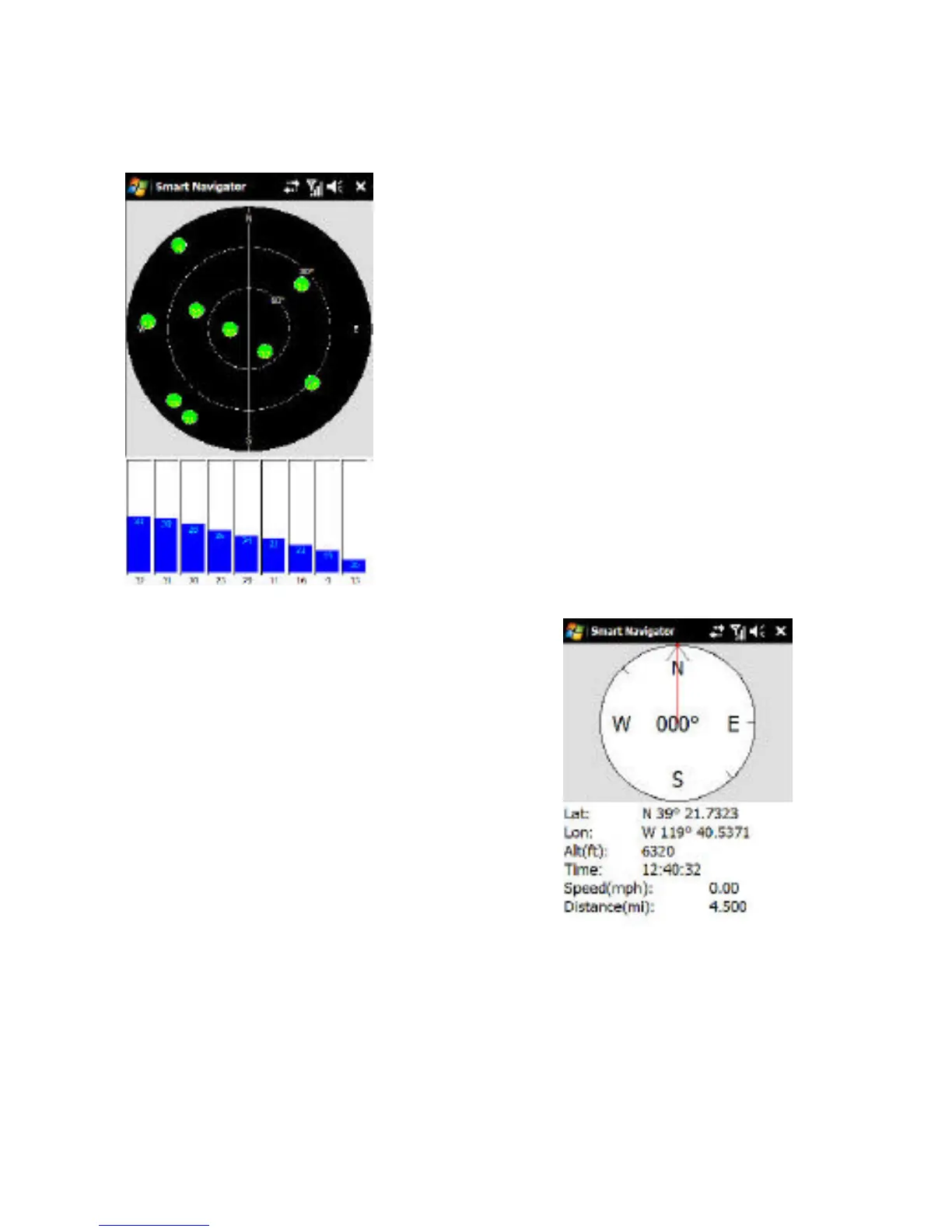
This screen displays Satellite
Information. Typically, a nominal
value of 40 or higher on at least 3 bars
is normal for a GPS Lock. The bars
will be gray when searching for a
signal and blue when a lock is
acquired. The satellites are the gray
circles in the black target, which will
turn green when you have a Lock.
The Compass indicates the following
information when moving at 5mph or
faster:
• General direction of travel
• The red line represents the
general direction to your
selected Destination.



 To Next Page