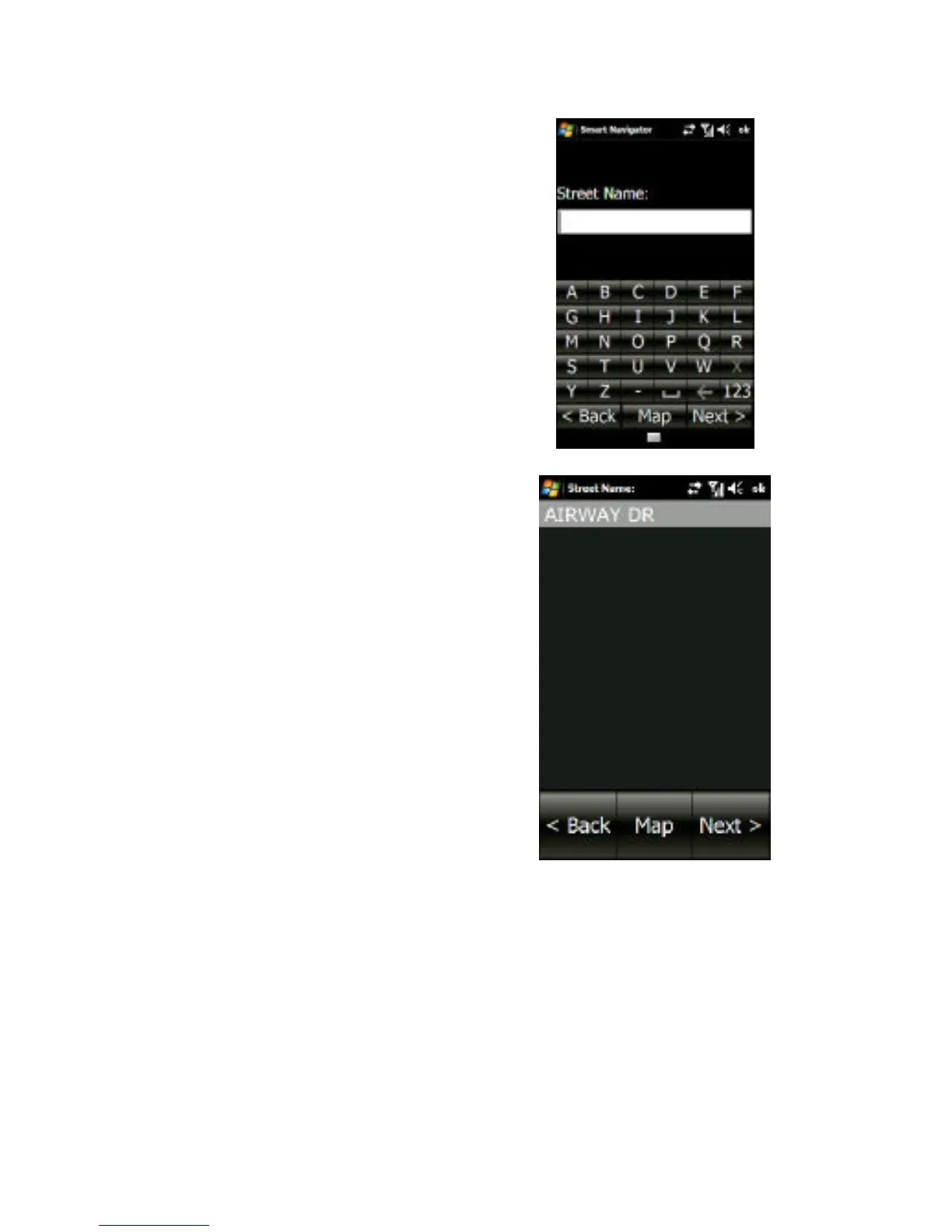
2a. Enter the street name in
the field provided. As you
type each letter, only the
next available letters
matching the street search
results will appear on the
keyboard.
2b. This will provide a list of
the most closely matching
streets available, appearing
on the next screen. Select
the desired street name,
and tap the Next button.
Note: Avoid entering “N”, “E”, “S”, and “W” at the beginning of the street
name. In Smart Navigator’s database, such directions usually come after
the street name, such as Main St, N.



 To Next Page