67
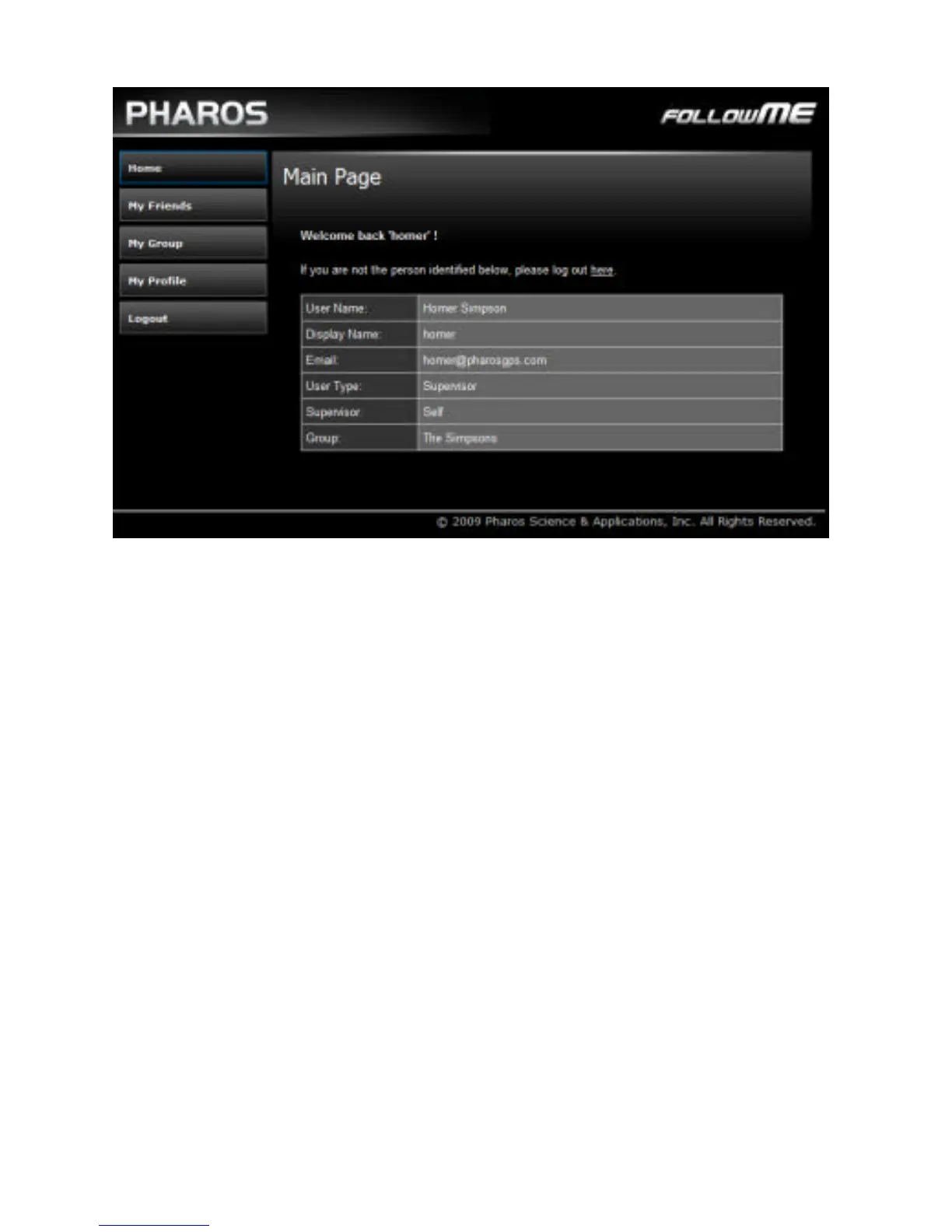
Figure 3. Follow Me web portal home page
Adding Members
If you are a supervisor, you will want to begin by adding
group members. To add a member, follow these steps:
1. Click My Group -> Add Member
2. In the Add Member form (see Figure 4), fill in the
person’s name and email address
3. Click Add button.
After you click the Add button, the new member is added to
your group. In addition, he will be sent an e-mail that
includes a randomly-generated password, so make sure you
have entered the e-mail address correctly.
Tip: You can add several members at once by clicking
MyGroup -> Add in Batch



 To Next Page