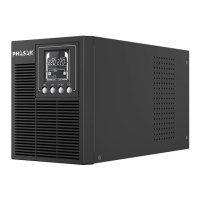
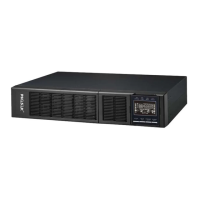
ON-LINE RACK PH 9360 - PH 9301 .
4. Problem Solving
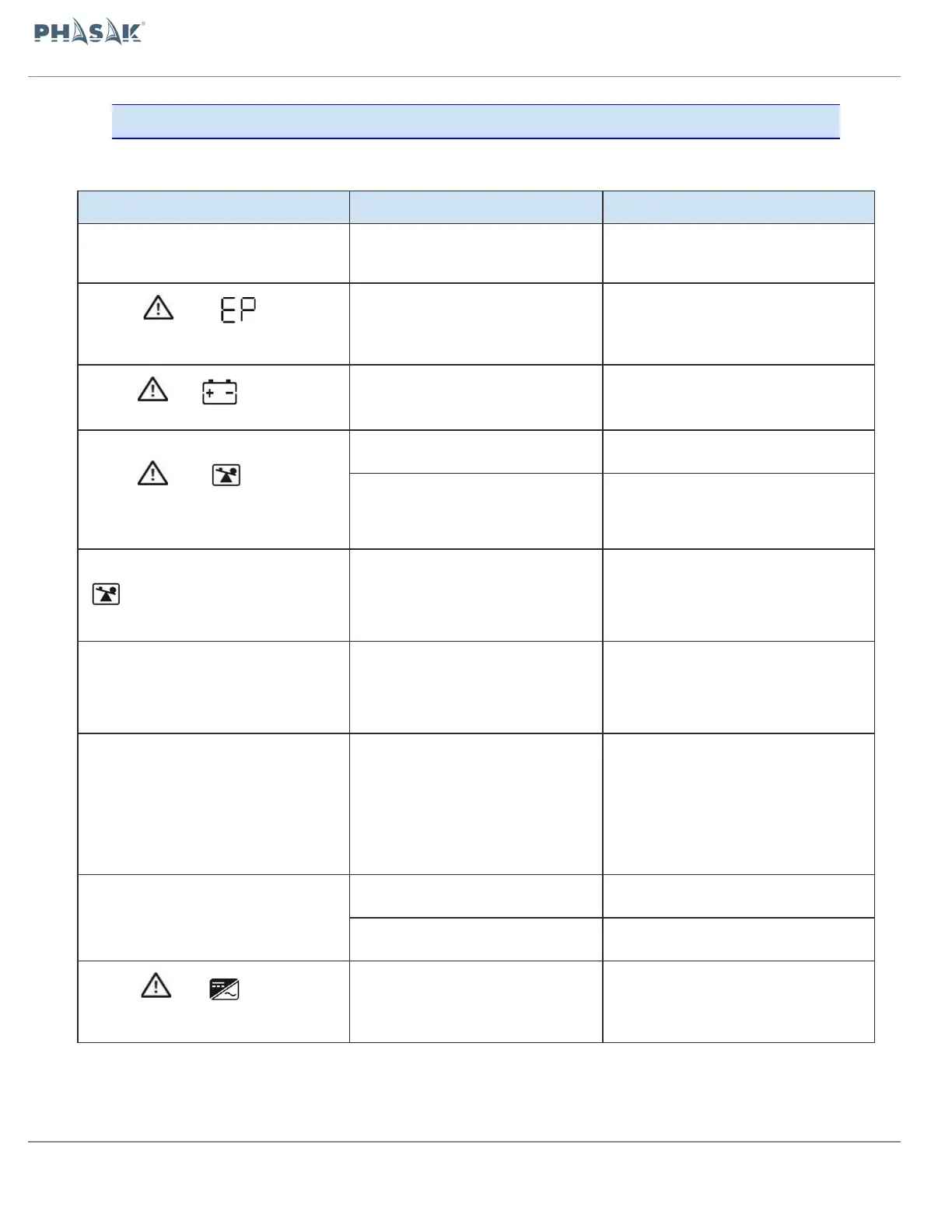
If the UPS does not work properly, you can try to locate the problem using the following
table:
No indication and alarm in the front
display panel even though the mains is
normal.
The AC cable is not properly
connected to the network.
Check if the power cord is properly
connected.
The icon and the warning
code flash on LCD display and alarm
beeps every second.
The EPO function is activated. The
EPO switch is off or the jumper is
open.
Close the circuit to deactivate the EPO
function.
The icon and flash on LCD
display and alarm beeps every second.
The internal or external batteries are
not connected correctly.
Check that the batteries are properly
connected.
The icon and flash on LCD
display and alarm beeps twice every
second.
Disconnect the excess load connected to
the outputs.
After repeated overloads, the UPS is
blocked in bypass mode. The
connected devices are fed directly from
the electrical network.
Remove the excess load connected to the
UPS. Then turn off and restart the UPS.
Fault code is shown as 43. The icon
lights on LCD display and alarm
beeps continuously.
The UPS shuts down automatically
because it has been overloaded for too
long.
Remove the excess load connected to the
UPS. Then turn off and restart the UPS.
The Overload code is shown, fault 14, the
alarm sounds continuously.
The UPS has shut down automatically,
due to a short circuit at the UPS
output.
Check the wiring of the outputs and if the
connected devices are shorted.
Fault code is shown as 01, 02, 03, 04,
11, 12, 13, 14,1A, 21, 24, 35, 36, 41,
42 or 43 on LCD display and alarm beeps
continuously.
A UPS internal fault has occurred.
There are two possible results:
1. The load is still supplied, but
directly from AC power via bypass.
The load is no longer supplied by
power.
Contact your technical support service
Battery backup time is shorter than
nominal value
The battery is not fully charged.
Charge the battery for at least 7 hours.
Contact your support service to replace
the battery.
The icon and flash on LCD
display and alarm beeps every second.
The fan is blocked or does not work, or
the UPS is overheated.
Check the fans and contact your technical
support service.


 To Next Page