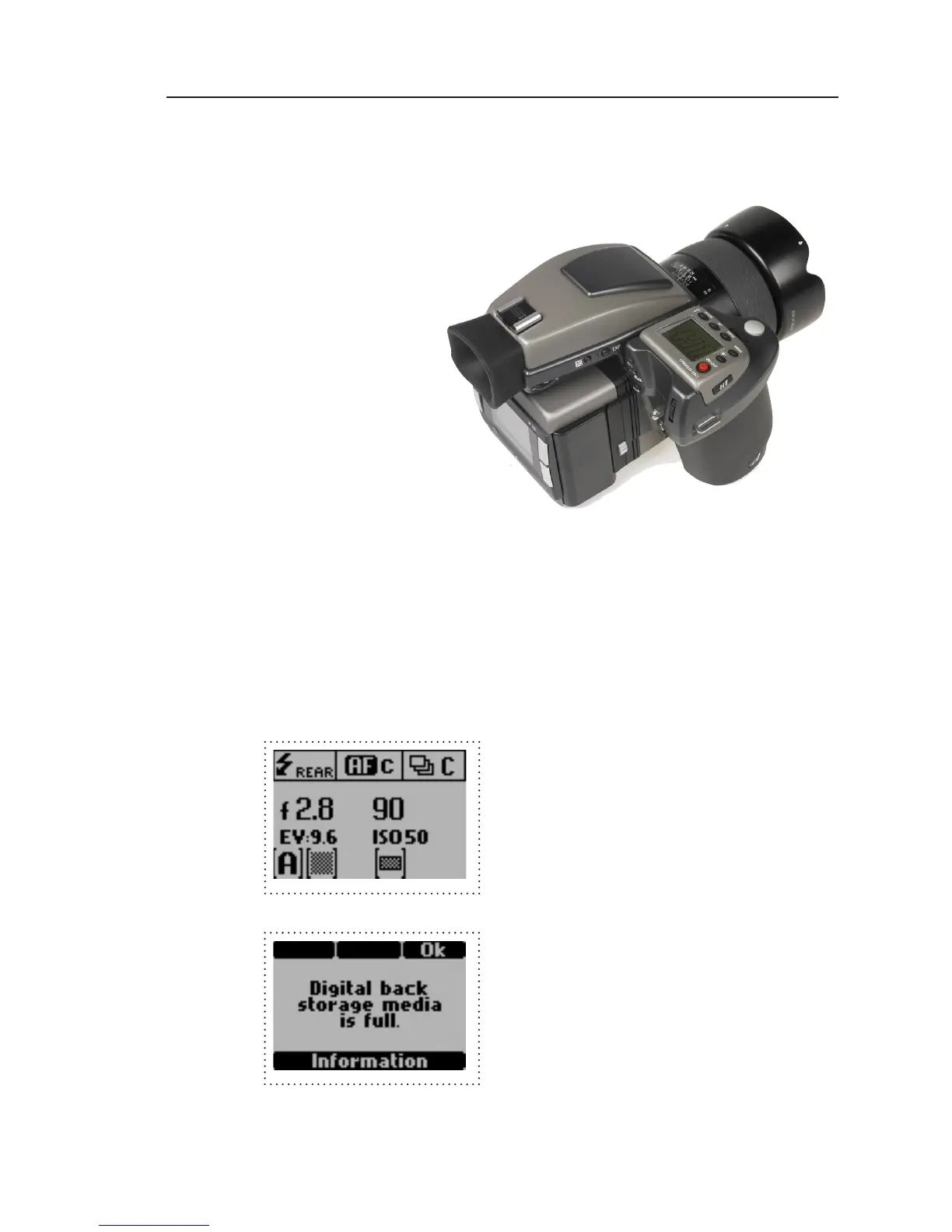
Camera LCD display
The Hasselblad H1 incorporates a display which dis-
plays information of the actual condition of the cam-
era. It shows flash method, lens use, trigger setting,
f-stop value, exposure time etc.
The Hasselblad H 1 will also display some camera
back specific conditions in this display.
Camera back ISO setting is dis
-
played. ISO 50, 100, 200 or 400,
800 can be set on the camera
back or in the Capture One Ap
-
plication if shooting tethered.
Error messages like ”Storage me
-
dia full” will also be displayed.



 To Next Page