21Connect Peripheral Equipment
Recorder or DVD with EasyLink
The recorder or DVD can be operated via the Recorder or
DVD menu on screen.
& Press the MENU Ï key on the remote control.
é Select the recorder or DVD menu with the cursor
up/down.
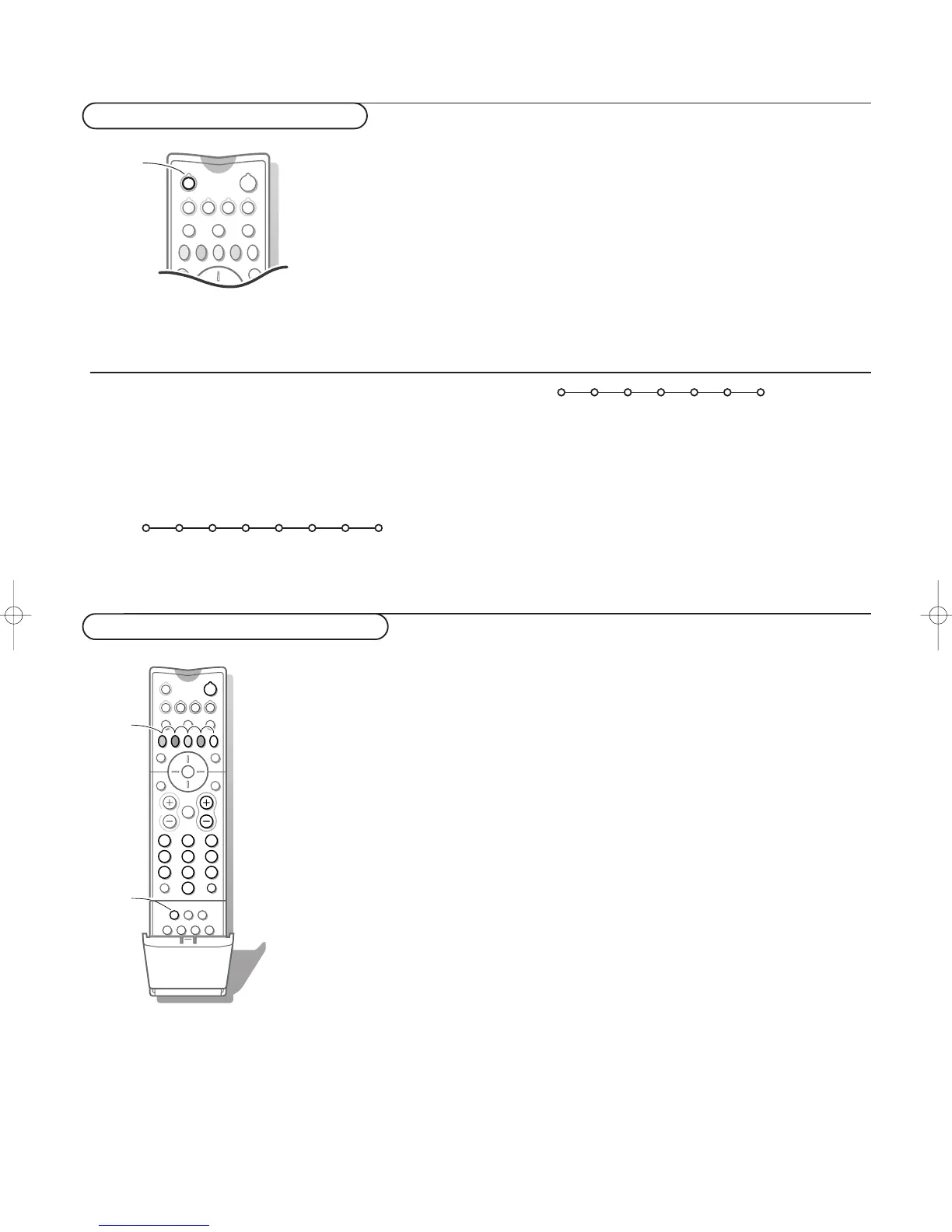
AUX keys
The
AUX mode can be customised according to the equipment
you want to operate: a CD player, a satellite receiver with RC5
signalling standard or a satellite receiver with RC6 or RC5
signalling standard.
Press the OK key together
with the digit key 1 to select the CD system,
with the digit key 2 to select the
SAT RC-5 system,
with the digit key 3 to select the
SAT RC-6 system.
Most of the audio and video equipment from our range of products can be
operated with the remote control of your TV.
Press one of the keys after you pressed the
VCR, DVD, AMP or AUX key
according to the equipment you want to operate with this remote control.
See Use of the remote control, p. 3.
Note: If no action has been taken within 30 seconds, the remote control goes back to the TV mode.
To select connected equipment
Audio- and video equipment keys
Ò p ‡ π † ® Ï
Rwd Play Stop Play Ffw Rec Eject
Equipment connected with an aerial cable only :
Select the programme number under which you have stored the test signal
with the digit keys.
Equipment connected to a euroconnector or to the right side of the
TV
& Press the v key repeatedly to select EXT1, EXT2, EXT3 or SIDE
according to where you connected your equipment at the back or the
right side of your TV.
Remark : Most equipment (decoder, recorder) carries out the switching itself.
é Press the cursor up/down and press OK.
If you want to change to TV channels?
Enter the programme number of the TV channel you want to watch with the
digit keys.
“ Press the cursor left/right, up/down to select one of the
recorder or DVD functions.
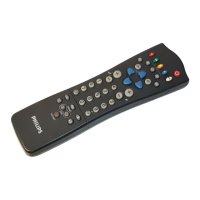
The key
INSTANT ® for recording, under the door of the
remote control, can be operated in the TV mode.
If your EasyLink recorder has the system standby function, when
you press the B key for 3 seconds, both TV and the recorder
are switched to standby.
B to switch to standby (
VCR)
S for pause (
DVD, CD)
® for record,
Ò for rewind (
VCR, CD);
search down (
DVD, AMP)
‡ for stop,
π for play,
† for fast forward (
VCR, CD);
search up (
DVD/AMP)
æ to select your choice of subtitle
language (
DVD);
RDS news/TA (
AMP);
to shuffle play (
CD)
b to select a
DVD title; RDS display
(
AMP); info on screen (CD)
i display information
Ï to switch the menu on or off
- P + for chapter, channel, track selection
0 to 9 digit entry,
0 tape index (
VCR), select a DVD chapter,
select a frequency (
AMP)
U VCR timer
Q surround on/off (
AMP, CD)
cursor up/down to select the next or the
previous disc (
CD)
cursor left/right to select the previous or
following track (
CD)
REC
Ò p ‡ π † Ï
Prev. Play Stop Play Next Eject
DVD






 To Next Page