49BDL5057P
27
Proxy hostname
Proxy port
Type
HTTP
Proxy settings
Authentication
Username
Password
Authentication
Main Switch
Disable
Enable
Proxy
Note:
• ProxytypeinHTTP,HTTPS,SOCKS4,SOCKS5aresupport.
• Onlysupporttheconnectionthroughtheproxyserverwith
TCPport80&443&5228.
• ProxyserverwithauthenticationonWindowsSeverSeriesis
notsupport.
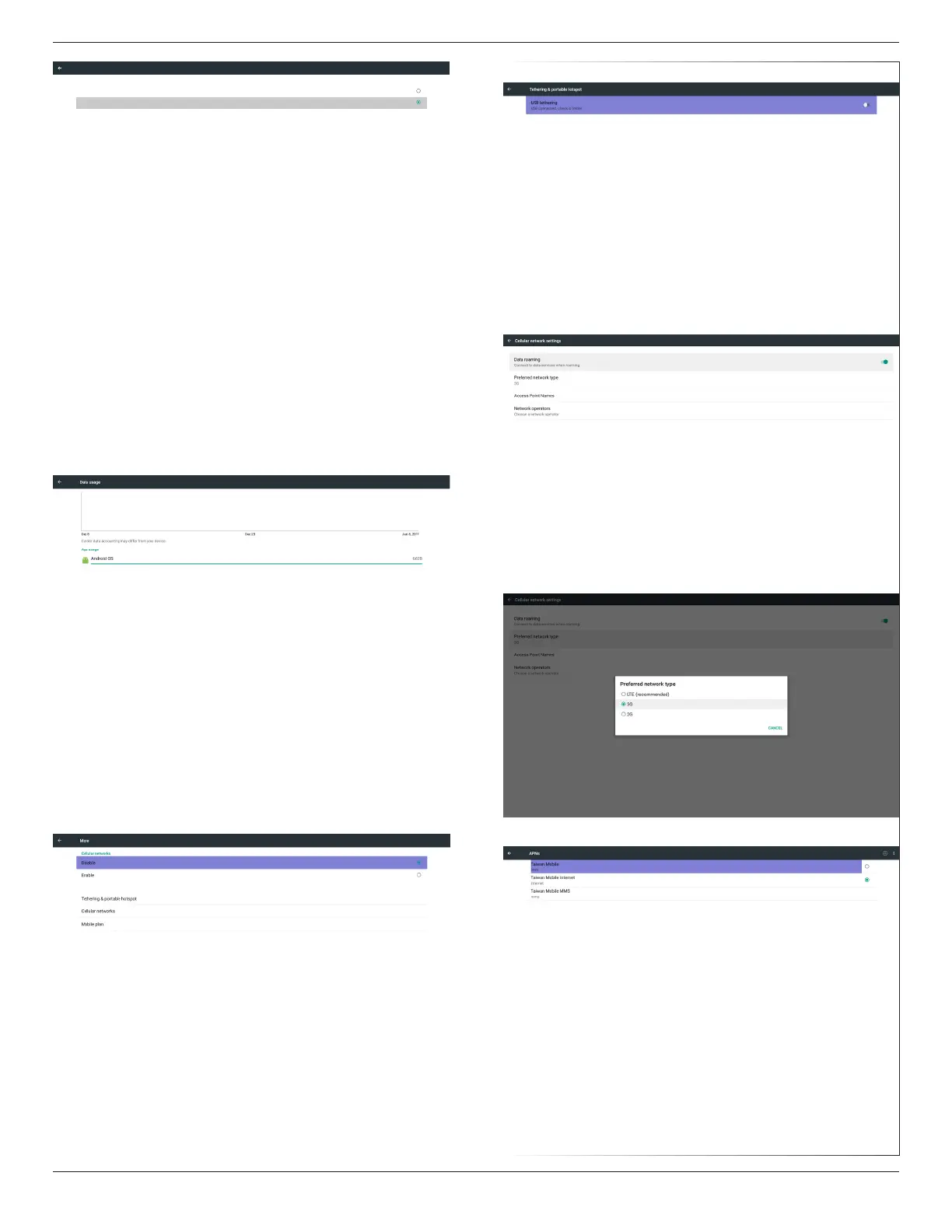
5.4. Data usage
Onlyshowupwhen4Gmoduleconnected.
5.5. More…
Enable/Disabletoturnon/off4Gnetwork
Note:
(1)Onlyshowupwhen4Gmoduleconnected
(2)Networkinfowillbedifferentduetodifferentcarrier
Tethering&portablehotspot
Cellularnetworks
Preferrednetworktype
AccessPointNames




 To Next Page