
 Need help?
Do you have a question about the Philips AC2936 and is the answer not in the manual?
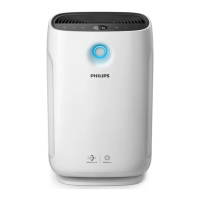
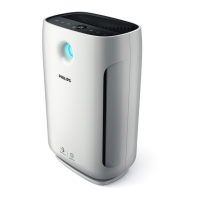
Details the main components and external parts of the Philips AC2936 air purifier.
Overview of the control panel buttons and indicators on the air purifier.
Step-by-step instructions for correctly installing the air purification filter into the appliance.
Explanation of the Wi-Fi icon status and its meaning for connection.
Guide to connecting the air purifier to a Wi-Fi network via the Philips Clean Home + app.
Explains the meaning of different air quality light colors and corresponding air quality levels.
Instructions for powering the air purifier on and off using the main button.
How to select and switch between different operating modes like Auto, Turbo, Gentle, and Sleep.
How to change the information displayed on the air purifier's screen, defaulting to IAI.
Controlling the appliance lights manually or automatically via the light sensor.
Procedure to activate and deactivate the child lock feature to prevent unintended changes.
Instructions for cleaning the exterior surfaces and air outlet of the air purifier.
Procedure for cleaning the particle sensor to ensure optimal appliance performance.
How to clean the filter surface using a vacuum cleaner when the filter cleaning alert is active.
Steps for replacing the air purifier filter when the replacement alert is displayed.
How to reset the filter lifetime counter after replacement or cleaning.
 General
| AC input voltage | 230 V |
|---|---|
| AC input frequency | 50 Hz |
| Power consumption (standby) | 2 W |
| Motor type | DC |
| Cord length | 1.8 m |
| Noise level | 65 dB |
| Air purify rate | 330 m³/h |
| Number of modes | 4 |
| Number of speeds | - |
| Country of origin | China |
| Air quality sensor(s) | Yes |
| Noise level (night mode) | 30 dB |
| Suitable for room area up to | 85 m² |
| Package width | 320 mm |
| Package height | 630 mm |
| Package weight | 7500 g |
| Filter life (max) | 36 month(s) |
| Particle filtration | 0.003 µm |
| Filters out bacteria | 99.9 % |
| Number of filter stages | 3 |
| Control type | Touch |
| Product color | Black, Grey |
| Housing material | Plastic |
| Control panel color | Black |
 Weight and Dimensions
| Depth | 585 mm |
|---|---|
| Width | 274 mm |
| Weight | 5800 g |






 To Next Page