User Manual BDH4222V/4223V
33
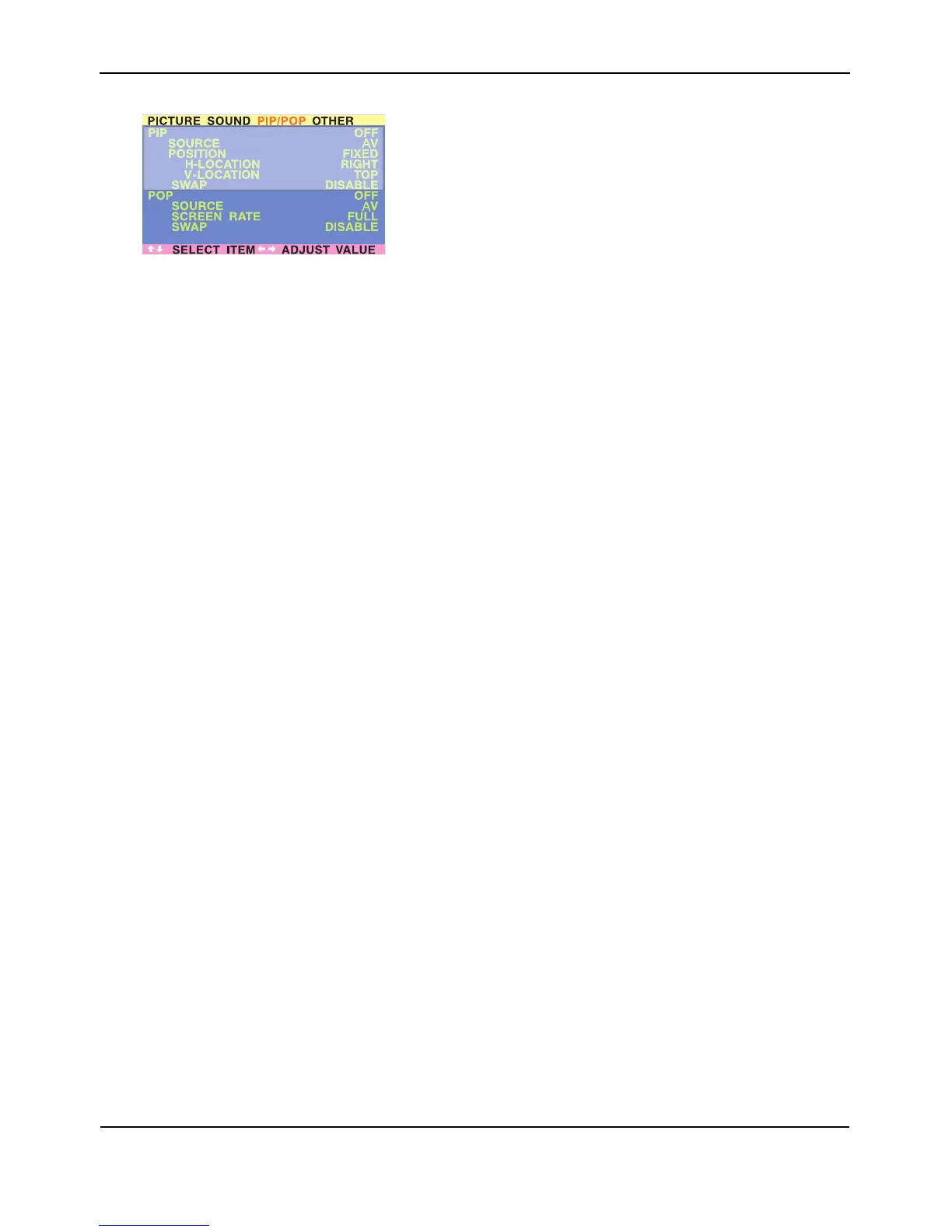
POP options:
■ POP On/Off
■ Input Source Selection
■ Screen Rate (Aspect Ratio Control)
When POP (Side-by-side) picture is turned on, you can change the
aspect ratio for the image displayed:
● Choose FULL to show a full screen image. The displayed image
may appear distorted because the monitor has to manipulate the
image so that it fits within the smaller window.
● Choose 4:3 to show an image in native 4:3 aspect ratio within the
POP windows. Small black bars are added in order to maintain a
true 4:3 aspect ratio.
● Choose 16:9 to show an image in wide-screen aspect ratio within
the POP windows. Small black bars are added in order to
maintain a true 16:9 aspect ratio.
■ PIP Window SWAP
■ By default, the OSD will always display DISABLE. To swap the main
(left) and sub (right) windows, use the ADJ +/- key to swith to
ENABLE. Once the swap is complete, the OSD will return to display
DISABLE.


 To Next Page