EasyManua.ls Logo

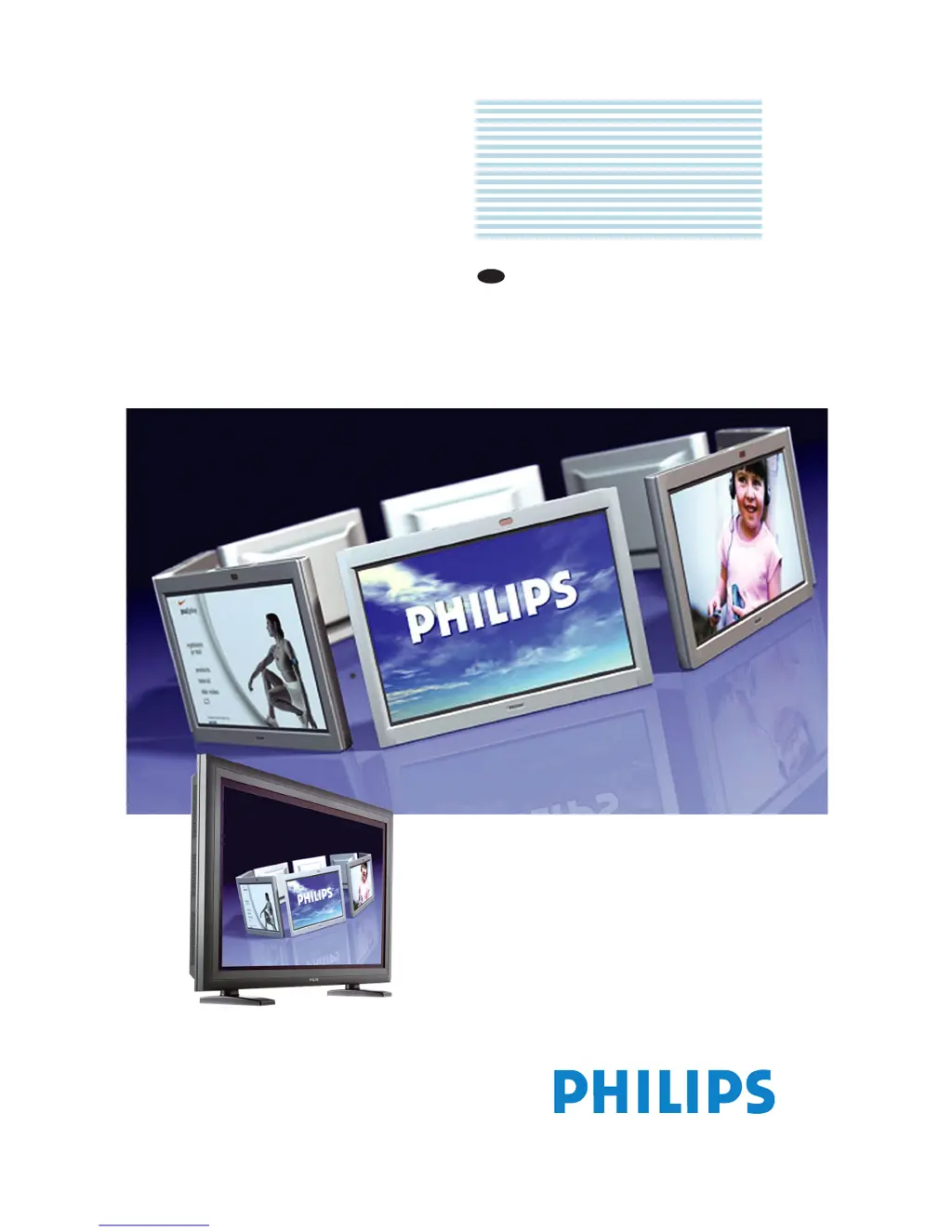
Philips BDH4222V - User Manual

Philips BDH4222V
64 pages
Print Icon
To Next Page IconTo Next Page
Loading...
Philips
Business
Solutions
User Manual
EN
TYPE Nr. BDH4222V
BDH4223V

Other manuals for Philips BDH4222V

Questions and Answers

Summary

Important Notes and Safety Instructions

Safety Instructions

General safety precautions for operating the apparatus.

Warnings and Precautions

Note to the CATV System Installer

Specific installation guidance for CATV system installers regarding grounding.

Cleaning & Care

End-of-Life Disposal

Guidance on recycling and proper disposal of the product at end of life.

Regulatory Notice

Product Features

Unpacking and Installation

Package Contents

List of items included in the product package.

Installation Notes

Important considerations for installing the monitor safely and properly.

Parts & Functions

Front View

Detailed description of the monitor's front panel components.

Rear View

Identification and explanation of rear panel connectors and ports.

Remote Control

Explanation of the remote control buttons and their functions.

Connections to External Equipment

Connecting a DVD Player

Instructions for connecting a DVD player using different input types.

Connecting a HDTV Decoder Set-Top Box

Instructions for connecting an HDTV set-top box via Component or RGB inputs.

Connecting a VCR

Instructions for connecting a VCR using S-Video or Composite inputs.

External Audio Connection

How to connect external speakers, amplifiers, or subwoofers.

Connecting a PC

Instructions for connecting a PC via RGB or DVI interfaces.

RS-232 Remote Control Connections

Details on connecting the monitor for remote control via RS-232.

Basic Functions

Powering On; Off

How to turn the monitor on and off using front panel or remote.

Selecting Signal Source

How to choose the active input signal for the display.

Adjusting Sound Volume

How to adjust the audio volume and use the mute function.

Understanding HDTV

Explanation of HDTV, EDTV, SDTV, and their technical specifications.

Advanced Functions

Picture-in-Picture (PIP); Side-by-Side Picture (POP)

How to use and configure Picture-in-Picture and Picture-on-Picture modes.

Widescreen (16:9 Aspect Ratio) Viewing Modes

How to adjust aspect ratios and zoom modes for different content types.

On-Screen Display (OSD) Settings

How to configure OSD display timeouts, background, and other settings.

Sleep Timer Settings

How to set the automatic power-off timer for the monitor.

Variable and Fixed Audio Output

How to set the audio output to variable or fixed levels.

Sound Adjustments

How to adjust bass, treble, balance, and other sound settings.

Signal Frequency Information Display

How to view the horizontal and vertical signal frequencies.

Picture Adjusting

How to adjust picture settings like contrast, brightness, color for different inputs.

For AV

Specific picture adjustments for AV input sources.

For Component Video

Specific picture adjustments for Component Video input sources.

For RGB; DVI

Specific picture adjustments for RGB and DVI input sources.

Optional Accessories

Technical Specifications

Specifications

Detailed technical specifications including display, power, and connections.

Mounting Materials

Information regarding wall and ceiling mounting hardware.

Cleaning and Troubleshooting

Cleaning

Detailed instructions for cleaning the monitor's front panel and cabinet.

Troubleshooting

Common problems and their solutions for the monitor.

Limited Warranty (EUR)

Limited Warranty (USA)

Philips BDH4222V Specifications

Picture/Display IconPicture/Display
panel size42" / 106.7cm
aspect ratio16:9
panel resolution1024 x 1024i
pixel pitch0.9 x 0.51 mm
brightness1100 cd/m²
contrast ratio1000:1
display colours16.7 million colours
viewing angle160º (H) / 160º (V)
effective viewing area921.6 x 522.24 mm
horizontal scanning frequency15 - 91 kHz
vertical scanning frequency50 - 85 Hz
Supported Display Resolution IconSupported Display Resolution
computer formats1280 x 1024 60, 75, 85Hz; 1280 x 960 60, 85Hz; 1024 x 768 60, 70, 75, 85Hz; 800 x 600 56, 60, 72, 75, 85 Hz; 720 x 400 70Hz; 640 x 480 60, 72, 75, 85 Hz; 640 x 480 60Hz
wvga852 x 480: 60 Hz
vga640 x 350: 70 Hz
mac 1152 x 87075 Hz
mac 832 x 62475 Hz
mac 640 x 48067 Hz
video formats480p 60Hz; 576p 50Hz; 1080i 50, 60Hz; 576i 50Hz; 480i 60Hz; 720p 50, 60Hz
Connectivity IconConnectivity
pcDVI-D x1, RS232 D-Sub9, VGA-in D-Sub 15HD, VGA-out D-Sub 15HD
av inputComponent (YPbPr) 2x, S-video x1, Composite (CVBS) x1, Audio (L/R) for YPbPr 2x
audio cinch outAnalog audio output L/R
audio input for dataAudio left / right (RCA) 2x
audio input for pcAudio Left/Right (RCA 2x)
audio outputSubwoofer Out, Stereo Audio (3.5 mm jack) 1x
Power IconPower
power consumption390 Watts (colour bar)
power supply100-240VAC, 50/60Hz
sleep mode consumption10 Watts Max.
Operating Environment IconOperating Environment
operating temperature range0°C to 40°C
storage temperature range-5°C to +45°C
relative humidity20% - 80%
lifetime to 50% brightness80, 000 hr
Weight and Dimensions IconWeight and Dimensions
dimensions with base1081 x 722 x 220 mm
dimensions without base1081 x 677 x 95 mm
weight31.2 kg

Related product manuals