User Manual BDH4222V/4223V
35
Notes:
● 4:3 and Panorama modes are not available when zoom mode is
activated.
● When using Component 1 and Component 2 inputs to display 576p,
1080i or 720p, Panorama mode is not available.
● When using RGB or DVI inputs, only 4:3 and 16:9 modes are
available.
● Do not stay in 4:3 mode for an extended period, as this may cause a
permanent after-image to remain on your screen.
Accessing Widescreen Viewing Modes using OSD
To access these modes using OSD:
1 Press the MENU +/- keys on the remote or the front control panel
of the monitor.
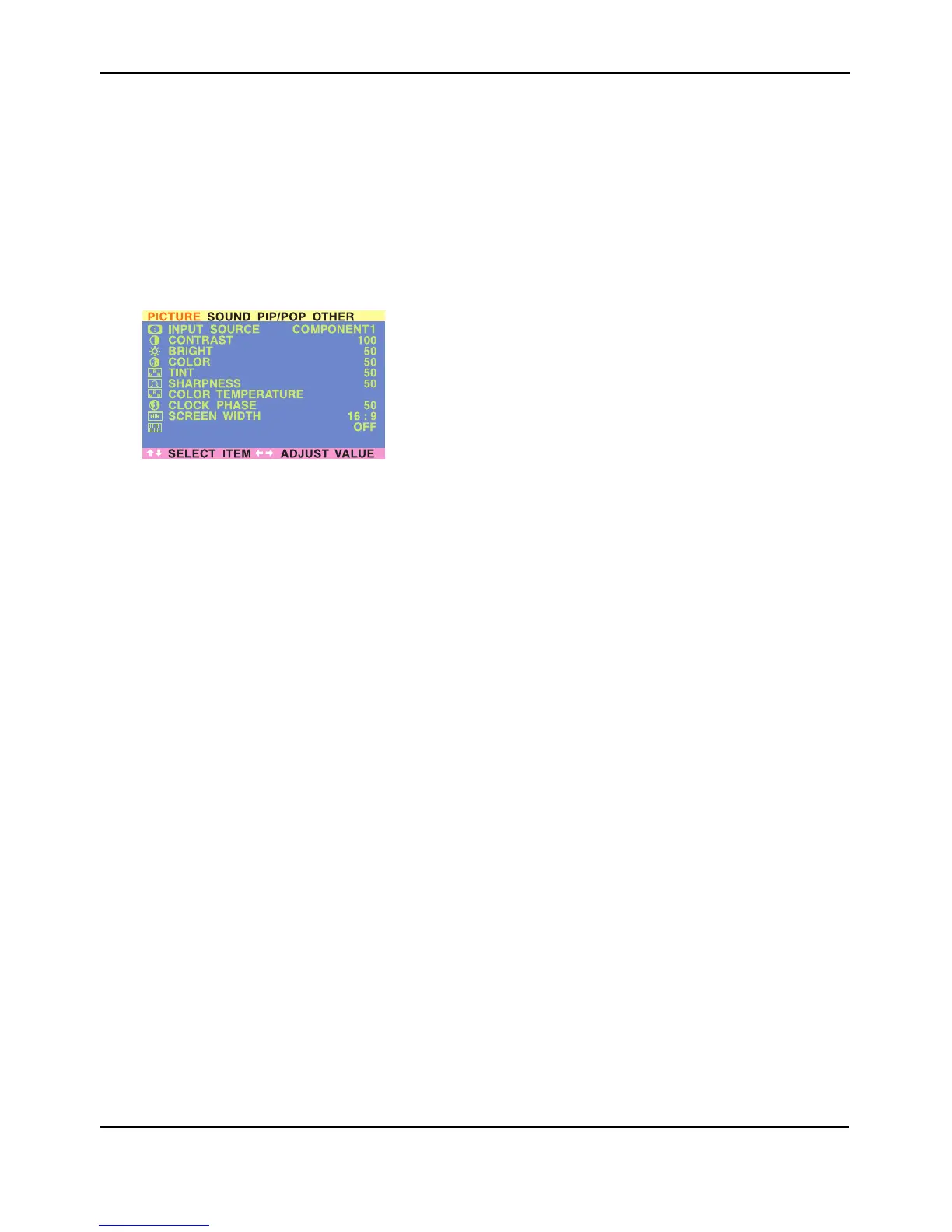
2 Make sure that the "Picture" OSD menu is displayed.
3 Use the MENU +/- keys to navigate to SCREEN WIDTH and use the
ADJ +/- keys to switch between: 16:9, 4:3, PANORAMA, ZOOM1,
ZOOM2, ZOOM3.
NOISE REDUCTION
NORMAL


 To Next Page