EasyManua.ls Logo

Philips BDP1200 - User Manual

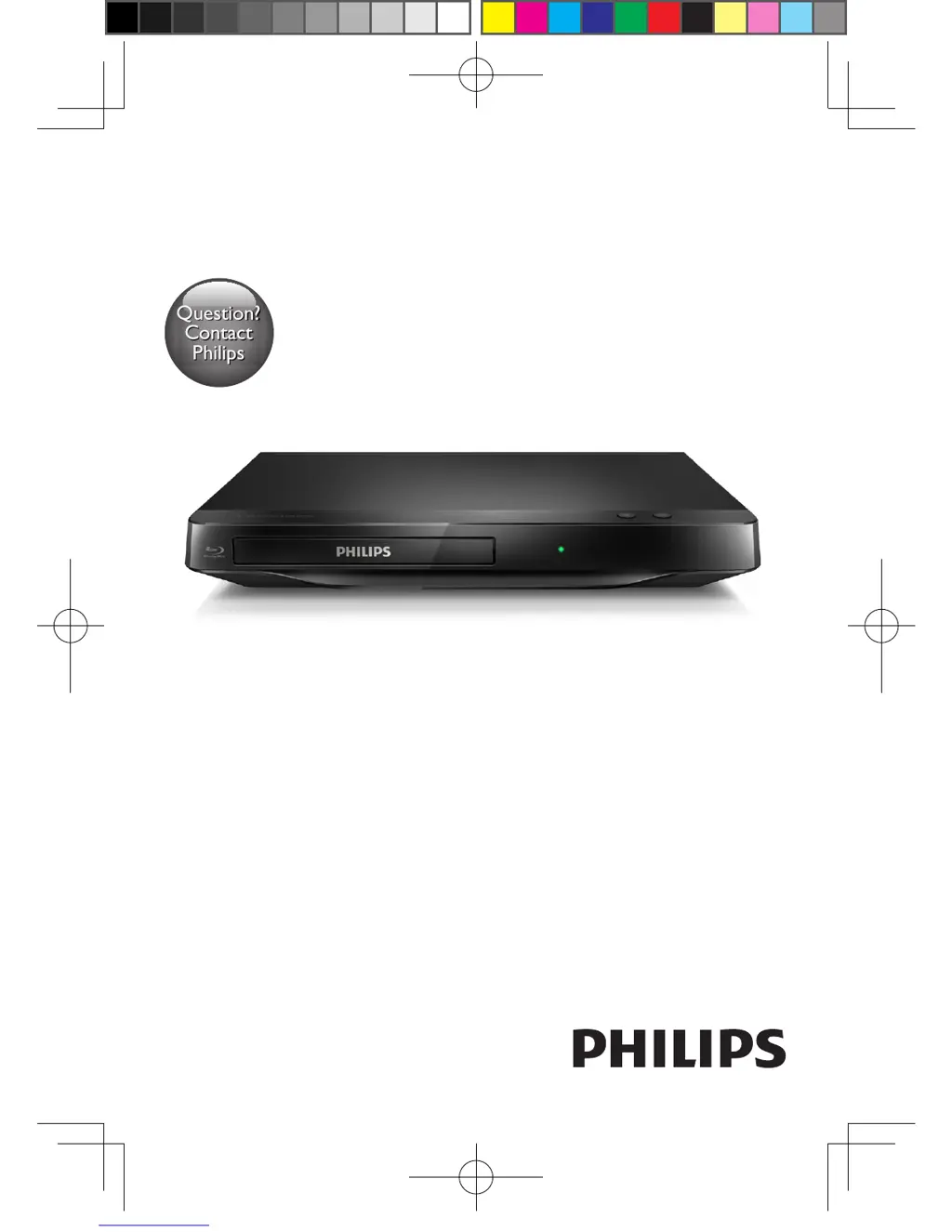
Philips BDP1200
36 pages
Print Icon
To Next Page IconTo Next Page
Loading...
BDP1200
Always there to help you
Question?
Contact
Philips
Register your product and get support at
www.philips.com/welcome
Register your product and get support at
User manual
BDP1200_98_UM_EN.indd 1
4/2/2014 11:55:26 AM

Questions and Answers

  • J
    James MccarthyJul 26, 2025
    How to fix a Philips BDP1200 that cannot play a disc?
    • P
      patricia81Jul 26, 2025
      If your Philips Blu-ray Player cannot play a disc, try the following: * Clean the disc. * Make sure the disc is correctly loaded. * Check that the player supports the disc type. * Verify that the player supports the region code of the DVD or BD.
  • M
    Megan PriceJul 30, 2025
    Why is there no picture on HDMI connection with my Philips Blu-ray Player?
    • B
      Brian WilsonJul 31, 2025
      If you have no picture on HDMI connection with your Philips Blu-ray Player: * Ensure the HDMI cable is not faulty and replace it if necessary. * On the remote control, press and then press “731” to recover picture display, or wait for 10 seconds for auto recovery. * If the player is connected to an unauthorized display device, the audio and video signals may not be output.
  • S
    Scott FletcherAug 4, 2025
    What to do if the buttons on my Philips BDP1200 Blu-ray Player do not work?
    • P
      Paula EsparzaAug 4, 2025
      If the buttons on your Philips Blu-ray Player do not work, disconnect the player from the power supply for a few minutes, and then reconnect it.
  • N
    Nicole RodriguezAug 7, 2025
    Why doesn't my Philips BDP1200 Blu-ray Player play high-definition video from a disc?
    • A
      Alexander PinedaAug 8, 2025
      Ensure that the disc you are trying to play on your Philips Blu-ray Player contains high-definition video.
  • J
    James ThompsonAug 12, 2025
    How to enable secondary audio output for Picture-in-Picture on Philips BDP1200 Blu-ray Player?
    • M
      Mark FloresAug 12, 2025
      When [Bitstream] under the [HDMI Audio] or [Digital Audio] menu is selected, interactive sound like secondary sound for Picture-in-Picture feature is muted. Deselect [Bitstream] on your Philips Blu-ray Player.
  • J
    John GonzalezAug 16, 2025
    What does ‘No entry’ or ‘x’ sign mean on Philips BDP1200 Blu-ray Player?
    • B
      Brittany DavisAug 17, 2025
      The ‘No entry’ or ‘x’ sign displayed on the TV when using your Philips Blu-ray Player indicates that the operation you are attempting is not possible.
  • R
    Raymond SnyderAug 21, 2025
    Why can't I play files from my USB device on my Philips BDP1200 Blu-ray Player?
    • D
      Dana MathewsAug 21, 2025
      This Philips Blu-ray Player cannot play any audio/video/photo file stored on a USB device. USB connection works only for software updates and BonusView contents.

Summary

Product Safety and Important Notices

Risk of Electric Shock and Fire Hazards

Precautions to prevent electrical hazards and fire.

Risk of Short Circuit and Fire

Precautions to prevent short circuits and fires.

Risk of Injury and Product Damage

Warnings to prevent personal injury and product damage.

Additional Safety Precautions

Risk of Overheating

Precautions regarding product ventilation and heat.

Risk of Contamination

Warnings about battery handling and disposal.

Risk of Swallowing Batteries

Warnings about battery ingestion hazards for children.

Using Your Blu-ray Disc;DVD Player

Player Operations and Initial Settings

Detailed Video Settings

Audio and Feature Settings

Changing Player Settings

Player Settings Details

Software Updates and Specifications

Troubleshooting Common Issues

Troubleshooting Specifics

Philips BDP1200 Specifications

General IconGeneral
Depth203 mm
Power11 W
Width310 mm
Height44 mm
Weight1077 g
Full HDYes
Device typeBlu-Ray player
Aspect ratio21:9
Product colorBlack
Audio decodersDolby Digital 5.1, Dolby Digital Plus, Dolby TrueHD, DTS 2.0
Package weight1180 g
DVD region code1
AC input voltage110 V
AC input frequency60 Hz
Blu-ray region codeA
Disc types supportedBD, CD, DVD
Playback disc formatsSVCD, VCD
Supported video modes1080p
Card reader integratedNo
USB 2.0 ports quantity0
Video formats supported-
Power consumption (standby)1 W
On Screen Display (OSD) languagesENG, ESP
Audio output channels- channels

Related product manuals