EasyManua.ls Logo

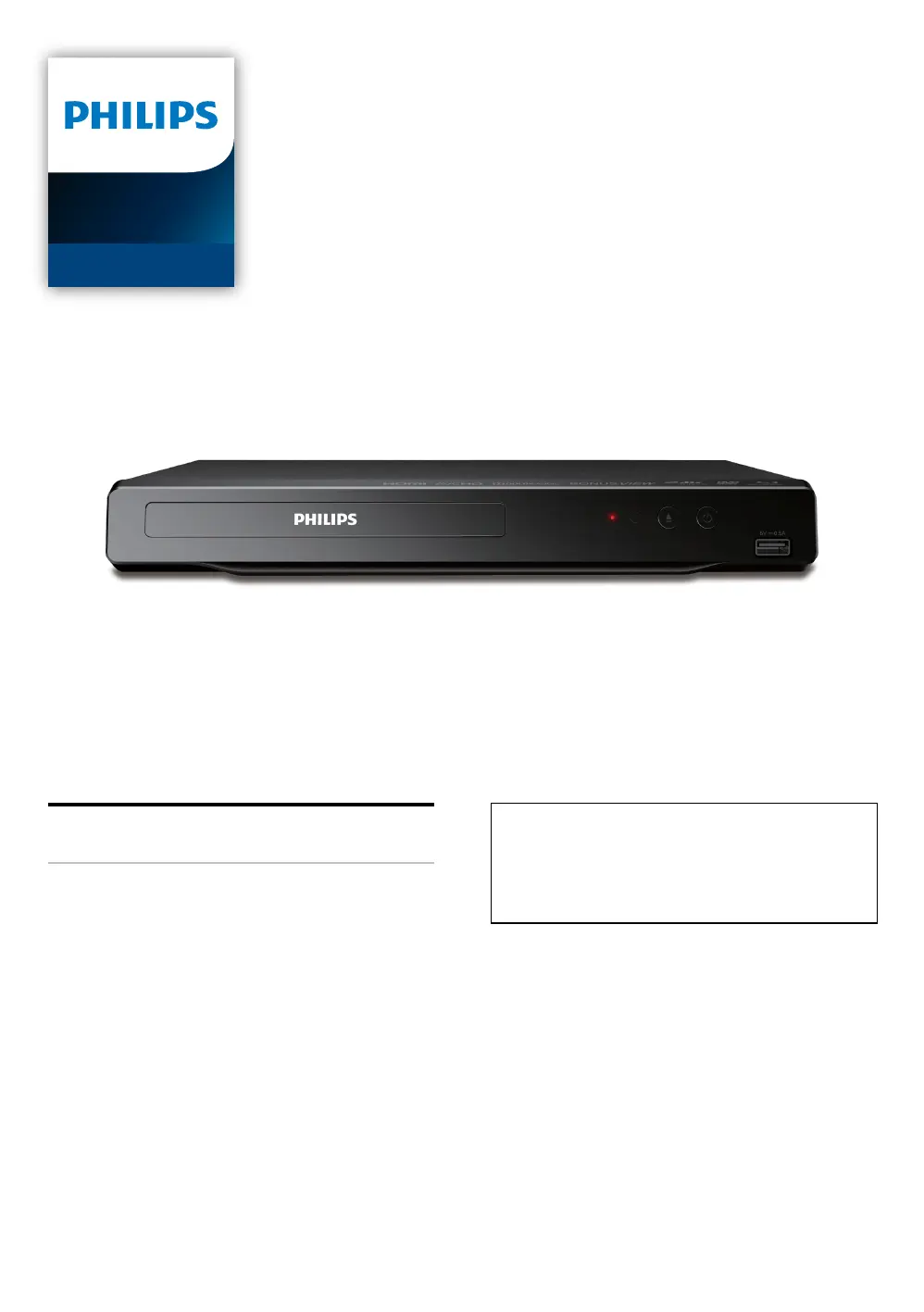
Philips BDP1502 - User Manual

Philips BDP1502
52 pages
Print Icon
To Next Page IconTo Next Page
Loading...
Register your product and get support at
www.philips.com/welcome
User Manual
BDP1502
Blu-ray Disc™ /
DVD Player
For further assistance, call the customer
support service in your country.
To obtain assistance, contact Philips Customer
Care Center;
In the U.S.A., Canada, Puerto Rico, or the U.S.
Virgin Islands; 1- 866-515-1124

Questions and Answers

  • D
    Dr. Janice GatesSep 15, 2025
    Why Philips BDP1502 Blu-ray Player cannot read a USB memory stick?
    • J
      Jacob DiazSep 16, 2025
      If your Philips Blu-ray Player cannot read a USB memory stick, the format of the USB memory stick may not be compatible with this unit. If the USB memory stick has been formatted on a PC or another device, the file system may be incompatible. This unit supports the FAT16 / FAT32 file systems.
  • R
    randy71Aug 25, 2025
    What to do if Philips Blu-ray Player has no sound or picture?
    • B
      Brendan PetersonAug 25, 2025
      If your Philips Blu-ray Player shows no sound or picture, ensure that both the TV and the Blu-ray Disc player are turned on. Verify that the connections to the TV are correctly made. Also, check if the connected TV or another device supports HDCP, as the unit will not output a video signal unless the other device supports HDCP.
  • E
    Eric WrightAug 25, 2025
    Why Philips BDP1502 has no audio or distorted sound?
    • G
      Gina YangAug 26, 2025
      If your Philips Blu-ray Player has no sound or distorted sound, first adjust the volume. Then, check if the speakers are connected correctly and inspect the HDMI connection. Ensure the HDMI cable is not plugged into an HDMI-DVI adapter or projector that does not handle digital sound. Lastly, check the settings in the “Audio” menu.
  • L
    Lisa HobbsAug 26, 2025
    How to fix Philips BDP1502 Blu-ray Player not reacting to the remote control?
    • M
      Michelle BranchAug 27, 2025
      If your Philips Blu-ray Player is not reacting to the remote control, try reducing the distance to the infrared sensor window. Ensure the player’s AC power cord is plugged into a power outlet. Check the batteries in the remote control to make sure they are correctly inserted (+/- symbols).
  • A
    Anna ZunigaSep 16, 2025
    Why Philips BDP1502 cannot play back photo files from a disc?
    • G
      gwuSep 16, 2025
      If your Philips Blu-ray Player cannot play back photo files from a disc, make sure that the disc was recorded in the UDF, ISO9660, or JOLIET format.
  • M
    Maria HarrisSep 23, 2025
    Why there is no audio signal from surround system of the audio system with Philips BDP1502?
    • P
      parksmatthewSep 23, 2025
      If there is no audio signal from the surround system of the audio system with your Philips Blu-ray Player, make sure the audio system is turned on. Check the input mode on the audio system to ensure it is on the correct channel. Verify if the surround system is compatible with either Bitstream or LPCM. Increase the volume level of the surround system.
  • J
    Jessica PerezSep 8, 2025
    Why does an error message appear when I select “Auto” in the “Menu Language” on Philips Blu-ray Player?
    • A
      Austin KiddSep 8, 2025
      An error message may appear when you select “Auto” in the “Menu Language” on your Philips Blu-ray Player if the unit is not connected to a TV that is compatible with HDMI CEC and the “EasyLink” is not set to “On”. This error message may also appear when your TV's OSD language is not supported by this unit.
  • J
    Jessica AllenSep 9, 2025
    Why Philips Blu-ray Player cannot play back AVCHD file?
    • J
      James PriceSep 9, 2025
      Your Philips Blu-ray Player cannot play back stand-alone AVCHD files (*.m2ts, *.mts or *.m2t) written to a DVD. The DVD containing AVCHD files must have a proper file and folder structure meeting AVCHD format specifications. Please use AVCHD compliant device / software to burn or copy AVCHD files to DVD.
  • W
    whughesSep 2, 2025
    Why Philips Blu-ray Player shows completely distorted picture or black / white picture with Blu-ray Disc™ / DVD?
    • K
      kobrienSep 2, 2025
      If your Philips Blu-ray Player shows a completely distorted picture or a black and white picture with a Blu-ray Disc or DVD, make sure the disc is compatible with this unit.
  • C
    combsspencerAug 31, 2025
    What to do if Philips Blu-ray Player picture freezes momentarily during disc playback?
    • N
      Nicole GonzalezSep 1, 2025
      If the picture on your Philips Blu-ray Player freezes momentarily during disc playback, check the disc for fingerprints or scratches. Clean the disc with a soft cloth, wiping from the center to the outer edge.

Summary

Introduction and Safety Guidelines

Safety Instructions and Symbols

Details on product safety, registration benefits, important symbols, and customer reference information.

Copyright and Usage Information

Information regarding copyright protection technology and product handling guidelines.

Product Features and Functional Overview

Key Features and Capabilities

Describes the main functionalities like Blu-ray, DVD upscaling, multi-channel sound, and USB playback.

Panel Layouts and Remote Control

Details front/rear panel components and explains the remote control functions.

Connections and Initial Setup

Connecting to TV and Audio Systems

Guides on establishing HDMI connections for audio and video output to TV and sound systems.

Initial Setup and Language

Steps for initial device setup, including language selection and voice guide configuration.

Media Playback and Operations

Supported Media and File Formats

Lists all playable discs, AVCHD, JPEG, PNG, FLAC, and WAV files supported by the unit.

Basic and USB Playback

Instructions for playing discs and USB content, including playback controls and resume-on-stop.

Advanced Playback and System Settings

Special Playback Functions

Details on advanced playback controls including navigation, search, repeat, shuffle, camera angles, subtitles, and audio options.

System Settings and Customization

Guides through various settings including video, audio, preference, parental control, and accessibility options.

Troubleshooting and Maintenance Procedures

Problem Solving Guide

Common issues and their solutions, covering power, sound, picture, remote control, and playback errors.

Cleaning and Servicing Procedures

Instructions for cleaning the unit, discs, and lens, plus advice on when to seek professional servicing.

Technical Specifications and Warranty

Technical Specifications

Details on signal system, power requirements, consumption, dimensions, weight, and operating conditions.

Limited Warranty Information

Explains the 90-day limited warranty coverage, exclusions, and how to obtain assistance.

Philips BDP1502 Specifications

General IconGeneral
Depth201 mm
Width280 mm
Height41 mm
Weight1000 g
Device typeBlu-Ray player
Aspect ratio4:3, 16:9
Product colorBlack
Audio decodersDTS, DTS 2.0, Dolby Digital
Package weight1400 g
Playback modesPause, Play, Repeat, Slow forward, Stop
DVD region code1
Video upscalingYes
AC input voltage120 V
AC input frequency60 Hz
Blu-ray region codeA
Playback disc typesCD, CD-R, CD-RW, DVD, DVD-R, DVD-RW
Disc types supportedBD, CD, CD-R, CD-RW, DVD, DVD-R, DVD-RW
Playback disc formatsBlu-Ray video, DVD-Video
Supported video modes1080p
Card reader integratedNo
USB 2.0 ports quantityUSB 2.0 ports have a data transmission speed of 480 Mbps, and are backwards compatible with USB 1.1 ports. You can connect all kinds of peripheral devices to them.
Audio formats supportedFLAC, PCM, WAV
Gross weight (imperial)3.1 lbs
Image formats supportedJPG, PNG
Video formats supportedAVCHD, H.264, MPEG2
Digital audio coaxial out-
Digital audio optical out0
Dimensions (W x D x H) (imperial)11.1 x 8 x 1.7 \
On Screen Display (OSD) languagesENG, ESP, FRE
Consumer Electronics Control (CEC)EasyLink
Audio output channels- channels
Depth (imperial)11.1 \
Width (imperial)1.7 \
Height (imperial)8 \

Related product manuals