EN 27
8.8. Title / chapter search
[BD Video]
BD
VIDEO
BD
VIDEO
[DVD Video]
DVD
VIDEO
DVD
VIDEO
[AVCHD]
AVCHDAVCHD
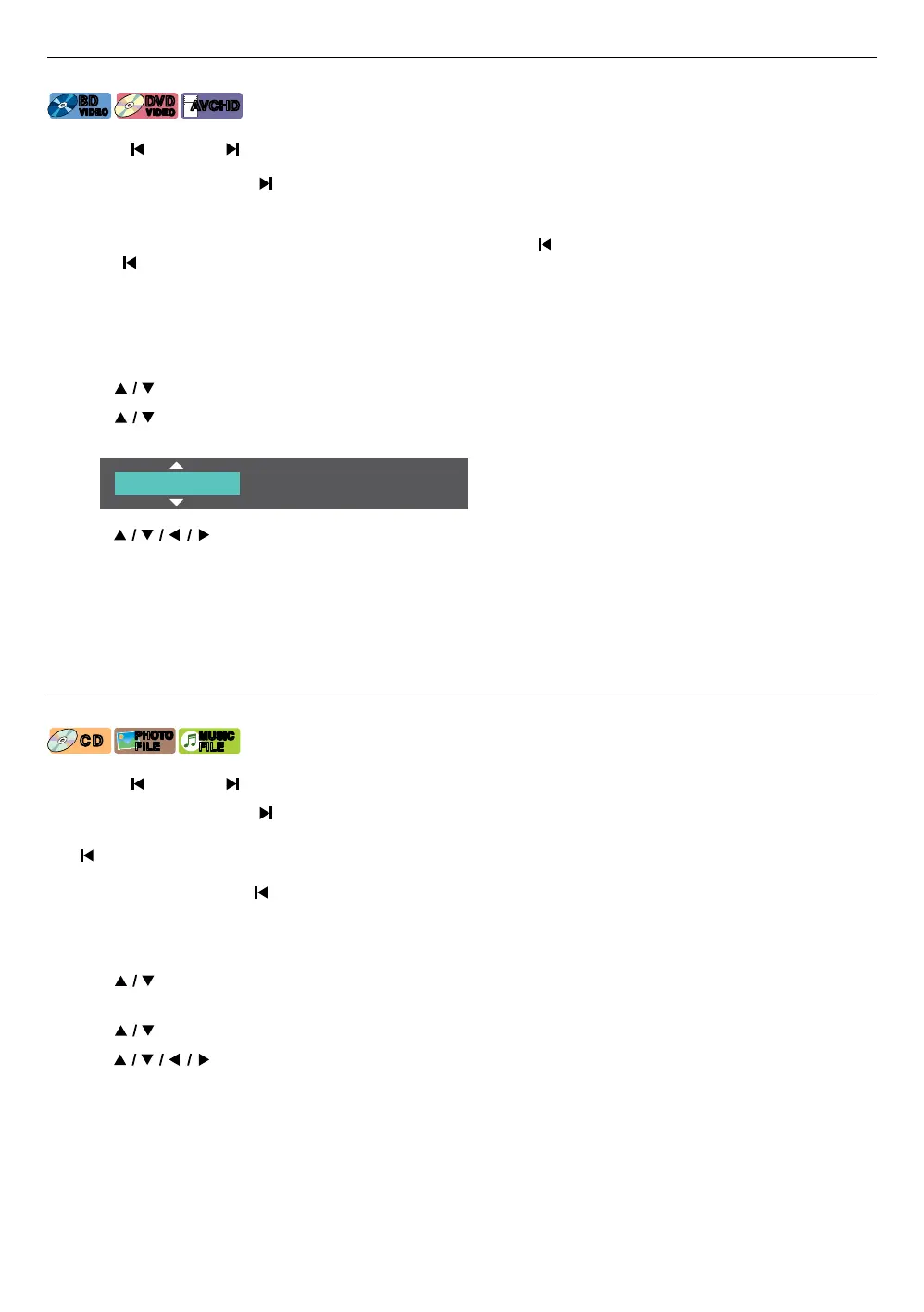
C Using [ (SKIP)] / [ (SKIP)]
1. During playback, press [ (SKIP)] to skip the current title or chapter and move to the next.
The title or chapter will move forward one at a time.
• If there is no chapter in a title, the current title may be skipped.
To go back to the beginning of the current title or chapter, press [ (SKIP)].
Press [ (SKIP)] repeatedly to go to the previous title or chapter. The title or chapter may move backward one at
a time.
C Using “Search˝
1. During playback, press [OPTIONS] to display the play menu.
2. Use [
] to select “Search”, then press [OK].
3. Use [
] to select “Title” or “Chapter”, then press [OK].
e.g.) Blu-ray Disc™
Title 001/025
4. Use [ ] to select the title / chapter number, then press [OK].
Playback will start from the beginning of the title / chapter.
NoteD
• As for BD-video, how it performs is strongly determined by the disc, and may not perform as described.
• For DVD, title search can be performed on the home menu by pressing [OPTIONS] while in stop mode or
resume-on-stop mode.
8.9. Track / file search
[CD]
C DC D
[JPEG]
PHOTO
FILE
PHOTO
FILE
[MUSIC]
MUSIC
FILE
MUSIC
FILE
C Using [ (SKIP)] / [ (SKIP)]
1. During playback, press [ (SKIP)] to skip the current track or file and move to the next.
The track / file will move forward one at a time. To go back to the beginning of the current track / file, press
[ (SKIP)].
Press it repeatedly to go to the previous track / file. The track / file will move backward one at a time.
• For photo files, press [ (SKIP)] once to go to the previous file.
C Using “Search˝
1. During playback, press [OPTIONS] to display the play menu.
2. Use [
] to select “Search”, then press [OK].
• For photo files, skip to step 4.
3. Use [ ] to select “Track”, then press [OK].
4. Use [
] to select the track number, then press [OK].
Playback will start from the beginning of the track.



 To Next Page