27EN
3 Update software
Before you update the software of this player, check the current software version:
• Press , and then select [Setup] > [Advanced] > [Version information], and
press OK.
Update software via USB
1 Check the latest software version on www.philips.com/support.
• Search for your model and click on “Software and drivers”.
2 Download the software into a USB storage device.
a Unzip the download, and make sure that the unzipped folder is named
“UPG”.
b Put the “UPG” folder in the root directory.
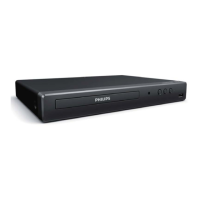
3 Connect the USB storage device to the USB connector on the back of this player.
4 Press , and select [Setup].
5 Select [Advanced] > [Software update]> [USB].
» If an upgrade media is detected, you are prompted to start the update.
6 Follow the instructions on the TV screen to update the software.
» When the update is complete, this player automatically turns off and on
again.
Caution
• Do not turn off the power or remove the USB storage device when the software update is in
progress because you might damage this player.
4 Specifications
Note
• Specicationsaresubjecttochangewithoutnotice
Region code
This player can play discs with the following region codes.



 To Next Page