EN 28
8.4. Repeat Playback
Available repeat functions vary depending on the disc.
1. During playback, press [OPTIONS] to display the Play Menu.
2. Use [
] to select “Repeat” then press [OK].
3. Use [
] to select the desired repeat mode.
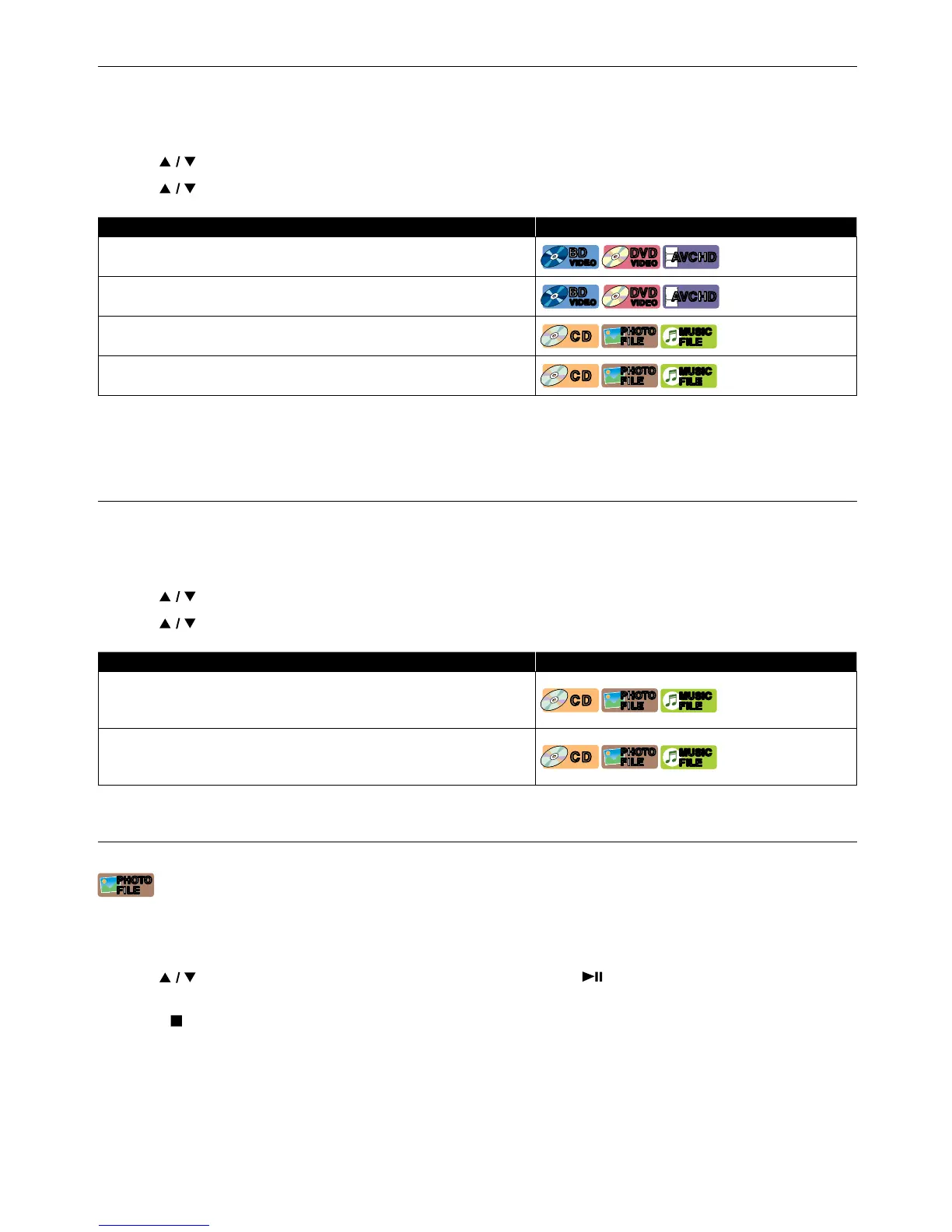
REPEAT MODE AVAILABLE MEDIA
Chapter Repeat
[BD Video]
BD
VIDEO
BD
VIDEO
[DVD Video]
DVD
VIDEO
DVD
VIDEO
[AVCHD]
AVC HDAVC HD
The current Chapter will be played back repeatedly.
Title Repeat
[BD Video]
BD
VIDEO
BD
VIDEO
[DVD Video]
DVD
VIDEO
DVD
VIDEO
[AVCHD]
AVC HDAVC HD
The current Title will be played back repeatedly.
Track Repeat
[CD]
CDCD
[JPEG]
PHOTO
FILE
PHOTO
FILE
[MUSIC]
MUSIC
FILE
MUSIC
FILE
The current Track or File will be played back repeatedly.
All Repeat
[CD]
CDCD
[JPEG]
PHOTO
FILE
PHOTO
FILE
[MUSIC]
MUSIC
FILE
MUSIC
FILE
All Tracks in the media will be played back repeatedly.
4. Press [OPTIONS] to Exit.
NoteD
• The repeat setting will be cancelled when you stop playback.
8.5. Shuffle / Random Playback
Available Shuffle and Random functions vary depending on the disc.
1. During playback, press [OPTIONS] to display the Play Menu.
2. Use [
] to select “Mode”, then press [OK].
3. Use [
] to select the desired Playback mode, then press [OK].
SHUFFLE / RANDOM MODE AVAILABLE MEDIA
Shuffle Playback
[CD]
CDCD
[JPEG]
PHOTO
FILE
PHOTO
FILE
[MUSIC]
MUSIC
FILE
MUSIC
FILE
Plays all Songs or Photo / Music files in the current folder one
at a time in Random order.
Random Playback
[CD]
CDCD
[JPEG]
PHOTO
FILE
PHOTO
FILE
[MUSIC]
MUSIC
FILE
MUSIC
FILE
Plays all Songs or Photo / Music files in the current folder
repeatedly in Random order.
4. Press [OPTIONS] to Exit.
8.6. Slide Show
[JPEG]
PHOTO
FILE
PHOTO
FILE
1. Follow steps 1 and 2 in “Playing Back a Disc” on page 24.
2. Open the folder which contains the desired Photo files.
3. Use [
] to select a desired file to be played back, then press [ (PLAY/PAUSE)] or [OK].
• An image will be played back from the selected file.
4. Press [ (STOP)] to Stop playback.
NoteD
• Large-size Photo files take time to load before being displayed on the screen.



 To Next Page