EN 31
8.11. Time Search
[BD Video]
BD
VIDEO
BD
VIDEO
[DVD Video]
DVD
VIDEO
DVD
VIDEO
[CD]
CDCD
[AVCHD]
AVC HDAVC HD
[MUSIC]
MUSIC
FILE
MUSIC
FILE
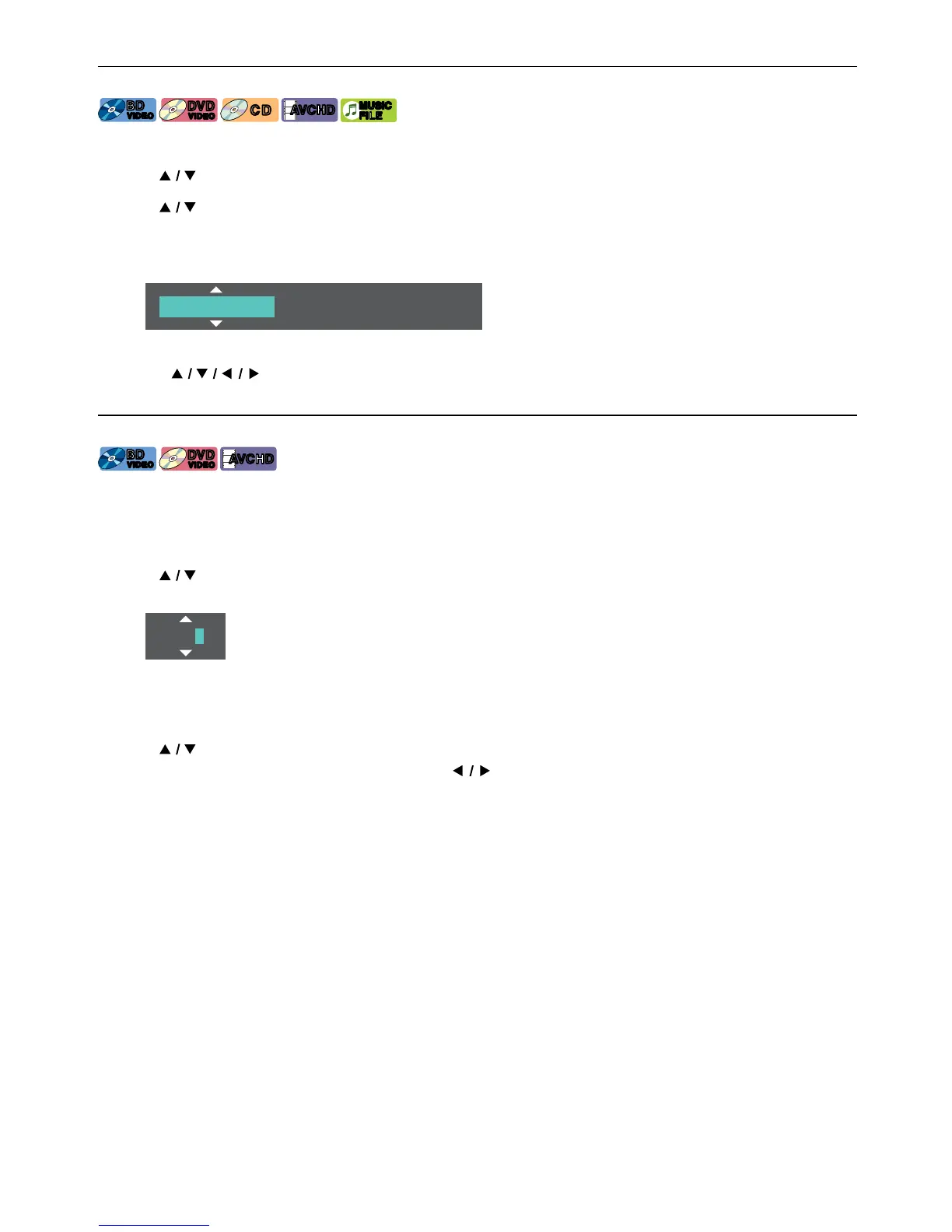
1. During playback, press [OPTIONS] to display the Play Menu.
2. Use [
] to select “Search”, then press [OK].
3. Use [
] to select Time Search, then press [OK].
• Blu-ray Disc™ / DVD-Video / AVCHD: “Title Time” or “Chapter Time”.
Audio CD: “Track Time” or “Disc Time”.
e.g.) Blu-ray Disc™
Title Time 0 0 : 0 0 : 0 0 / 0 2 : 0 3:45
4. Enter the time count you want to jump to.
• Use [ ] to enter the time count, then press [OK].
Playback will start from the desired time entered.
8.12. Number Select Search
[BD Video]
BD
VIDEO
BD
VIDEO
[DVD Video]
DVD
VIDEO
DVD
VIDEO
[AVCHD]
AVC HDAVC HD
Some BD-videos and DVD-videos or AVCHD files have button menus to jump to each button displayed scene.
During playback the scenes which have the button menu, you can enter the button number by using the Number
Select Menu.
1. During playback, press [OPTIONS] to display the Play Menu.
2. Use [
] to select “Number Select”, then press [OK].
e.g.) Blu-ray Disc™
0000
• For BD-Java, a single-digit Number Select Menu is displayed.
• For DVD, a double-digit Number Select Menu is displayed.
• For BD-videos and AVCHD files, the Number Select Menu is displayed even if there is no button menu in the
scene.
3. Use [ ] to enter the number you want to jump to.
• To move to the digit you wish to change, press [ ] .
4. After all digits are entered, press [OK].
Playback of the selected scene will start.
NoteD
• As for the BD-video, how it performs is strongly determined by the disc, and may not perform as described.



 To Next Page