EN 36
In “Setup”, you can customize various kinds of settings as you prefer.
Refer to the following instructions to navigate through the Setup Menu.
1. Press [ (HOME)] to access the Home Menu.
2. Use [
] to select “Setup”, then press [OK].
3. Use [
] to select the desired Category, then press [OK].
4. Use [
] to move up and down the list to select Menus / Options.
5. To make a selection or to access options of an item, select the desired item, then press [OK].
• To go back to the previous screen, press [BACK].
6. Press [ (HOME)] to Exit.
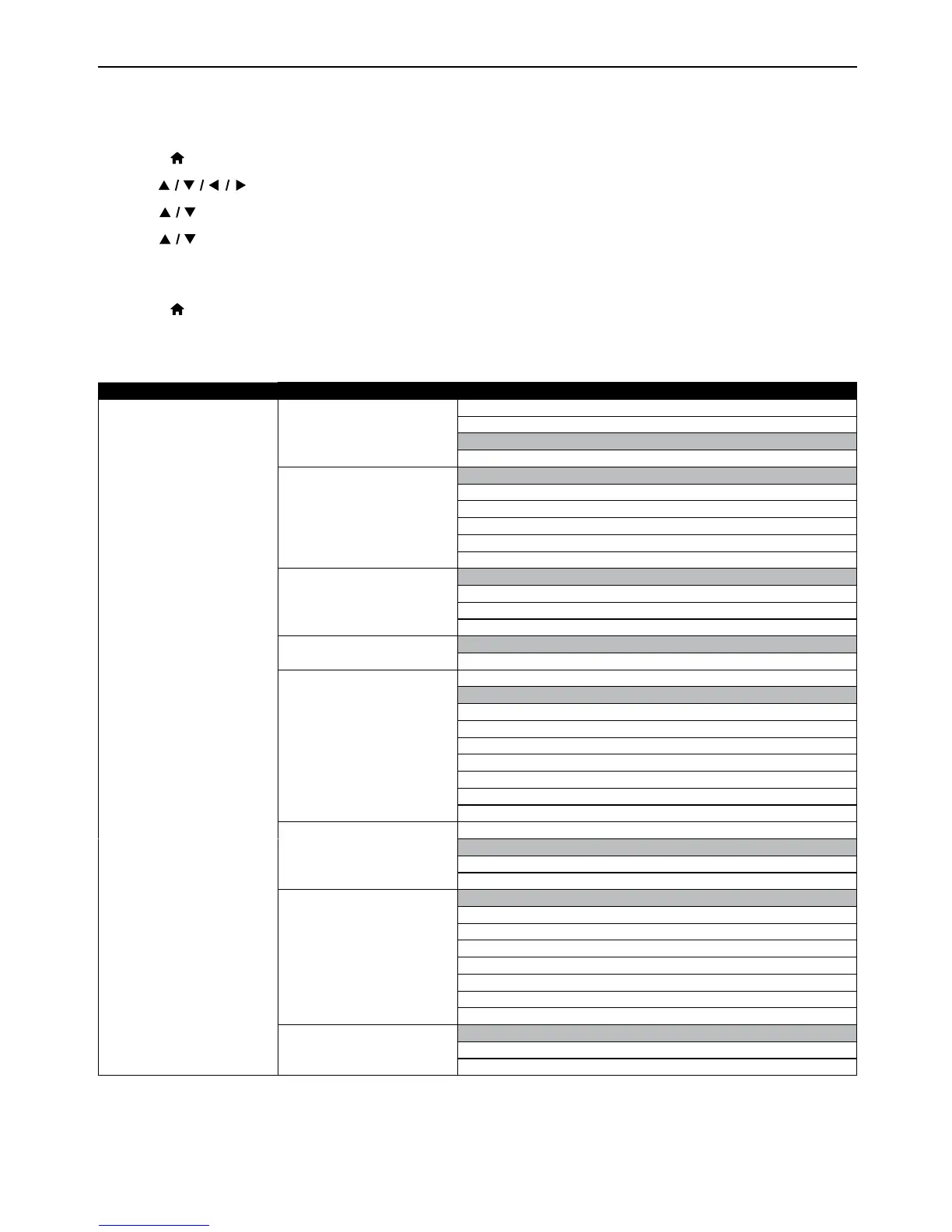
Refer to the following table for the types of settings you can customize.
The item highlighted in gray is the default setting.
Category Menus / Options
Video TV Display 4:3 Normal
4:3 Cr
op
16:9 Widescreen
16:9 Squeeze
HDMI Video Auto
480p
720p
1080i
1080p
1080p/24
Noise Reduction 0
1
2
3
CC Style Auto
Custom
CC Font Color Default
White
Black
Red
Green
Blue
Yellow
Magenta
Cyan
CC Font Size Default
Standard
Small
Large
CC Font Style Default
Monospaced with serifs
Proportionally spaced with serifs
Monospaced without serifs
Proportionally spaced without serifs
Casual
Cursive
Small capitals
CC Font opacity Solid
Translucent
Transparent
10. LIST OF SETTINGS
continued on next page



 To Next Page