EasyManua.ls Logo

Philips BDP2501 - Page 37

Philips BDP2501
62 pages
Print Icon
To Next Page IconTo Next Page
To Previous Page IconTo Previous Page
Loading...
EN 37
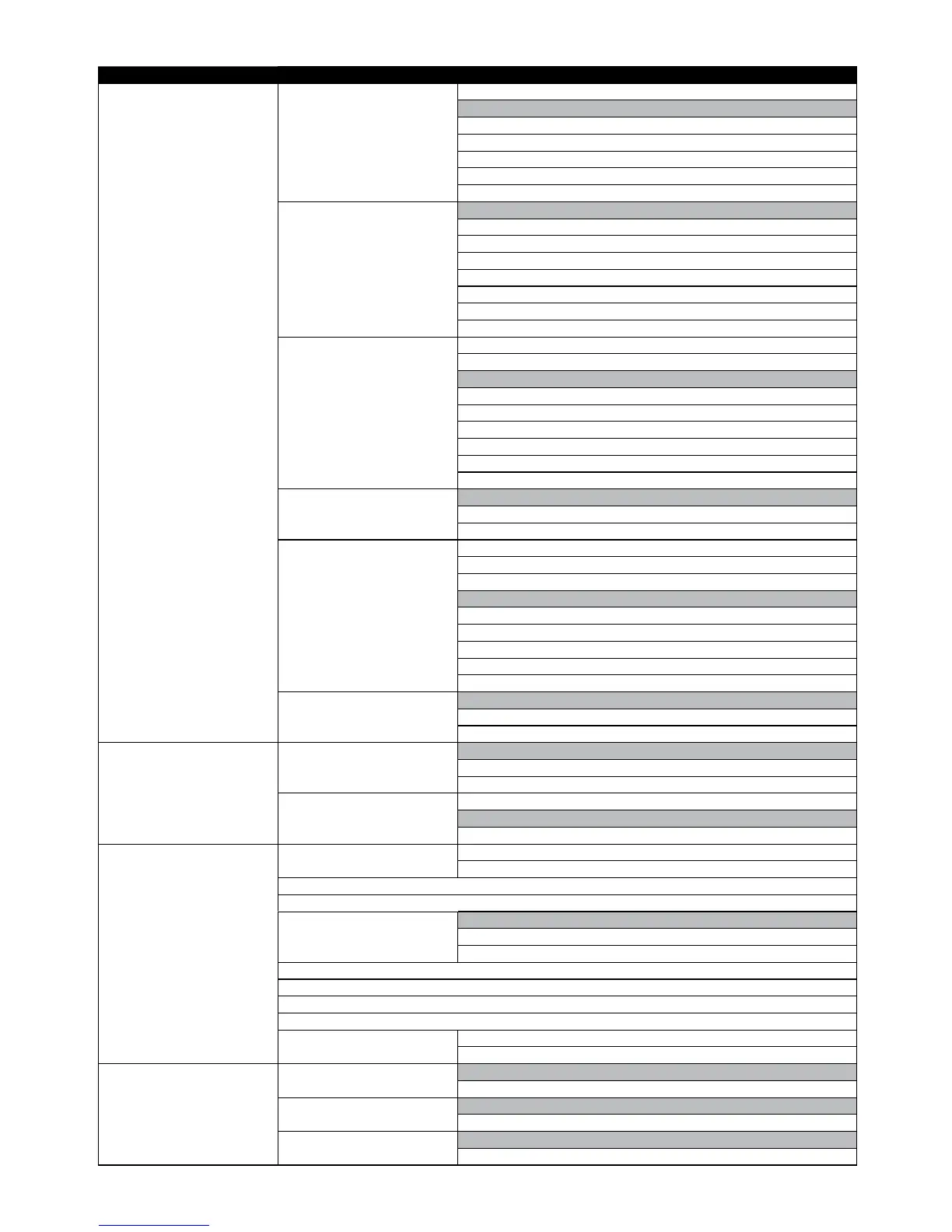
Category Menus / Options
Video CC Font outline Default
None
Rais
ed
Depressed
Uniform
Left drop shadowed
Right drop shadowed
CC Font outline color White
Black
Red
Green
Blue
Yellow
Magenta
Cyan
CC Background color Default
White
Black
Red
Green
Blue
Yellow
Magenta
Cyan
CC Background opacity Solid
Translucent
Transparent
CC Window color Default
White
Black
Red
Green
Blue
Yellow
Magenta
Cyan
CC Window opacity Solid
Translucent
Transparent
Audio Night Mode Auto
On
Off
HDMI Audio Bitstream
LPCM
Re-encode
Network Network Installation Start
Connection Test
View Network Settings
View Wireless Settings
BD-Live Setting Allow
Limited Allow
Prohibit
Digital Rights Mgmt
Terms of Use
Netflix ESN
Unit Name
Deactivation Netflix
YouTube
EasyLink EasyLink On
Off
One Touch Play On
Off
One Touch Standby On
Off

Other manuals for Philips BDP2501

Related product manuals