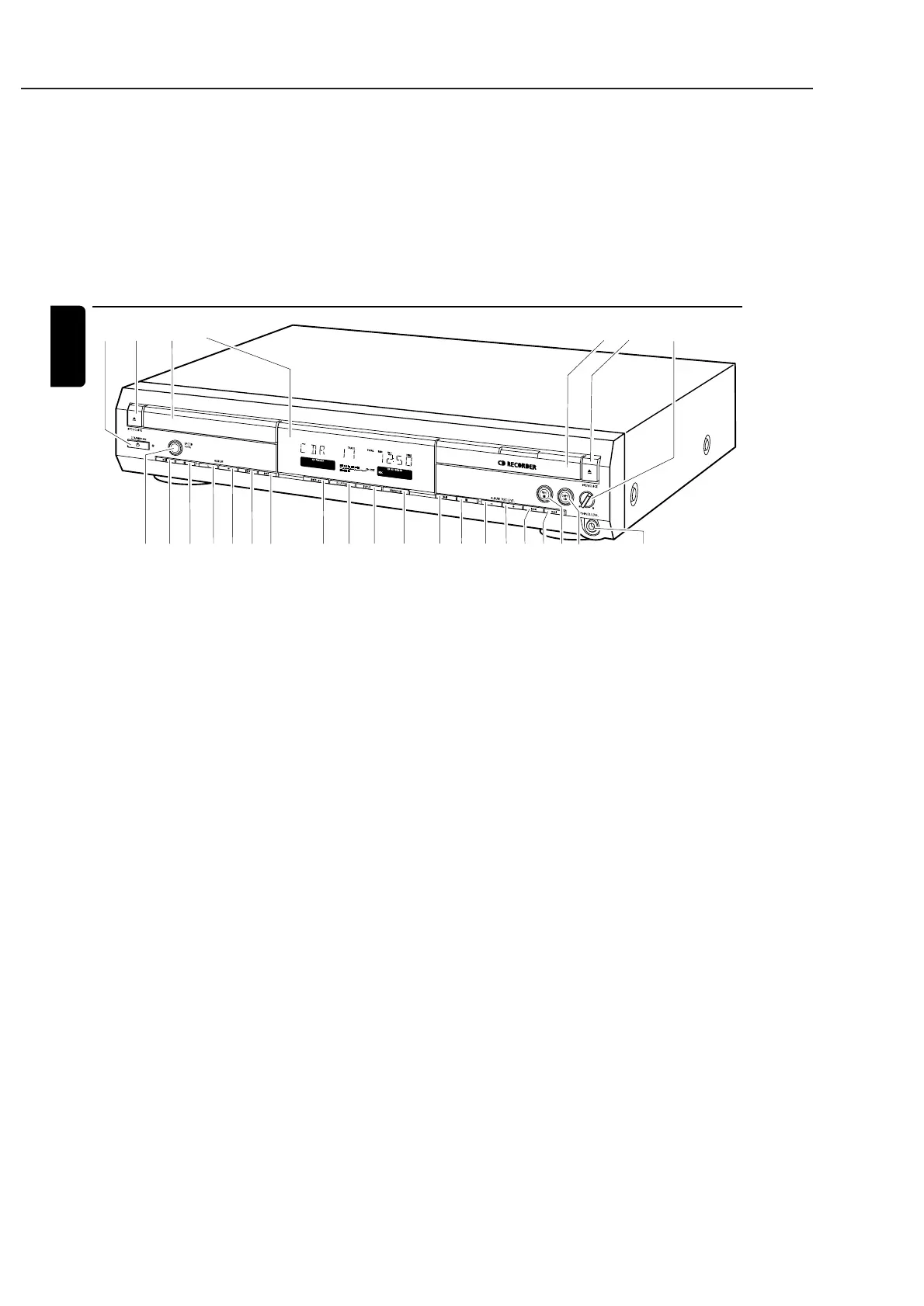
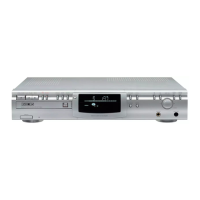
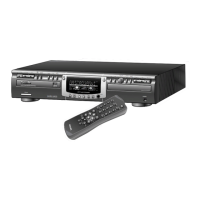
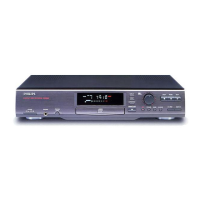
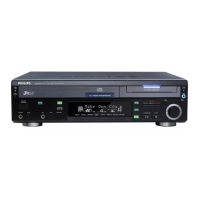
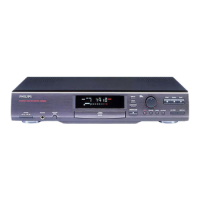
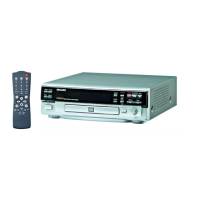
1 y STANDBY·ON
switches the unit on/to standby
2 / OPEN/CLOSE
opens/closes the CD player drawer
3 CD player drawer
4 display
5 CD RECORDER
CD recorder drawer
blue light on: CD recorder is selected
red light on: recording in progress
6 / OPEN/CLOSE
opens/closes the CD recorder drawer
7 PHONES/LEVEL
adjusts the headphone volume
8 PHONES/LEVEL
6.3 mm headphone jack
9 COPY CD
selects recording and automatic finalizing of current CD
0 REC 0
selects other recording modes
! ¢
CD recorder: selects the next track, searches forward
@ 4
CD recorder: selects the previous track, searches backward
# ALBUM/REC LEVEL+
CD recorder: selects the next album on an MP3-CD,
increases the recording level
$ ALBUM/REC LEVEL−
CD recorder: selects the previous album on an MP3-CD,
decreases the recording level
% 9
CD recorder: stops playback/recording
^ );
CD recorder: starts/interrupts playback
& ERASE CD
erases recordings on a CDRW
* INPUT
selects the input for an external appliance
( SHUFFLE
plays tracks in random order
) DISPLAY
selects display information
¡ ¢
CD player: selects the next track, searches forward
™ 4
CD player: selects the previous track, searches backward
£ ALBUM+
CD player: selects the next album on an MP3-CD
≤ ALBUM−
CD player: selects the previous album on an MP3-CD
∞ 9
CD player: stops playback
§ );
CD player: starts/interrupts playback
≥ SPEED 1·2·4x
selects the record speed for internal recording
Note: SPEED 1·2·4x, REC and COPY CD will be illuminated
depending on the different modes you are in.This in order to
facilitate finding the relevant keys for selection.
Controls
12
English
L
R
1654327
80
!
@#$%&^*()¡™ 9£≤∞§≥



 To Next Page