13
Mount in the dashboard
Note
Check wire connection before you mount the
unit into a car.
If preset radio stations are lost when the
ignition key is turned OFF and then back ON,
reconnect the red leads crosswise to the
yellow ones.
1 If the car does not have an on-board
drive or navigation computer, disconnect
the negative terminal of the car battery.
If you disconnect the car battery in
a car that has an on-board drive or
navigation computer, the computer
may lost its memory.
If the car battery is not disconnected,
to avoid short-circuit, ensure that
bare wires do not touch each other.
2 Ensure that car dashboard opening is
within these measurements:
Connector/
Obeject
Connect to/with
1 Pink wire Extension wire
2 2.5m extension
wire (Not
included)
Parking brake (-)
3 Brake switch
4Ground
5 ISO wires Connected in step 1
above.
6 Grey wire Rear line out Left/
Right
7 Black wire Front line out Left/
Right
8 Blue cable Subwoofer
9 Red cable Aux Right
10 White cable Aux Left
11 Yellow cable Video in
12 Yellow cable Camera in
13 Yellow cable Video out 1
14 Yellow cable Video out 2
15 Purple wire Reverse camera
(B+)
16 Gearbox switch
17 Reverse gear
signal
Back lamp lead +
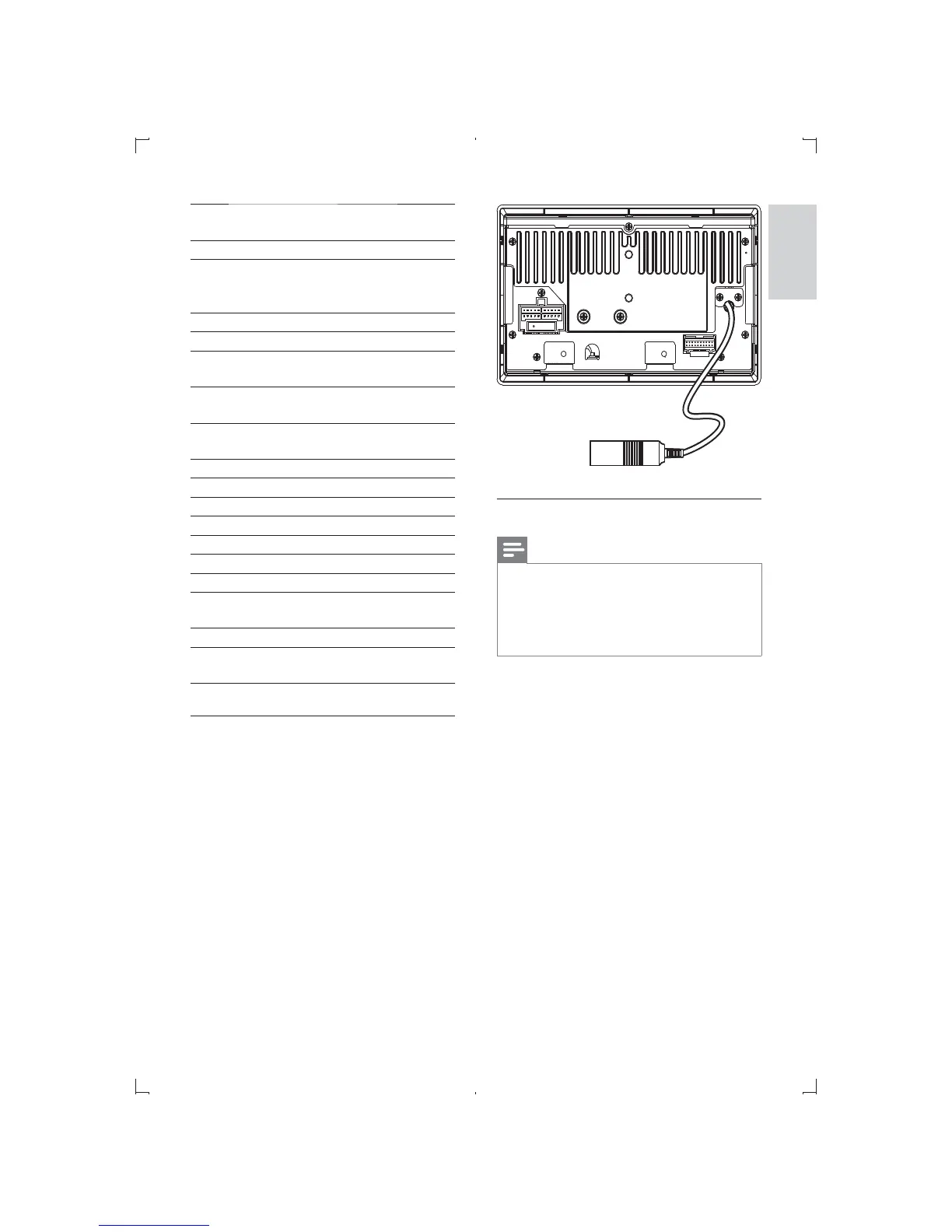
Connect radio antenna
Connect the radio antenna to the radio
antenna of the system for better radio signal.
1 Connect the radio antenna to the car
antenna.
English
EN



 To Next Page